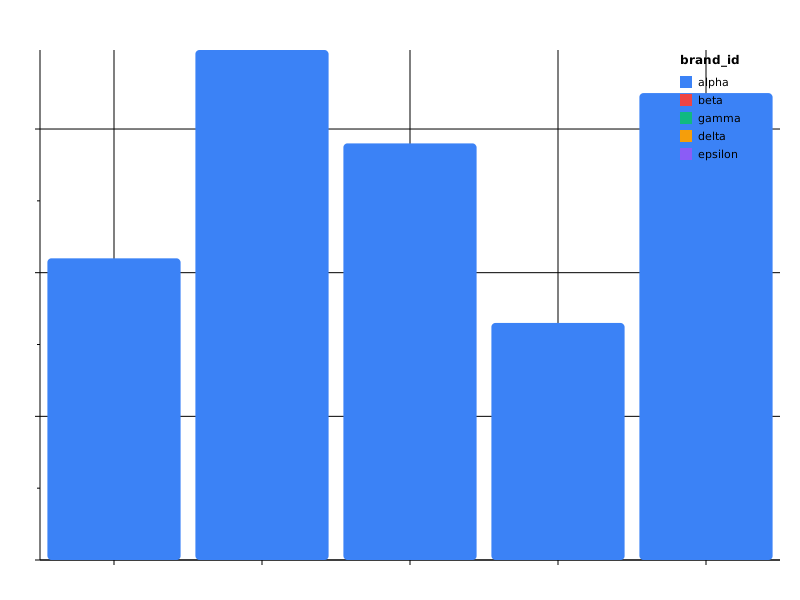
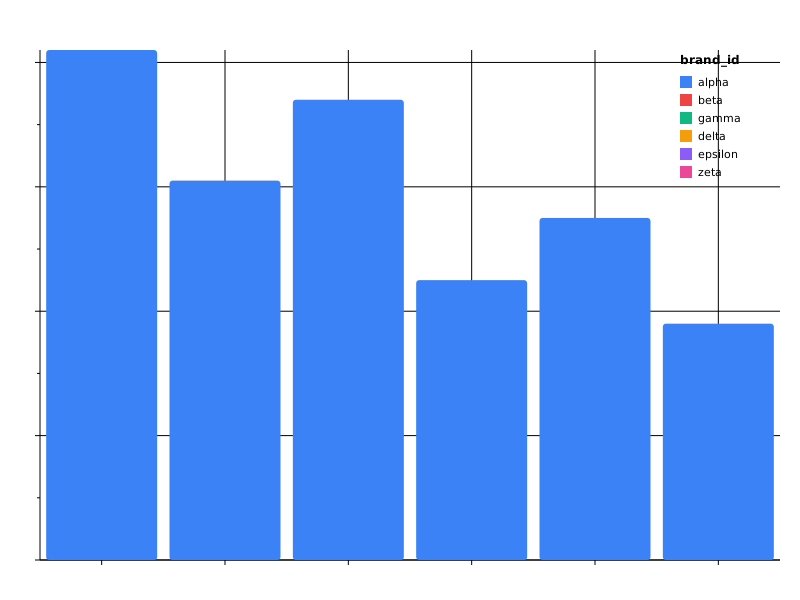
Prism
Prism is a visualization library for materialized tabular data. It
compiles declarative JSON specs into charts — server-side SVG/PNG via
Go, and live in-browser via web components — using Vega-Lite-inspired
vocabulary with snake_case naming and structured, expression-free
transforms. Data enters as inline rows (data.values /
datasets.*.values) or via a caller-supplied DataResolver; Prism
never reads .pulse files.
Install
go install github.com/frankbardon/prism/cmd/prism@latest
60-second tour
prism init                          # writes .prism/ with schemas + examples
prism plot .prism/examples/bar_basic.json > bar.svg
prism plot --theme=dark bar.json > bar-dark.svg
prism serve --addr :8080            # Twirp + /prism/scene endpoint
prism mcp                            # MCP server over stdio
Try it now
- Interactive Playground — edit a spec and see it render live, entirely in your browser via WASM. ~25 curated examples covering marks, composition, transforms, and themes.
Where to go next
- Getting started — install, first chart, editor setup.
- Playground — live spec editor (WASM, no install).
- Gallery — 59 fixture specs with rendered SVGs.
- Concepts — Spec, marks, encoding, composition, selections, themes, multi-source.
- Reference — spec field reference + error code catalog.
- Cookbook — recipes for common patterns.
- Migration from Vega-Lite.
Getting started
Install
go install github.com/frankbardon/prism/cmd/prism@latest
prism version    # prism v0.2.0
Bootstrap a project
mkdir my-project && cd my-project
prism init
This writes:
.prism/
├── schemas/         # JSON Schema files (offline validation + autocomplete)
├── examples/        # 8 curated starter specs
├── editor/          # VSCode / JetBrains / Neovim / Vim config templates
└── README.md
First chart
cp .prism/examples/bar_basic.json my-chart.prism.json
prism plot my-chart.prism.json > chart.svg
open chart.svg
Providing data
Prism never reads data files itself — a spec carries its rows inline, or the host CLI supplies them at run time. The two ways to bind data:
-
Inline — put the rows directly in the spec under
data.values(optionally typed withdata.fields). This needs no flag and is how every starter example works:{ "data": {"values": [{"brand": "alpha", "score": 0.42}]}, "mark": "bar", "encoding": { "x": {"field": "brand", "type": "nominal"}, "y": {"field": "score", "type": "quantitative"} } } -
--data rows.json— when a spec’sdatablock names an external source (data.source/data.ref), pass a JSON rows file and the CLI feeds those rows to the resolver:prism plot chart.json --data rows.json > chart.svgwhere
rows.jsonis a flat array of row objects:[{"brand": "alpha", "score": 0.42}, {"brand": "beta", "score": 0.71}]The
--dataflag is accepted byplot,plan,execute, andscene.
Editor setup
Each entry in .prism/editor/ has a header comment with install
instructions. The fastest path:
- VSCode — copy
.prism/editor/vscode-settings.jsoninto.vscode/settings.json.*.prism.jsonfiles get autocomplete + inline validation from the embedded schema. - JetBrains — copy
.prism/editor/jetbrains.xmlto.idea/jsonSchemas.xml. - Neovim — paste the
.prism/editor/neovim.luasnippet into yourinit.lua(requiresnvim-lspconfig). - Vim — paste the
.prism/editor/vim.alelintblock into your.vimrc(requiresdense-analysis/aleandprismin PATH).
Validating a spec
prism validate my-chart.prism.json
Returns valid on stdout (exit 0) or one or more PRISM_* errors with
fixup suggestions. Add --json for machine-readable envelopes.
Rendering formats
prism plot my-chart.prism.json --format svg > chart.svg
prism plot dashboard.json --format svg > dashboard.svg
prism plot my-chart.prism.json --format html > chart.html
svg (default) and html are both built in — html wraps the same
SVG output in a standalone HTML document, so it picks up the same
theme. See Themes: Rendering backends.
Themes
prism plot bar.json --theme=dark > bar-dark.svg
prism plot bar.json --theme=print > bar-print.svg
Bundled themes: light (default), dark, print. Custom themes
via theme.json — see Themes concepts.
Geographic charts
geoshape / geopoint marks need map tier geometry, which the host
binary loads at runtime rather than embedding. Point the loader at a
directory of tier files with --geodata-dir (or the PRISM_GEODATA
environment variable):
prism plot world.json --geodata-dir ./geodata > world.svg
PRISM_GEODATA=./geodata prism plot world.json > world.svg
A repo checkout already has the tiers in its geodata/ directory; for a
standalone install, download world-110m.geo.json (and world-50m /
admin1-50m if your specs use them) from
https://frankbardon.github.io/prism/static/prism/geodata/ into a folder
and pass that folder. Without a directory, rendering a geo mark fails with
PRISM_GEODATA_DIR_UNSET. The flag is accepted by plot, scene,
serve, mcp, and static-bundle. See
Geographic Marks for the full workflow.
Embed in a static page (no server)
Prism ships as a WebAssembly module that renders client-side. Build the bundle, copy it into your site:
make build-wasm-tinygo
./bin/prism static-bundle --wasm ./public/prism
Then drop a <prism-chart> element into any HTML page:
<script src="/prism/wasm_exec.js"></script>
<script type="module" src="/prism/prism-element.mjs"></script>
<prism-chart spec="/specs/my-chart.prism.json"></prism-chart>
See Browser / WASM concepts and the static-site cookbook for mdBook / Astro / Hugo integration recipes.
What’s next
- Browse the gallery for spec patterns.
- Read Spec concepts to learn the data → transform → mark → encoding pipeline.
- See Multi-source to join multiple datasets in one chart.
- See Browser / WASM for the standalone client-side rendering path.
- Read Migration from Vega-Lite if you already know Vega-Lite.
Migrating from Vega-Lite
Prism borrows Vega-Lite’s vocabulary (mark, encoding, transform, layer, facet) and channel model. The divergences are intentional — read this guide to port specs in minutes.
At a glance
| Vega-Lite | Prism | Why divergence |
|---|---|---|
data.url | inline data.values / datasets.*.values (or a runtime ref) | Prism reads already-materialized rows; it never fetches a URL or reads a .pulse file. |
transform[].aggregate | same shape | identical |
op: "mean" | same | friendly aliases match Vega-Lite verbatim |
mark, encoding | same vocabulary | same |
type: "quantitative" | same | nominal/ordinal/quantitative/temporal |
scale.scheme | same | same color schemes |
selection | same shape | point + interval supported v1 |
params / signals | dropped | no reactive runtime |
layer, concat, facet, repeat | same | full composition v1 |
condition encodings | same shape | selection + test predicate conditions supported |
strokeWidth (camelCase) | stroke_width | snake_case throughout |
xOffset / yOffset | x_offset / y_offset | snake_case; same grouped-bar primitive — see Offset (dodge) channels |
| Vega expression language | structured filter / calculate built-ins | no expression language, no JS eval |
snake_case (D019)
All field names in spec + scene IR are snake_case. Single-word
Vega-Lite vocabulary (mark, encoding, transform, layer,
facet) stays as-is.
| Vega-Lite | Prism |
|---|---|
strokeWidth | stroke_width |
cornerRadius | corner_radius |
fontSize | font_size |
tickCount | tick_count |
labelOverlap | label_overlap |
xOffset | x_offset |
yOffset | y_offset |
Offset (dodge) channels
Vega-Lite’s xOffset / yOffset are x_offset / y_offset here —
the same grouped-bar primitive, renamed by the snake_case rule above.
The camelCase spelling is rejected at decode (PRISM_SPEC_009,
unknown field), never silently dropped, so a ported spec tells you
immediately rather than rendering an ungrouped chart.
{
  "$schema": "urn:prism:schema:v1:spec",
  "data": {"values": [
    {"metric": "Awareness",     "series": "Acme",             "score": 62},
    {"metric": "Awareness",     "series": "category average", "score": 48},
    {"metric": "Consideration", "series": "Acme",             "score": 41},
    {"metric": "Consideration", "series": "category average", "score": 44}
  ]},
  "mark": {"type": "bar"},
  "encoding": {
    "x":        {"field": "metric", "type": "nominal"},
    "y":        {"field": "score",  "type": "quantitative"},
    "x_offset": {"field": "series", "type": "nominal"},
    "color":    {"field": "series", "type": "nominal"}
  }
}
Two behavioural divergences to know before porting a dodged chart:
Grouped and stacked bars are not supported. An explicit stack
written beside a bound offset is rejected with PRISM_SPEC_065 rather
than half-applied — the two spend the same geometry on the same
grouping. Dodging alone needs no stack key at all, because the
implicit bar/area stack yields to a bound offset. For a stack inside
each dodged group, draw the dodged chart and split the stacking field
out with facet.
Horizontal groups are mirrored. Prism’s y band scale runs
bottom-to-top, and sub-bands run in the same direction the parent band
assigns its own categories, so with y_offset the first offset
category takes the lower sub-band of each slot. Vega-Lite’s y
band runs top-to-bottom, so the identical spec placed side by side
looks flipped. Pin the order explicitly with
"x_offset": {"scale": {"domain": [...]}} (or y_offset) when the
comparison matters.
Sub-band ordering otherwise matches Vega-Lite: scale.domain first,
then a sort naming categories, then a sort direction, then the
distinct values ascending. See
Encoding › Offset channels.
Structured transforms (D005)
Prism has no expression language. Vega-Lite’s inline expression
strings for filter predicates and calculate computed columns are
replaced by structured built-ins — JSON object trees. A raw string
where a predicate or expression is expected is rejected at decode
time.
| Vega-Lite | Prism |
|---|---|
"filter": "datum.score > 50" | "filter": {"op": "gt", "field": "score", "value": 50} |
"filter": "datum.region === 'NA'" | "filter": {"op": "eq", "field": "region", "value": "NA"} |
"filter": "datum.a > 0 && datum.b != null" | "filter": {"and": [{"op": "gt", "field": "a", "value": 0}, {"op": "not_null", "field": "b"}]} |
"calculate": "datum.x * 2", "as": "y" | "calculate": {"op": "mul", "operands": [{"field": "x"}, {"literal": 2}]}, "as": "y" |
"calculate": "datum.x == null ? 0 : datum.x", "as": "y" | "calculate": {"fn": "coalesce", "args": [{"field": "x"}, {"literal": 0}]}, "as": "y" |
No datum. prefix, no operators, no JS function calls. See
Spec › Filter transform and
Spec › Calculate transform for
the full grammar (operators, functions, case, and null / division
semantics).
Aggregate aliases (D003)
Vega-Lite parity:
count sum mean median min max stdev variance q1 q3 ci0 ci1
Prism adds: distinct mode.
Cohort-analytics extensions (Prism-only): wmean ratio lift share.
Dropped features (v1)
params/ signals — no reactive runtime.- Inline Vega expressions everywhere — use the structured
filter/calculatebuilt-ins, or pre-compute richer logic before the data reaches Prism. - Vega-Lite tooltip template strings — Prism tooltips are
pre-formatted
TooltipLinelists.
Added features
datasetsblock + per-layerdataoverrides — first-class multi-source.- Hash join transform (
{join: {left, right, on, kind}, as}) — in-Prism, no Pulse change. - Cohort-analytics aggregates (
wmean,lift,share,ratio). sankey,funnel,sparklinemarks — first-class, not third-party plugins.- Server-side + browser-side dataset registries.
- MCP tool surface for agent integration.
Worked porting example
Vega-Lite:
{
  "$schema": "https://vega.github.io/schema/vega-lite/v5.json",
  "data": {"url": "data/cars.json"},
  "transform": [{"filter": "datum.Horsepower > 100"}],
  "mark": {"type": "bar", "cornerRadius": 4},
  "encoding": {
    "x": {"field": "Origin", "type": "nominal"},
    "y": {"aggregate": "mean", "field": "Horsepower", "type": "quantitative"},
    "color": {"field": "Origin"}
  }
}
Prism:
{
  "$schema": "urn:prism:schema:v1:spec",
  "data": {"values": [
    {"Origin": "USA",    "Horsepower": 130},
    {"Origin": "Europe", "Horsepower": 105},
    {"Origin": "Japan",  "Horsepower": 95}
  ]},
  "transform": [{"filter": {"op": "gt", "field": "Horsepower", "value": 100}}],
  "mark": {"type": "bar", "corner_radius": 4},
  "encoding": {
    "x": {"field": "Origin", "type": "nominal"},
    "y": {"aggregate": "mean", "field": "Horsepower", "type": "quantitative"},
    "color": {"field": "Origin", "type": "nominal"}
  }
}
Diffs:
$schema: URN form.data.url→ inlinedata.values(the caller materializes the rows; Prism reads no URL or.pulsefile).filter: expression string → structured{op, field, value}predicate.cornerRadius→corner_radius.colorchannel: explicittype(Vega-Lite infers; Prism is strict).
Editor setup
prism init writes .prism/editor/ with configs for VSCode,
JetBrains, Neovim, Vim — autocomplete + inline validation on
*.prism.json files from the embedded JSON Schema bundle.
Spec
A Prism Spec is a JSON document describing one chart. It is the contract between authors (humans / agents) and the Prism pipeline.
Six-stage pipeline
Spec (JSON) → Parse → Validate → Plan → Compile → Encode → Render → Bytes
                                          │
                                          ├─→ Pulse engine (data ops)
                                          └─→ Renderer backend (SVG / Canvas)
Minimum viable spec
{
  "$schema": "urn:prism:schema:v1:spec",
  "data": {"values": [{"brand_id": "a", "score": 0.62}, {"brand_id": "b", "score": 0.55}]},
  "mark": "bar",
  "encoding": {
    "x": {"field": "brand_id", "type": "nominal"},
    "y": {"field": "score",    "type": "quantitative", "aggregate": "mean"}
  }
}
Five top-level keys are typically present:
| Key | Purpose |
|---|---|
$schema | URN identifier (urn:prism:schema:v1:spec) for editor autocomplete + version pinning. |
data | Where the rows come from — an inline values array, a runtime ref (resolved by a DataResolver), a named alias, or a geodata feature_collection. The external .pulse source variant was removed (PRISM_SPEC_039). |
transform | Optional array of row-level operations (filter, calculate, aggregate, sort, …). |
mark | What to draw — bar, line, point, pie, sankey, … |
encoding | How to bind data fields to visual channels (x/y/color/size/…). |
Full top-level field list
$schema       data            datasets        transform
mark          encoding        layer           concat
hconcat       vconcat         facet           repeat
spec          selection       resolve         theme
width         height          padding         background
title         subtitle        description     projection
animation
Exactly one of mark | layer | concat | hconcat | vconcat | facet | repeat
must be present. The validator enforces this with PRISM_SPEC_* codes.
Animation
The optional animation block requests a client-side tween whenever the
spec swaps. Static SVG output is unaffected — the renderer
ignores the block entirely. Only the browser web component
(<prism-chart>) and the WASM runtime honour it.
{
  "$schema": "urn:prism:schema:v1:spec",
  "data":    {"name": "sales", "values": [...]},
  "mark":    "bar",
  "encoding": {
    "x": {"field": "region", "type": "nominal", "key": true},
    "y": {"aggregate": "mean", "field": "score", "type": "quantitative"}
  },
  "animation": {"duration_ms": 600, "easing": "cubic_in_out"}
}
Fields:
| Field | Default | Notes |
|---|---|---|
duration_ms | 400 | Total tween length, capped at 5000. |
easing | cubic_in_out | One of linear, cubic_*, quad_*, sine_*, expo_* (× in/out/in_out). |
stagger_ms | 0 | Per-mark delay applied in document order. |
enter | fade | fade or none. Marks that appear at scene-swap time. |
exit | fade | fade or none. Marks that disappear at scene-swap time. |
For the tween to match marks across scene swaps (object constancy),
declare a join key on one encoding channel via "key": true. Without a
key, validation fires PRISM_SPEC_023.
Animation respects the user’s
prefers-reduced-motion
setting: the animator snaps directly to the final state when the
preference is reduce.
When two scenes are structurally incompatible (different layer count,
different mark families, etc.) the animator falls back to an instant
replace and emits PRISM_WARN_ANIM_FALLBACK on the
prism:warn CustomEvent stream.
Spec rules that govern animation:
PRISM_SPEC_022— unknown easing name.PRISM_SPEC_023— block declared but no channel haskey: true.PRISM_SPEC_024— more than one channel carrieskey: true.
Filter transform
filter keeps the rows for which a structured predicate evaluates
true. The predicate is a JSON object tree, never an expression string —
a raw string value is rejected at decode time. Each predicate node is
exactly one of a leaf test or a boolean combinator.
Leaf comparisons — eq, ne, lt, lte, gt, gte — compare a
field against a literal (value) or against another column
(to_field, a field-vs-field compare):
"transform": [
  {"filter": {"op": "gt", "field": "Horsepower", "value": 100}},
  {"filter": {"op": "eq", "field": "Origin", "value": "USA"}},
  {"filter": {"op": "lt", "field": "sale_price", "to_field": "list_price"}}
]
Set membership — one_of / not_one_of — tests a field against a
non-empty candidate set:
{"filter": {"op": "one_of", "field": "Origin", "values": ["USA", "Europe"]}}
Inclusive range — between — keeps rows where lo <= field <= hi:
{"filter": {"op": "between", "field": "year", "lo": 2010, "hi": 2019}}
Null checks — is_null / not_null — take only a field:
{"filter": {"op": "not_null", "field": "quota_mean"}}
Boolean combinators — and / or / not — nest predicates to any
depth. A combinator node carries only its branch, never leaf operands:
{"filter": {"and": [
  {"op": "gt", "field": "Horsepower", "value": 100},
  {"or": [
    {"op": "eq", "field": "Origin", "value": "USA"},
    {"not": {"op": "is_null", "field": "Cylinders"}}
  ]}
]}}
Operator reference:
| Operator | Operands | Meaning |
|---|---|---|
eq ne lt lte gt gte | field + exactly one of value / to_field | Equality / ordered comparison against a literal or another column. |
one_of not_one_of | field + values (non-empty) | Set membership. |
between | field + lo + hi | Inclusive range (lo <= x <= hi). |
is_null not_null | field only | Null-state test. |
and or | non-empty list of predicates | Boolean conjunction / disjunction. |
not | one predicate | Boolean negation. |
The grammar is intentionally minimal — no substring, regex, or date arithmetic. Anything richer is precomputed by the caller before the data reaches Prism.
Calculate transform
calculate appends one derived column, named by as, from a
structured expression tree (again, never an expression string). A
node is exactly one of:
- a field reference —
{"field": "Horsepower"} - a literal —
{"literal": 5}(number, string, or bool; a null literal is rejected) - an arithmetic op —
{"op": "add"|"sub"|"mul"|"div"|"mod", "operands": [...]} - a pure function —
{"fn": "abs"|"round"|"floor"|"ceil"|"neg"|"coalesce"|"min"|"max", "args": [...]} - a string concat —
{"concat": [...]} - a conditional —
{"case": [{"when": <predicate>, "then": <expr>}], "else": <expr>}
add and mul take two or more operands; sub, div, mod take
exactly two. abs/round/floor/ceil/neg take one
argument; coalesce/min/max take two or more. case requires
at least one when → then branch and a mandatory else fallback (if
is accepted as a decode-time alias for case).
Arithmetic — Horsepower / Weight:
{"calculate": {"op": "div", "operands": [{"field": "Horsepower"}, {"field": "Weight"}]}, "as": "power_ratio"}
Default a null with coalesce:
{"calculate": {"fn": "coalesce", "args": [{"field": "quota"}, {"literal": 0}]}, "as": "quota_padded"}
Build a label with concat:
{"calculate": {"concat": [{"field": "Origin"}, {"literal": " — "}, {"field": "Name"}]}, "as": "label"}
Bucket with case; each when arm reuses the filter predicate
grammar verbatim:
{"calculate": {
  "case": [
    {"when": {"op": "gte", "field": "score", "value": 0.9}, "then": {"literal": "A"}},
    {"when": {"op": "gte", "field": "score", "value": 0.8}, "then": {"literal": "B"}}
  ],
  "else": {"literal": "C"}
}, "as": "grade"}
The output column type is inferred: a numeric expression yields a float column, a string expression a categorical column.
The grammar is intentionally minimal — no log/sqrt/pow/trig, no
substring, no date arithmetic. Precompute anything richer upstream.
Null and division semantics
Both filter and calculate use two-valued logic — there is no
SQL-style three-valued “unknown”.
- Filter leaves. A null operand makes a leaf comparison,
one_of/not_one_of, orbetweenevaluate false (the row is excluded unless an enclosingor/notrescues it). Test for null explicitly withis_null/not_null;and/or/notthen operate on plain booleans. - Calculate null propagation. Arithmetic
(
add/sub/mul/div/mod) and the single-argument numeric functions (abs/round/floor/ceil/neg) propagate nulls: any null operand yields a null result.min/maxskip null arguments and return null only when every argument is null.coalescereturns its first non-null argument.concattreats a null operand as the empty string and always yields a (possibly empty) string.casereturns thethenof the first branch whosewhenholds, else theelse. - Division by zero. A runtime zero divisor (
div/mod) yields null silently — no error, no warning. A literal-zero divisor (e.g.{"op": "div", "operands": [{"field": "x"}, {"literal": 0}]}) is a spec mistake and is rejected at validate time asPRISM_SPEC_038.
Validation codes:
PRISM_SPEC_037— filter predicate not well-formed (unknown field, type-mismatched comparison,betweenwithlo > hi, emptyvaluesset).PRISM_SPEC_038— calculate expression not well-formed (unknown operand field, literal-zero divisor,asmissing or shadowing a source column).
Crosstab transform
The crosstab transform builds a contingency table in Prism’s in-memory
engine: it composes the cell aggregation across the row × column grouper
grid, recomputes the margin axes, applies the configured normalisation,
and returns long-form rows ready for a heatmap encoder.
{
  "$schema": "urn:prism:schema:v1:spec",
  "data": {"name": "sales"},
  "transform": [{
    "crosstab": {
      "rows":    [{"field": "region"}],
      "columns": [{"field": "quarter"}],
      "cell":    {"aggregate": "mean", "field": "revenue", "as": "mean_revenue"},
      "margins": {"rows": true, "columns": true},
      "normalize": "none"
    }
  }],
  "mark": "heatmap",
  "encoding": {
    "x":     {"field": "quarter", "type": "nominal"},
    "y":     {"field": "region",  "type": "nominal"},
    "color": {"field": "mean_revenue", "type": "quantitative"}
  }
}
Body:
| Field | Required | Notes |
|---|---|---|
rows | yes | Row-axis groupers. One or more {field: "..."} (category, default) or {field: "...", type: "date", period: "..."} (date bucketing). |
columns | yes | Column-axis groupers. Same shape. |
cell | yes | {aggregate, field, as} — aggregate alias (sum, mean, count, …). |
margins | {rows, columns, grand} — emit total rows with _margin sentinel. | |
normalize | none (default), row, column, total. | |
shape | long (default) returns one row per cell; matrix is reserved. | |
overlays | Post-result overlay layers; each adds one F64 column aligned to the base cell. See below. |
Crosstab overlays
overlays attaches post-result overlay layers to the cell grid.
Each overlay adds one F64 column — index-aligned to the base cell — so
it can drive a color or opacity channel. v1 supports the
cell-scoped kinds that align one-to-one with heatmap cells:
kind | Column value | Notes |
|---|---|---|
share_of_row | cell / row-margin | cells along a row sum to 1.0 |
share_of_col | cell / column-margin | cells down a column sum to 1.0 |
index_vs_margin | cell / margin × 100 | requires axis (row or column); 100 = on-margin |
zscore_vs_margin | (cell − margin) / sd | requires axis; a significance proxy (|z| > 1.96 ≈ p < .05) — bind to opacity for significance shading |
"crosstab": {
  "rows":    [{"field": "region"}],
  "columns": [{"field": "quarter"}],
  "cell":    {"aggregate": "sum", "field": "revenue", "as": "revenue"},
  "overlays": [{"kind": "share_of_row", "as": "row_share"}]
}
When any overlay is present the node emits body cells only (overlays
decorate body cells), so user margins flags are ignored for the visual
output. Group/series-scoped kinds (index_vs_total, share_of_total)
land in a follow-up.
Constraints:
- Crosstab accepts any upstream table — a source-bound dataset, an
inline
data.valuescohort, or the output of an earlier transform. It runs entirely in Prism’s in-memory engine, so you canfilter(or otherwise reshape) the rows first and then cross-tabulate the result (see the derived-input example below). It is no longer restricted to the first position on the chain. - Grouper
typeiscategory(default) ordate. A date grouper buckets a temporal field byperiod— one ofyear,quarter,month(default),week,day,day_of_week— emitting string bucket-key labels ("2024","2024-Q1","2024-03", …). Range / rounded / quantile groupers land in a follow-up. - Margin rows carry a
_margincolumn the encoder leaves on the table — filter them out at the chart level by upstreamfilter-after composition or by avoiding themarginsflag for the visual rendering use case.
Cells are validated through PRISM_SPEC_032 (shape rule) and
PRISM_SPEC_034 (normalize enum) — both structural checks only.
Run prism errors lookup <code> for details + fixups.
Derived-input example
Because crosstab consumes whatever table its upstream stage produces, you
can chain it after any other transform. Here a filter narrows the rows
to one region before the cross-tabulation runs:
{
  "$schema": "urn:prism:schema:v1:spec",
  "data": {"values": [
    {"region": "West", "quarter": "Q1", "channel": "online",  "revenue": 120},
    {"region": "West", "quarter": "Q2", "channel": "retail",  "revenue": 80},
    {"region": "East", "quarter": "Q1", "channel": "online",  "revenue": 60}
  ]},
  "transform": [
    {"filter": {"op": "eq", "field": "region", "value": "West"}},
    {"crosstab": {
      "rows":    [{"field": "quarter"}],
      "columns": [{"field": "channel"}],
      "cell":    {"aggregate": "sum", "field": "revenue", "as": "revenue"}
    }}
  ],
  "mark": "heatmap",
  "encoding": {
    "x":     {"field": "channel", "type": "nominal"},
    "y":     {"field": "quarter", "type": "nominal"},
    "color": {"field": "revenue", "type": "quantitative"}
  }
}
Regression transform
The regression transform fits an ordinary-least-squares regression over
the materialised source table (pure-Go, in-memory) and emits the two
endpoints of the fitted trend line — (min(x), ŷ) and (max(x), ŷ).
Because every OLS fitted point is
collinear, two endpoints draw the full line; layer a line mark over
(predictor, fitted) on top of a point scatter of (predictor, target) for the classic regression overlay.
{
  "$schema": "urn:prism:schema:v1:spec",
  "data": {"name": "sales"},
  "layer": [
    {"mark": "point", "encoding": {
      "x": {"field": "spend", "type": "quantitative"},
      "y": {"field": "revenue", "type": "quantitative"}
    }},
    {
      "transform": [{"regression": {"target": "revenue", "predictors": ["spend"], "as": "fit"}}],
      "mark": "line",
      "encoding": {
        "x": {"field": "spend", "type": "quantitative"},
        "y": {"field": "fit", "type": "quantitative"}
      }
    }
  ]
}
Body:
| Field | Required | Notes |
|---|---|---|
target | yes | Dependent variable (y). |
predictors | yes | Independent variable (x). Exactly one in v1 — the only shape that maps to a 2-D line. |
as | Fitted-value output column name (default fitted). |
Constraints:
- Regression accepts any upstream table — like crosstab, the OLS fit
runs in-memory over whatever rows its input stage yields, so you can
filteror otherwise derive the cohort first and then fit the trend.PRISM_SPEC_035is a structural check only (target present + at least one predictor); there is no first-position requirement. - v1 fits unpenalized OLS with a single predictor. Multiple predictors, GLM/Bayesian families, and the per-row residual / leverage attributes land in a follow-up.
TimeUnit transform
The timeunit transform truncates a temporal field to a calendar
period and appends the truncated date as a new column — the Vega-Lite
timeUnit analogue. The output is a date (the period start), so the
derived column stays temporal for axis / scale resolution and sorts
chronologically. It runs client-side (pure epoch arithmetic) and, like
every Prism transform, composes anywhere in a chain.
{
  "transform": [{"timeunit": "month", "field": "order_date", "as": "order_month"}],
  "mark": "line",
  "encoding": {
    "x": {"field": "order_month", "type": "temporal"},
    "y": {"aggregate": "sum", "field": "revenue", "type": "quantitative"}
  }
}
| Field | Required | Notes |
|---|---|---|
timeunit | yes | Period: year, quarter, month, week (ISO / Monday start), day. Truncates to the period start. |
field | yes | Temporal field to truncate. |
as | yes | Output date column name. |
day_of_week and other component-extraction units (which return an
ordinal, not a date) land in a follow-up.
Unpivot transform
The unpivot transform reshapes wide → long: one input row carrying N
measure columns becomes N output rows, each repeating the untouched
remaining columns, naming the measure in a key column and carrying its
value in a value column. It is the Vega-Lite fold analogue, and the
usual way to get several wide metric columns onto one categorical
axis (colour or dodge by the key column).
{
  "data": {"values": [
    {"region": "east", "q1": 1, "q2": 2},
    {"region": "west", "q1": 3, "q2": 4}
  ]},
  "transform": [{"unpivot": ["q1", "q2"], "as": ["quarter", "amount"]}],
  "mark": "bar",
  "encoding": {
    "x": {"field": "region", "type": "nominal"},
    "y": {"field": "amount", "type": "quantitative"},
    "color": {"field": "quarter", "type": "nominal"}
  }
}
| Field | Required | Notes |
|---|---|---|
unpivot | yes | Columns to stack. Each must be numeric — the value column is f64. |
as | no | [key_column, value_column] output names. Defaults to ["key", "value"]. |
data | no | Optional input alias, like every other transform. |
Output schema is the input schema minus the unpivoted fields, plus the key column (categorical, carrying the source column name) and the value column (numeric), in that order.
- Row count is
input_rows × len(unpivot). The reshape multiplies rows, so the product is checked againstPRISM_TABLE_MAX_ROWSbefore anything is materialised; an overflow isPRISM_RESOLVE_007. - Row order is row-major: every measure of input row 0 in
unpivotdeclaration order, then every measure of input row 1, and so on. A source row’s outputs stay adjacent. - Nulls survive. A null measure cell produces an output row whose value is null — the row is not dropped and the value is never coerced to zero. What happens to it next is the encode-time null policy (see Multi-source).
- Types. A categorical, boolean or date column cannot fill a
numeric value column; naming one in
unpivotis refused withPRISM_COMPILE_002rather than yielding zeros or NaN. A key / value name that collides with a carried column is refused the same way — rename throughas.
Worked example: wide → long → grouped bar
The usual reason to reshape is that the stored table is wide — one
row per series, one column per metric, because in the source schema
a metric is a column and not a dimension. A grouped bar wants the
opposite: the metric on the category axis, the series dodged inside
each slot. unpivot is the step between the two, and the
x_offset channel
is what dodges the result.
Start from the wide table:
| series | awareness | consideration | familiarity | trust |
|---|---|---|---|---|
| Northwind | 68 | 47 | 61 | 72 |
| Category average | 54 | 51 | 57 | 58 |
{
  "$schema": "urn:prism:schema:v1:spec",
  "data": {"values": [
    {"series": "Northwind",        "awareness": 68, "consideration": 47, "familiarity": 61, "trust": 72},
    {"series": "Category average", "awareness": 54, "consideration": 51, "familiarity": 57, "trust": 58}
  ]},
  "transform": [
    {"unpivot": ["awareness", "consideration", "familiarity", "trust"],
     "as": ["metric", "score"]}
  ],
  "mark": "bar",
  "encoding": {
    "x": {"field": "metric", "type": "nominal"},
    "y": {"field": "score", "type": "quantitative"},
    "x_offset": {
      "field": "series",
      "type": "nominal",
      "scale": {"domain": ["Northwind", "Category average"]}
    },
    "color": {
      "field": "series",
      "type": "nominal",
      "scale": {"domain": ["Northwind", "Category average"]}
    }
  }
}
The transform turns 2 rows × 4 measures into 8 long rows — series
carried through untouched, metric naming the source column, score
carrying its value:
| series | metric | score |
|---|---|---|
| Northwind | awareness | 68 |
| Northwind | consideration | 47 |
| Northwind | familiarity | 61 |
| Northwind | trust | 72 |
| Category average | awareness | 54 |
| … | … | … |
Four things are worth reading off that spec:
seriessurvives because it is not named inunpivot. Every column the transform does not stack is repeated on each output row, which is what leaves a dimension for the offset channel to dodge on.- The x axis order is the
unpivotdeclaration order. Output is row-major, so the first input row emits its measures in the order they are listed, and the band scale assigns slots first-seen from there. Reordering theunpivotlist reorders the axis. x_offsetandcolorbind the same field, and both pin the samescale.domain. Pinning is what keeps the legend order and the sub-band order in agreement, and what keeps a template’s pair order from moving when the underlying category set changes between renders — see Encoding › Ordering the sub-bands.- The bars dodge, they do not stack. Every bar keeps its own baseline; the offset scale subdivides the metric’s band slot and its padding defaults to zero, so the pair touches and together fills the slot.
The rendered result is the
unpivot_grouped_bar
gallery fixture.
Pivot transform — parses, does not execute
pivot is the long → wide counterpart of unpivot, and it is the one
transform the spec grammar accepts that no backend can run. It decodes,
it has a JSON Schema variant, it builds a plan node — and nothing
implements that node’s execution.
Rather than let it fail mid-pipeline, validate refuses it up front:
PRISM_SPEC_067: Transform "pivot" at transform[0] is accepted by the spec
grammar but no backend can execute it.
This moved an existing failure earlier; it did not create one. Before the
rule, a pivot spec validated cleanly and then died inside execute as
PRISM_COMPILE_001, naming an internal node kind (PivotNode) the
author never wrote. Every other transform variant executes — filter,
calculate, aggregate, bin, window, join, union, unpivot,
sample, sort, limit, crosstab, regression, timeunit, stack.
That list is not a promise typed into a doc: validate/rules/transform_executable.go
states it, and a repo gate drives one minimal spec per variant through
the real planner and the real in-memory backend, failing just as loudly
when a transform named there stops working as when one omitted there
starts.
Use crosstab for the same long → wide shape.
It spreads the distinct values of one field across columns and does
execute:
{
  "transform": [
    {"crosstab": {
      "rows":    [{"field": "region"}],
      "columns": [{"field": "quarter"}],
      "cell":    {"aggregate": "sum", "field": "revenue"}
    }}
  ]
}
The general answer, when a reshape is outside what the built-in
transforms express, is the same one Prism gives everywhere: it consumes
already-materialized rows, so do the reshape upstream and hand it the
finished table — inline as data.values, through the datasets block,
or at runtime via a DataResolver and a data: {"ref": …} binding.
Stack transform
The stack transform accumulates one quantitative field into per-row
[start, end] bounds inside each stack, so a bar or area mark can draw
each segment as a span instead of anchoring every segment on the axis
baseline. It is the Vega-Lite stack transform, and it is what the
implicit stacking described in
Encoding → Stacking compiles down to.
{
  "transform": [
    {"stack": "users", "groupby": ["stage"], "offset": "zero", "as": ["users_lo", "users_hi"]}
  ],
  "mark": "bar",
  "encoding": {
    "x":  {"field": "stage", "type": "nominal"},
    "y":  {"field": "users_lo", "type": "quantitative"},
    "y2": {"field": "users_hi", "type": "quantitative"},
    "color": {"field": "plan", "type": "nominal"}
  }
}
| Field | Required | Notes |
|---|---|---|
stack | yes | Quantitative field to accumulate. |
groupby | no | Fields delimiting one stack — typically the dimension position channel. Omitted stacks the whole table as one group. |
offset | no | zero (default) accumulates from the baseline; normalize rescales each stack onto 0…1; center slides each stack so its own midpoint lands on zero. |
as | no | Output column pair [start, end]. Defaults to ["<field>_start", "<field>_end"]. These are column names, not a dataset alias — stack publishes no alias, exactly like bin and calculate. |
data | no | Optional input alias. |
Semantics:
- Positive and negative values accumulate on independent cursors from zero, so a stack holding both grows up and down from the baseline rather than cancelling.
normalizerescales each stack over its own extent ((v − lo) / (hi − lo)), which reduces tov / totalfor all-positive data. A stack whose values are all zero normalises to zero rather than dividing by zero.centerkeeps each stack’s thickness and slides the whole pair of bounds so the stack’s own midpoint is zero — the streamgraph silhouette. Output bounds are therefore signed, and every stack is symmetric about the same line no matter how much total it carries. The inside-out segment ordering a centred encoding stack applies (see Encoding › Centred stacks) is not available here — this transform has no grouping channel to derive series from, so it keeps upstream row order like the other offsets.- A null or non-numeric cell contributes nothing: it gets a
zero-height
[cursor, cursor]bound and the cursor does not move. - Segment order inside a stack is upstream row order. This
transform carries no
sortkey of its own; order the rows with a preceding{"sort": …}transform, or bind theorderchannel, which sorts the rows before the stack accumulates. - The output columns must not collide with existing ones;
PRISM_PLAN_STACK_OUTPUT_COLLISIONnames the offender. Astackfield the upstream table does not carry raisesPRISM_PLAN_STACK_FIELD_MISSING.
Like every other transform, stack accepts any upstream table — a
leaf, inline values, or the output of an earlier transform — so it
composes anywhere in the chain.
Sort direction
The sort transform and the window transform’s sort key both take
per-field entries of the form {"field": …, "order": …}. order is
"ascending" (the default) or "descending"; "asc" and "desc" are
accepted aliases. The same vocabulary applies to the
order channel’s sort key.
{"transform": [{"sort": [{"field": "revenue", "order": "descending"}]}]}
A window transform may carry its own sort array — it orders rows
within each partition without reordering the table:
{"transform": [
  {"window": [{"op": "rank", "as": "place"}],
   "partitionby": ["region"],
   "sort": [{"field": "revenue", "order": "descending"}]}
]}
Strict by default
- Unknown fields error (typos like
xfieldvsx.fieldcaught at parse). Strictness reaches every level: an unrecognised key inside a channel object, or inside that channel’saxis/legendsub-block, fails the decode rather than being dropped. The JSON Schema shape stage agrees —additionalProperties: falseon every$def— soprism validateand a library caller usingspec.Decodealone reject the same document. (That was not always true: a hand-writtenUnmarshalJSONreceives raw bytes and Go does not propagate the outer decoder’sDisallowUnknownFieldsinto it, so each decoder inspec/re-arms strictness itself.internal/gates/spec_strict_decode_test.godrives an unknown key through every one of them on each build.) - Semantic violations error (agg op on incompatible field type, etc.).
- A key that decodes and then reaches no consumer is reported as a warning
(below) — and, for anything newly added, fails the build:
internal/gates/spec_field_consumer_test.gorequires every exported, JSON-taggedspec/field to have a typed consumer outsidespec/. - 24+
PRISM_SPEC_*rules cover field-existence, channel-for-mark, selection refs, structured filter / calculate predicates, scale type compatibility, animation easing / key constraints, and more. Runprism errors lookup <code>for details on any.
Validate a spec
prism validate my-chart.prism.json
prism validate --json my-chart.prism.json
Warnings — and the fields that do nothing
A spec can be perfectly valid and still ask for something Prism does not do. Those keys used to be discarded in silence; they now report themselves as warnings. A warning never stops the chart: the document still renders, and the warning rides alongside it.
Where they surface:
prism plot/prism sceneprintWARN <CODE>: <message>to stderr, so the rendered bytes on stdout stay clean.prism scenealso carries them in the document itself, under the top-levelwarningsarray of the Scene IR (code,message,details) — the same array the browser runtime and the Twirp / MCP facades read.prism errors lookup <CODE>explains any of them, with fixups.
The inert-field family reports a key that decoded, passed
validation, and then reached no consumer. Each one names the exact
path (layer[1].mark.tooltip, encoding.y.scale.padding_inner)
plus the mark or channel it was written on:
| Code | Fires when |
|---|---|
PRISM_WARN_MARK_DEF_INERT | a mark_def property is set on a mark that never reads it — pad_angle on a bar, dx on a rect — or on a property no mark reads at all (shape, tooltip, layout) |
PRISM_WARN_CHANNEL_INERT | a channel binding reaches no encoder: fill, stroke, size, shape (no mark reads them), opacity on anything but heatmap, or a format on a table column that also binds a sub-mark (that column draws geometry, not text) |
PRISM_WARN_SCALE_FIELD_INERT | a scale property does not apply to the family the channel resolves to — padding_inner on a linear scale, base on anything but log, zero on a log / time / discrete scale |
PRISM_WARN_LEGEND_NOT_BUILT | a quantitative or temporal color channel builds a gradient legend, but the mark never reads the colour ramp (only heatmap consumes a sequential palette today), so the key describes a scale the marks do not use |
PRISM_WARN_FACET_CHILD_SKIPPED | a facet child’s encoding asks for a channel-level aggregate, a stack, or an order — the child encoding is stripped before the plan is built, so none of the three is injected |
Silence is intentional for three groups, and none of them warns: a key
that is honoured; a key that is rejected outright at validate
(orient: "radial" → PRISM_SPEC_046, scale.range on a position
channel → PRISM_SPEC_045, bar + stack: "center" →
PRISM_SPEC_053 — a rejection is already visible); and a key that is
inert by design — the json:"-" internal bindings, and
axis.format / legend.format, which a validation rule reads.
Universal style properties (fill, stroke, stroke_width,
stroke_dash, opacity, …) are never reported either: every mark
carries them into its Scene IR style, so no mark type can render them
inert. A
channel carrying a condition is likewise never reported: the
condition pass evaluates it whatever the channel.
The report is produced once per spec, from the top of the composition tree, so a layer or concat child is never warned about twice.
Spec patches (RFC 6902)
Iterative edits to a rendered chart don’t need a full spec re-send. A caller can transmit an RFC 6902 JSON Patch and the library applies it atomically, re-decodes, and re-compiles:
[
  { "op": "replace", "path": "/mark", "value": "area" },
  { "op": "add",     "path": "/encoding/color",
                     "value": { "field": "category", "type": "nominal" } },
  { "op": "test",    "path": "/data/name", "value": "current_window" },
  { "op": "remove",  "path": "/title" }
]
Same protocol in Go and in WASM:
next, err := prism.ApplyPatch(s, patch)
// or, statefully:
scn, _ := prism.NewScene(ctx, s, prism.CompileOptions{})
err := scn.Apply(patch)
const newSpecJSON = prism.applyPatch(specJSON, JSON.stringify(patch));
const patchJSON   = prism.diffSpecs(beforeJSON, afterJSON);
Atomic application. Either every operation in the patch
succeeds and the new spec replaces the old, or no state changes.
A failing op surfaces as PRISM_SPEC_PATCH_001 with the offending
op index in the envelope’s Details.OpIndex.
Test operations. Include a test op to fail-fast on
optimistic-concurrency violations — the patch aborts if the
current spec value at path differs from the expected value.
Diff helper. prism.DiffSpecs(before, after) (Go) and
prism.diffSpecs(beforeJSON, afterJSON) (WASM) produce a patch
that transforms one spec into the other. Useful for callers that
think in full specs and only want to transmit the delta.
Further reading
- Marks, Encoding, Composition.
- Spec field reference — every field with type + description.
- Gallery — 59 worked examples.
Marks
A mark is the visual primitive that data rows become — bars, lines,
arcs, etc. Specify via top-level mark (shorthand string) or
mark: {type: "...", ...properties}.
Catalog
Basic marks (Vega-Lite parity)
| Mark | When to use |
|---|---|
bar | Compare categories. The default. Stacks by segment — see Encoding › Stacking — or draws side-by-side groups when an offset channel is bound, see Grouped bars. |
line | Continuous trends; ordered x-axis. |
area | Filled trends. Supports negative values, an explicit y2 lower edge, stacking — see Encoding › Stacking — and orient. |
point | Scatter, dot plots. |
circle, square | Convenience aliases for point with shape preset. |
tick | Strip plots, ranking dot plots. Honours orient. |
rect | Heatmap cells, custom rectangular layouts. |
rule | Reference lines, benchmarks, ranges. |
text | Inline labels, annotations. Content comes from the text channel — see Text. |
arc | Primitive for pie / donut / sankey links. |
Composite marks
| Mark | Internally expands to |
|---|---|
histogram | bar + auto-bin transform. |
heatmap | rect + 2D bin + sequential color scale. Binds an optional field-driven opacity channel for per-cell shading — pair it with a crosstab zscore_vs_margin overlay column to fade insignificant cells (significance shading). Opacity maps the field linearly over [min, max] to [0.15, 1.0]. |
boxplot | rect (IQR) + rule (median, whiskers, caps) + point (outliers). Honours orient. The whiskers take the box colour; the median is drawn on the box, so it takes the theme’s boxplot_median key and carries its own prism-mark-boxplot-median class. |
violin | area symmetric around centerline (Epanechnikov KDE). Honours orient. |
pie | arc with theta computed from share. |
donut | arc with inner_radius_ratio > 0. |
Specialty marks
| Mark | When to use |
|---|---|
sankey | Flow diagrams (source/target/value table). |
funnel | Conversion funnels — stacked trapezoids. |
sparkline | Inline micro-line charts, no axes. |
sparkbar | Inline micro-column charts, no axes — bar-family sibling of sparkline. |
winloss | Equal-length micro-bars by the sign of the measured value (>0 one way, <0 the other, ==0 flat). Magnitude is ignored — only direction encodes. Honours orient. |
sparkarea | Inline filled micro-area charts, no axes — area-family sibling of sparkline; fill reaches the y=0 baseline. |
bullet | Compact KPI gauge — a measure bar over qualitative bands, with an optional comparative bar and target tick. Keeps its measure axis. |
progress | Multi-row metric bars — one value bar per row on a full-scale track. The multi-row sibling of bullet; row labels come from the category axis. |
image | Sprites / data-URL images at position. |
path | Raw SVG path data — escape hatch. |
geoshape | Country / admin-1 polygons (choropleth). See Geographic Marks. |
geopoint | Lon/lat → point overlay. See Geographic Marks. |
table | Interactive, paginated data table. Columns replace x/y — see Table below. |
custom | Escape hatch for a caller-registered renderer function. No position channels — see Custom below. |
Spark adornments
The sparkline, sparkbar, and sparkarea marks accept three opt-in
mark-def fields that emphasize specific values on the bare spark. All
three default off — a spark with none set renders byte-identically
to one without the fields. They are independent and compose freely; set
any combination on the same mark.
| Mark-def field | Type | Effect |
|---|---|---|
point_last | boolean | Draws an emphasis dot on the final (most recent) value. |
point_extent | boolean | Draws highlight dots on the minimum and maximum values. |
reference_band | {from, to} | Shades a faint normal-range band between the two value-axis bounds, spanning the spark’s full extent across the category axis, behind the series. |
Dots inherit the spark’s line color; the band is a faint fill of the
same color. from / to are data-space values on the spark’s value
axis and may be given in either order. The winloss mark is not in
scope for adornments — its bars encode direction, not a continuous
series.
{
  "mark": {
    "type": "sparkline",
    "point_last": true,
    "point_extent": true,
    "reference_band": {"from": 15, "to": 22}
  },
  "encoding": {
    "x": {"field": "t", "type": "quantitative"},
    "y": {"field": "v", "type": "quantitative"}
  }
}
Text
The text mark draws one label per row at the position its x / y
channels resolve to. Label content comes from the text encoding
channel:
encoding.text | Label content |
|---|---|
{"field": "label", "type": "nominal"} | That column’s value for the row. |
{"field": "score", "type": "quantitative", "format": ".1f"} | The column’s value through the d3-format subset — 80.04 renders as 80.0. |
{"value": "n/a"} | The literal, repeated on every row (formatted too, when format is set). |
| omitted | Fallback: the y field’s value verbatim (or the x field’s when y is unbound). |
text.aggregate is honoured exactly like a position channel’s: it
injects the same synthetic group-aggregate node, and a non-aggregated
text field joins the group-by alongside the other channels. So
{"text": {"aggregate": "mean", "field": "score", "type": "quantitative"}}
labels each group with its mean.
At least one position channel must be bound. A label-only mark (say
x bound, y omitted) is valid — the unbound axis centres the label
in the plot region rather than erroring.
{
  "mark": {"type": "text", "font_size": 12, "baseline": "bottom"},
  "encoding": {
    "x": {"field": "brand_id", "type": "nominal"},
    "y": {"field": "score", "type": "quantitative"},
    "text": {"field": "score", "type": "quantitative", "format": ".0%"}
  }
}
Mark-def fields align (left / right), baseline (top /
bottom), angle, and font_size position and orient the label.
Arbitrary free-floating annotations (“no data” callouts not tied to a row) are not reachable from a spec today — every text mark is row-driven.
Tree / dendrogram / network
Hierarchical and relational marks share a small layout package
(encode/marks/layout) and decompose to existing primitives (path,
point, rect, text) so the SVG renderer handles them without
new geometry types.
| Mark | When to use |
|---|---|
tree | Rooted hierarchy (org charts, decision trees). Reingold-Tilford tidy layout. |
dendrogram | Clustering tree — tree variant with link_shape: step + node_shape: none defaults. |
network | Undirected / directed node-link diagram. Force-directed layout (deterministic seed). |
Channel bindings:
source— parent / from-node id field (required for tree/dendrogram/network).target— child / to-node id field (required).value— optional edge weight (network) / node size (tree).text— optional per-node label. See Node labels.color,fill,stroke,opacity,size— standard mark props.
Mark-def options:
orient—vertical(default) orhorizontal; picks the direction the layout grows. See Orientation.radialis rejected (PRISM_SPEC_046).link_shape—step(default),curve,straight.node_shape—circle(default),rect,none.node_size— base radius / side length (default 6).layout(network) —force(default),random.iterations,link_distance,charge,seed(network).
Validate rules: PRISM_SPEC_028 (missing source/target),
PRISM_SPEC_029 (multi-root tree). Encode-time:
PRISM_ENCODE_TREE_CYCLE, PRISM_ENCODE_NETWORK_NONFINITE,
PRISM_WARN_NETWORK_CYCLE.
Node labels
Bind the text channel to label the nodes. Content resolves through
the same path the text mark uses — field reads a column, value
supplies a literal, format runs the result through the d3-format
subset — so a label formats exactly as the equivalent text mark would.
See Encoding › Text channel.
Labelling is opt-in. With no text channel these marks emit no
label geometry at all, which is what keeps an unlabelled tree or
network byte-identical to one drawn before labels existed.
These marks are node-oriented while the channel is row-oriented, so a
row’s label binds to the node named by that row’s target value (the
node identity); the first row wins when a target repeats. A node that
never appears as a target — the root of an edge-list hierarchy, a
pure source in a network — has no row of its own and falls back to
its id.
Where the label lands follows the classic tidy-tree convention: a label sits on the far side of its node from that node’s subtree, so it never collides with the links or the children below it.
| Mark | orient | Internal node | Leaf |
|---|---|---|---|
tree, dendrogram | vertical (default) | Above the node, centred | Below the node, centred |
tree, dendrogram | horizontal | Left of the node, right-aligned | Right of the node, left-aligned |
network | n/a | Below the node, centred | Below the node, centred |
A force layout has no growth direction and no leaf / internal
distinction, so every network label simply hangs under its node.
The plot rect is inset by the estimated label band when labels are on, so the outermost labels (a vertical tree’s root and leaf row, a horizontal tree’s root and leaf column) stay inside the chart rather than running off the canvas. That inset is why turning labels on also moves the nodes.
Limitation: Prism runs no text-measurement pass. Label widths are
estimated at 6px per character — the same standing approximation the
axis label_limit and label_overlap heuristics use — so the inset is
approximate for very wide glyphs, and sibling labels within one depth
row are not collision-tested against each other. Hiding a label (the
axis heuristic’s answer to an overlap) would lose a node’s identity, so
graph labels are never dropped; give a crowded tree more room, shorter
labels, or orient: horizontal.
Bullet
The bullet mark is a compact KPI gauge (after Stephen Few’s bullet
graph). It draws, back-to-front:
- qualitative band rects — graded background ranges (dark → light),
- the measure bar — the encoded data value (thick),
- an optional comparative bar — a secondary value, thinner overlay,
- an optional target tick — the value to beat.
Unlike the spark family, bullet keeps its measure axis, and the
measure-axis domain is widened to span the bands / target / comparative
so none of them clip past the data range.
Channel bindings:
- Horizontal (default):
xis the quantitative measure,yis the nominal metric label. - Vertical (
orientation: "vertical"):yis the quantitative measure,xis the nominal metric label.
The headline measure reads from row 0 of the measure field (a bullet is a single KPI readout).
Mark-def options:
bands— ordered list of cumulative qualitative range bounds measured from zero, strictly ascending (e.g.[150, 225, 300]). Validated byPRISM_SPEC_036.target— the reference value to beat. A literal number, or a string naming a data field resolved from row 0.comparative— a secondary measure (e.g. prior period). Liketarget, a literal number or a data-field name.orientation—horizontal(default) orvertical. Note the field name:bulletkeeps its ownorientationrather than the sharedorient, because it is not a category/measure swap — a bullet is a single KPI readout whose bands, comparative bar and target tick all rotate together, and its default ishorizontalwhereorient’s isvertical. Folding it intoorientwould silently flip every existing bullet. See Orientation.
{
  "mark": {
    "type": "bullet",
    "bands": [150, 225, 300],
    "comparative": 240,
    "target": 260
  },
  "encoding": {
    "x": {"field": "actual", "type": "quantitative"},
    "y": {"field": "metric", "type": "nominal"}
  }
}
Validate rule: PRISM_SPEC_036 (bands strictly ascending).
Progress
The progress mark draws one metric row per data row: a value bar
sitting on a full-scale track, where the visible remainder of the track
reads as “distance still to go”. It is the layout behind a metric-row
panel — four labelled rows, each a bar against a 0–100 ceiling.
It is the multi-row sibling of bullet. bullet collapses
its measure to row 0 — it is a single KPI readout — so a four-metric
panel needs a facet wrapper, and facet labels its rows
"<field> = <value>" with no format control. progress reads every
row, and the row labels are simply the category axis’s tick labels.
Two things make it more than a bar with a background rect:
- The measure domain is mark-owned.
totalnames the value the track runs to, and the measure scale is extended to reach it before the scale is built. The track therefore ends at the plot edge instead of running past it — the clippingbulletstill suffers when a band bound sits above the data range. - The track is a separate scene mark. Each row emits a
progress-track-Nrect and aprogress-Nvalue rect, in that order, rather than one rect with a painted backdrop. That is what makes the track independently themeable and independently selectable in CSS. Both carry the row’sdata-prism-datum-rowback-reference, so a hover on the filled part of a row behaves like a hover on its remainder.
Channel bindings:
- Horizontal (the default reading):
xis the quantitative value,yis the nominal metric label. - Vertical:
xis the nominal label,yis the quantitative value.
Orientation comes from the shared mark.orient
vocabulary — progress does not carry a per-mark orientation field
the way bullet does. You rarely write it: a nominal y against a
quantitative x already infers horizontal.
Mark-def options:
total— the measure ceiling the track runs to. A literal number applies to every row; a string names a data field read per row, so each metric can carry its own maximum (a per-rep quota, say). Omit it and the track spans the data-derived domain instead. A literal must be positive (PRISM_SPEC_061).thickness— the fraction of the category band a row occupies, centred in it. Defaults to0.5; must be greater than 0 and at most 1.corner_radius— the standard mark-def field, applied to both the track and the value bar so they round together.
A value above its row’s total overflows the track rather than being
clipped — over-attainment stays visible.
{
  "mark": {"type": "progress", "total": 100, "corner_radius": 3, "thickness": 0.45},
  "encoding": {
    "x": {"field": "score", "type": "quantitative"},
    "y": {"field": "metric", "type": "nominal"}
  }
}
The two halves are themed independently, through two keys rather than one (see Themes: multi-element marks):
| Key | Styles |
|---|---|
marks.progress | The value bar. mark.fill and a color channel still shadow it, in that order. |
marks.progress_track | The unfilled track. There is no mark_def equivalent — the track is styled through the theme. |
Both take the full MarkStyle shape, so a track can carry a stroke, an
opacity or a pattern fill, not just a colour. Every bundled theme sets
both, so a progress chart tracks light / dark / print with no per-chart
configuration; a custom theme that sets neither falls back to its own
grid colour for the track, which keeps it reading as chrome rather than
as a second series.
In the rendered SVG the halves carry distinct classes —
prism-mark-progress and prism-mark-progress-track — so a stylesheet
can scope to either. Marks are otherwise classed by geometry, and both
of these are rects.
Right-hand value and delta labels (“92.4”, “+14.3 vs category”) are not
part of the mark — layer a text mark over it.
Validate rule: PRISM_SPEC_061 (both position channels bound;
thickness in (0, 1]; a literal total positive).
Image and path
image and path are single-geometry escape hatches: each spec emits
exactly one mark from a mark-def field rather than one mark per data
row. They take no positional data series of their own — encoding may
be left empty ({}).
image places a raster sprite at a position. Key fields:
url(string, required) — the image source, read frommark_def.url. Offline-first: onlydata:URLs (e.g. base64-encoded PNG) and relative paths are accepted; remotehttp(s)fetch is rejected at validate time byPRISM_SPEC_016. The string passes through verbatim to the rendered<image href>.size(number) — side length in pixels. Images are square; defaults to64.- Position — when both
xandychannels are bound, the image anchors at the scaled value of row 0; with no position channels it lands at the plot region’s top-left quarter (a sensible single-decoration default).
{
  "mark": {"type": "image", "url": "data:image/png;base64,iVBOR...", "size": 64},
  "encoding": {}
}
path draws a raw SVG path — the escape hatch for primitives Prism
does not model natively. Key field:
path(string, required) — the SVGdstring, read frommark_def.pathand passed through untouched to the rendered<path d=...>(the renderer handles attribute escaping). An emptydis rejected byPRISM_SPEC_017.
Standard style props (fill, stroke, stroke_width, opacity) apply.
For a data-driven polyline, prefer line with x/y encodings.
{
  "mark": {"type": "path", "path": "M 100 100 L 200 100 L 150 200 Z", "fill": "#3b82f6"},
  "encoding": {}
}
Validate rules: PRISM_SPEC_016 (image URL allowed), PRISM_SPEC_017
(non-empty path d).
Table
table is an interactive, paginated data table (E1). It has no
position channels — encoding.columns[] is the entire visual
contract, and each entry is a standard channel binding (field,
type, aggregate, title, format, …) plus an optional mark
naming a sub-mark that renders that column’s cells (e.g. sparkline
for an inline trend column) instead of formatted text.
Mark-def options:
page_size— rows rendered per page. Defaults to25when unset (spec.TablePageSizeDefault).
Column fields (encoding.columns[], one object per column):
field,type,aggregate,scale,title,format,bin,sort,value,condition— same shape and meaning as any other channel encoding.mark— optional sub-mark rendering this column’s cells (e.g."sparkline"). Omit to render the column as formatted text.
format is a d3-format specifier from the
supported subset and is applied to the
column’s cell text at encode time. The raw value is kept alongside the
formatted text, so a client-side header sort still compares numbers,
not the formatted strings. A format on a column that also binds a
mark has no text to shape and is reported as
PRISM_WARN_CHANNEL_INERT.
{
  "mark": {"type": "table", "page_size": 50},
  "encoding": {
    "columns": [
      {"field": "name", "type": "nominal", "title": "Account"},
      {"field": "revenue", "type": "quantitative", "aggregate": "sum", "format": ",.0f"},
      {"field": "trend", "type": "quantitative", "mark": "sparkline"}
    ]
  }
}
Validate rule: PRISM_SPEC_040 (encoding.columns[] required and
non-empty). See Renderer compatibility
below for the svg vs html backend split, and the gallery table/
entries for full worked examples
(including a paginated plain-column table and a sparkline
sub-mark column).
Custom
custom (E2) is the escape hatch for a visualization none of the
built-in marks express: a consuming application registers its own
render function under a name (prism.RegisterCustomMark(name, renderer)), and a spec references that name instead of describing
geometry. Like table, it has no position channels — the mark-def
renderer field is the entire visual contract, and encoding may be
left empty ({}).
Mark-def field:
renderer(string, required) — the name aCustomRendererwas registered under. Always a plain string key, never executable code — the spec JSON never carries the implementation itself (this preserves Prism’s no-expression-language invariant). Resolved against the active registry at render time, not decode time: an unregistered name is a render-time error (PRISM_RENDER_CUSTOM_MARK_NOT_FOUND), not a validate-time one.
A registered renderer implements at least one of two Go interfaces
(prism.SVGCustomRenderer / prism.HTMLCustomRenderer — thin
re-exports of github.com/frankbardon/prism/custommark, the package
that actually owns the registry), or is registered as a synchronous JS
callback in the browser via prism.registerCustomMark(name, fn). Both
paths, the full SVG/HTML dual-method fallback matrix, and — most
importantly — the security contract (the renderer author owns
escaping row data and owns all script execution, not Prism) are
covered in the Custom marks cookbook
entry.
{
  "mark": {"type": "custom", "renderer": "badge"},
  "encoding": {}
}
Errors: PRISM_RENDER_CUSTOM_MARK_NOT_FOUND (unregistered renderer
name at render time, naming every currently-registered name in its
details). See Renderer compatibility below
— unlike table, custom renders through both backends, since a
renderer can implement RenderSVG, RenderHTML, or both.
Style properties
Beyond type, a mark_def object carries the visual properties every
mark is drawn with. They are spec-level constants — one value for the
whole mark — as distinct from an encoding channel, which varies per
row. Where a mark-def property and a theme mark token name the same
thing, the mark def wins; see
Themes: mark style precedence.
Paint
| Property | Applies to | Meaning |
|---|---|---|
fill | filled marks | Fill color, #RRGGBB / #RRGGBBAA. |
stroke | all | Stroke color. |
stroke_width | all | Stroke width in pixels. |
stroke_dash | all stroked marks | Dash pattern, [on, off, …] pixels. Emits stroke-dasharray. |
opacity | all | Overall element opacity, [0, 1]. |
fill_opacity | filled marks | Fill-paint alpha, [0, 1]. |
stroke_opacity | stroked marks | Stroke-paint alpha, [0, 1]. |
corner_radius | bar / rect | Corner rounding in pixels. |
stroke_dash is a whole-pattern override, not a merge: a mark def
that names it replaces the theme mark block’s stroke_dash outright,
and one that omits it keeps the theme’s. An empty array reads the same
as an absent key, so to draw solid over a dashed theme token, drop the
stroke_dash from the theme rather than writing [] in the spec. A
pattern of all zeros is treated as unset — some renderers draw an
all-zero dash as an invisible stroke rather than a solid one.
opacity, fill_opacity and stroke_opacity are independent and
multiplicative — none overrides another. This matches Vega-Lite,
whose canvas renderer computes the fill alpha as
opacity × (fillOpacity ?? 1) and the stroke alpha as
opacity × (strokeOpacity ?? 1). Prism emits all three as separate
SVG attributes (opacity, fill-opacity, stroke-opacity), which
SVG composites the same way, so:
{"mark": {"type": "bar", "opacity": 0.5, "fill_opacity": 0.5}}
paints a fill at an effective alpha of 0.25, not 0.5. Set
fill_opacity alone when you want a translucent fill under a solid
stroke; set opacity when you want the whole mark — fill, stroke and
all — to fade together. An explicit 0 is honoured (a fully
transparent paint), unlike an omitted property, which inherits.
Clipping (clip)
clip is the one mark-def property that is not a paint at all: it
forces the plot-region clip on (true) or off (false).
{"mark": {"type": "line", "clip": true}}
Omit it and the encoder decides: the clip is armed only when a position
channel pins an explicit scale.domain, which is the one way a mark can
land outside the plot rect. Because the clip bounds a plot rect rather
than a single mark, a layer resolves it once for the whole stack — one
clip: true arms it for every layer, and a clip: false otherwise
disarms it for all of them. See
Encoding: rows outside the domain.
Typography
Applies to text marks and to any mark that draws a text component.
| Property | Meaning |
|---|---|
font | Font family, e.g. "Inter, system-ui, sans-serif". |
font_size | Glyph size in pixels. |
font_weight | "normal" | "bold" | "lighter" | "bolder", or a number (100–900). |
font_style | "normal" | "italic" | "oblique". |
align | Horizontal anchor — "left" | "center" | "right". |
baseline | Vertical anchor — "top" | "middle" | "bottom" | "alphabetic". |
angle | Rotation in degrees about the anchor point. |
dx, dy | Pixel offset from the anchor point. |
font_weight normalises to a number in the Scene IR, since SVG’s
font-weight attribute is numeric. The CSS keywords map to their
computed values against the default inherited weight of 400:
normal → 400, bold → 700, bolder → 700, lighter → 100.
dx / dy are applied after angle, in the rotated frame — so a
rotated label nudged with dy: -4 moves 4px along its own baseline
normal, not straight up the page. This is Vega’s rule
(translate(x,y) rotate(a) translate(dx,dy)) and is what makes
dx/dy useful for lifting a label clear of the geometry it
annotates:
{
  "mark": {"type": "text", "dy": -6, "font_weight": "bold", "font_style": "italic"},
  "encoding": {
    "x": {"field": "quarter", "type": "nominal"},
    "y": {"field": "revenue", "type": "quantitative"},
    "text": {"field": "revenue", "type": "quantitative"}
  }
}
Grouped bars (dodging)
A bar normally fills the whole band slot its category owns. Bind an
offset channel —
x_offset or y_offset — and the slot is cut into one sub-band per
distinct value of the offset field, so the rows sharing a category
draw side by side:
{
  "$schema": "urn:prism:schema:v1:spec",
  "data": {"values": [
    {"metric": "Awareness",     "series": "Acme",             "score": 62},
    {"metric": "Awareness",     "series": "category average", "score": 48},
    {"metric": "Consideration", "series": "Acme",             "score": 41},
    {"metric": "Consideration", "series": "category average", "score": 44},
    {"metric": "Preference",    "series": "Acme",             "score": 28},
    {"metric": "Preference",    "series": "category average", "score": 31}
  ]},
  "mark": {"type": "bar"},
  "encoding": {
    "x":        {"field": "metric", "type": "nominal"},
    "y":        {"field": "score",  "type": "quantitative"},
    "x_offset": {"field": "series", "type": "nominal"},
    "color":    {"field": "series", "type": "nominal"}
  }
}
Three metric slots, two bars in each: the brand’s score beside its category average. The sub-bands touch and together fill the slot exactly, so the grouped bars read as one block per metric.
Runnable versions of both orientations live in the gallery: grouped_bar and grouped_bar_horizontal.
bar is the only mark that draws this. Every other band-seated
mark fills its slot with a single shape — a tick is one line, a
heatmap cell one rect, a boxplot one summary of the whole
category — so there is nothing to divide, and an offset bound on one
of them is rejected with PRISM_SPEC_063 rather than quietly changing
the geometry.
Both orientations
Dodging follows orientation like everything
else about the mark. Put the category on y and the measure on x
and use y_offset:
{
  "$schema": "urn:prism:schema:v1:spec",
  "data": {"values": [
    {"metric": "Awareness",     "series": "Acme",             "score": 62},
    {"metric": "Awareness",     "series": "category average", "score": 48},
    {"metric": "Consideration", "series": "Acme",             "score": 41},
    {"metric": "Consideration", "series": "category average", "score": 44},
    {"metric": "Preference",    "series": "Acme",             "score": 28},
    {"metric": "Preference",    "series": "category average", "score": 31}
  ]},
  "mark": {"type": "bar"},
  "encoding": {
    "y":        {"field": "metric", "type": "nominal"},
    "x":        {"field": "score",  "type": "quantitative"},
    "y_offset": {"field": "series", "type": "nominal"},
    "color":    {"field": "series", "type": "nominal"}
  }
}
The offset must sit on the band axis — the one carrying the
categories. x_offset against a quantitative x has no slot to cut
and is rejected with PRISM_SPEC_064, as is binding both offset
channels at once.
Sub-bands run in the same direction the parent band assigns its own
categories. Prism’s y scale runs bottom-to-top, so in the horizontal
form above the first offset category takes the lower sub-band
of each slot.
Dodging replaces stacking
A bar that would stack implicitly — aggregated
measure, discrete grouping — stops doing so the moment an offset is
bound. The two spend the same geometry on the same grouping: a stack
accumulates the segments along the measure axis, a dodge spreads them
across the category band. The offset is what the author asked for
explicitly, so the inferred stack yields to it and no stack key is
needed.
Writing an explicit stack beside an offset is a contradiction and is
rejected with PRISM_SPEC_065. Remove the stack, not the offset:
dodging is the thing the spec asked for outright, and Prism refuses
rather than drawing half of each. "stack": null and "stack": false
are opt-outs, agree with the offset, and are accepted in silence.
Prism does not combine the two on one mark. A chart that stacks within
each dodged group is built by composition instead: draw the dodged
chart and split the stacking field out with facet.
What else to know
- The sub-band domain is the distinct offset values across the whole table, so every bar is the same width and a category missing a series leaves that series’ sub-band empty.
- The offset builds no legend. Bind
colorto the same field, as both examples above do. y2together withx_offsetis a legal ranged, dodged bar; a span on the offset’s own axis is rejected withPRISM_SPEC_066.- Sub-band order, padding, composition behaviour and the diagnostics are all covered in Encoding › Offset channels.
Orientation (mark.orient)
A bar does not really have an “x axis” and a “y axis” — it has a category axis (the discrete band the bar sits in, which sets its thickness) and a measure axis (the continuous value, along which it grows from the data-zero baseline). Which physical axis plays which role is the mark’s orientation.
orient | Category axis | Measure axis | Bars grow |
|---|---|---|---|
vertical | x | y | up/down from a baseline at y = 0 |
horizontal | y | x | right/left from a baseline at x = 0 |
The same split applies to every cartesian family, not just bar —
a boxplot’s band and whisker caps sit on the category axis while its
quantiles walk the measure axis, an area’s series runs along the
category axis and fills to a baseline on the measure axis, and a tick
draws a short segment along the measure axis at its category’s centre.
Inference
You usually do not write orient at all. It is inferred from
whichever axis carries the discrete (band) scale, the same way
Vega-Lite infers it:
x scale | y scale | Inferred |
|---|---|---|
| band | continuous | vertical |
| continuous | band | horizontal |
| band | band | vertical (ambiguous; the default wins) |
| continuous | continuous | error — neither axis can host the category |
The last row holds for the marks that need a band to sit in (bar,
rect, boxplot, violin, winloss). area and tick position
rows along an axis that is usually continuous or temporal, so two
continuous axes are perfectly legal there and fall back to the mark’s
historic direction — vertical for area, horizontal for tick.
An explicit orient still wins on those marks, and is the only way to
draw a horizontal area.
So a nominal y against a quantitative x already draws a horizontal
bar chart:
{
  "mark": "bar",
  "encoding": {
    "y": {"field": "channel", "type": "nominal"},
    "x": {"field": "delta",   "type": "quantitative"}
  }
}
An explicit orient overrides the inference. On a mark that needs
a band it cannot invent one, though: "orient": "horizontal" against a
continuous y fails with PRISM_ENCODE_001 naming the axis that needs
the band, rather than drawing something else and hoping you notice.
Everything else about the mark is orientation-agnostic: the baseline,
corner_radius, color grouping and the x2/y2
span channels all behave the same in
either direction. A negative value crosses the baseline the same way
too — leftward instead of downward.
Categories run in the same direction as every other Prism y scale:
the first category sits at the bottom of a horizontal bar chart,
not the top. Pin an explicit order with
{"scale": {"domain": [...]}} when you want a different one.
Which marks read it
| Mark | Meaning of orient | Default | Needs a band on the category axis |
|---|---|---|---|
bar, rect | Swaps the category and measure axes, as above. | inferred, else vertical | yes |
progress | Swaps the category and measure axes, as above. | inferred, else horizontal | yes |
boxplot, violin | Swaps the axes: the band holds the box / density fan, the measure axis the quantiles or samples. | inferred, else vertical | yes |
winloss | Swaps the axes: the streak runs across the band and the equal-length bars grow either side of the zero baseline. | inferred, else vertical | yes |
sparkbar | As bar — sparkbar is a thin wrapper over the bar encoder. | inferred, else vertical | yes |
area, sparkarea | Moves the series axis and the fill baseline. A horizontal area runs bottom-to-top and fills to x = 0. | vertical | no |
tick | Moves the short segment to the other axis, centred in its category slot. | inferred, else horizontal | no |
tree, dendrogram, network | The direction the layout grows — not a category/measure swap. It also picks the side node labels sit on. | vertical | n/a |
bullet | Uses its own orientation field instead (see Bullet). | horizontal | n/a |
heatmap | Not implemented — a heatmap is banded on both axes, so there is no category/measure split to swap. | — | — |
| everything else | Not implemented — orient is rejected, never ignored. | — | — |
Two shapes are worth calling out:
y2supplies an area’s explicit lower edge only while the area is vertical. On a horizontal area the fill measures alongx, so a boundy2would be a second position on the series axis — that combination is rejected rather than quietly dropped.- A horizontal
boxplotorviolinreads its category fromyand its values fromx, so swap the two channel bindings (or setorientexplicitly) rather than only relabelling the axes.
radial is named by the vocabulary but implemented by no mark, so it
is rejected too. For a radial reading reach for a polar mark (arc /
pie / donut). Both rejections are PRISM_SPEC_046 at validate
time; the rule is mark orient supported in
validate/RULES.md.
Interpolation (line and area curves)
mark.interpolate selects how consecutive points are joined. It
applies to the line and area families (sparkline and sparkarea
inherit it, since they are thin wrappers over the same encoders).
Default is linear.
interpolate | Shape |
|---|---|
linear | Straight segments between points. The default. |
monotone | Monotone cubic spline (Fritsch–Carlson). Smooth, and provably never overshoots the data — the safe smoothing choice. |
step | Right-angle steps with the riser midway between each pair of x values. |
step-before | Right-angle steps with the riser at the earlier x — the value changes before it is reached. |
step-after | Right-angle steps with the riser at the later x — the value holds until the next point. |
cardinal | Cardinal spline through every point. Smoother than monotone, but it may overshoot. |
mark.tension (0–1) parameterises cardinal only; every other method
ignores it. 0 is the default and the loosest curve; 1 collapses the
spline back to straight segments. Values outside the range are clamped.
{
  "mark": {"type": "line", "interpolate": "monotone", "stroke_width": 2},
  "encoding": {
    "x": {"field": "day",  "type": "temporal"},
    "y": {"field": "load", "type": "quantitative"}
  }
}
Distribution geometry
| Property | Mark | Meaning |
|---|---|---|
maxbins | histogram | Upper bound on the bin count. Omit for automatic bin selection. |
violin_resolution | violin | Kernel-density sample points per violin. |
Arc geometry
| Property | Meaning |
|---|---|
inner_radius | Donut hole radius in pixels (absolute; wins over the ratio). |
inner_radius_ratio | Donut hole as a fraction of the outer radius, [0, 1]. |
outer_radius | Outer radius in pixels. |
pad_angle | Angular gap between neighbouring sectors, in radians. |
pad_angle is the gap between two sectors, not the inset applied to
one: each sector gives up half the pad at each of its two ends, so two
adjacent sectors end up pad_angle radians apart. A sector narrower
than pad_angle collapses to nothing rather than drawing backwards.
Prism applies a single constant angular inset at every radius.
d3-shape (and therefore Vega-Lite) varies the inset with radius so the
linear gap stays constant from the inner to the outer edge; the two
agree closely for a thin annulus and diverge for a full pie with a
large pad. pad_angle: 0.02 (about 1.15°) is a good starting point:
{"mark": {"type": "donut", "pad_angle": 0.02, "inner_radius_ratio": 0.6}}
An area applies its curve to both boundaries — the upper edge and
the reversed lower/baseline edge — so a band keeps parallel outlines
rather than a curved top over a straight bottom. The short connector
between the two edges is always a straight segment.
That is what makes area the streamgraph mark: a centred stack
("stack": "center", see
Encoding › Centred stacks)
hands each series a floating pair of edges, and a smooth
interpolate carries both of them, so the ribbons read as one
flowing stream. bar cannot take the centred offset — it is
baseline-anchored geometry, and PRISM_SPEC_053 says so rather than
drawing detached columns.
Geometry semantics match d3-shape’s curveLinear, curveMonotoneX,
curveStep/curveStepBefore/curveStepAfter and
curveCardinal.tension(t), so a Prism curve and the equivalent
Vega-Lite / d3 curve trace the same path.
Out of scope. The basis and bundle families and d3’s -open /
-closed variants are not implemented and are rejected by
schema/v1/mark.schema.json at validation time rather than silently
falling back.
Rendering. linear lines emit <polyline points="…">; every other
interpolation emits <path d="…"> with the same prism-mark-line
class, identity and style attributes. The split is intentional —
<polyline> expresses a linear line exactly, and keeping it pins the
byte shape of every committed linear golden and cross-impl fixture.
Area marks were already <path> and stay so for every curve. All
control points route through render/precision.go’s 3-decimal
quantisation, so host Go, TinyGo-via-WASM and the browser bundle emit
identical path data.
Nulls (mark.invalid)
A row carrying a null in a scale-bound channel (x / y) cannot be
positioned, and mark.invalid decides what happens to it.
| Value | Effect |
|---|---|
"filter" | Drop the row. Its category leaves the scale domain with it, so the axis never mentions it and a path closes over the hole. The default, and the only behaviour before v0.16. |
"break" | Keep the row. Its category holds its slot on the axis, no mark is drawn for it, and line / area split into separate segments either side of the gap. |
Supported by line, area, point, bar, rule and text. Any
other mark rejects "break" with PRISM_SPEC_062 rather than
silently filtering instead — the polar, histogram, specialty and
geographic families build their own geometry and never hand a raw field
value to a scale, so neither mode means anything there.
A lone measurement between two gaps is drawn as a dot, because a
one-point path renders nothing and "break" must not hide a row the
author asked to keep.
See Nulls at encode time for the full policy, including which channels are scale-bound and what happens when every row is null.
Channel allowlists
Not every channel is valid for every mark — theta only makes sense
on arc, source/target only on sankey, etc. The validator
catches mismatches with PRISM_SPEC_003.
Three capabilities are gated by their own codes rather than by the
general allowlist, because the mark accepts the channel’s shape and
simply cannot draw what it asks for: the span channels
(PRISM_SPEC_042), mark.orient
(PRISM_SPEC_046) and the offset channels
(PRISM_SPEC_063). All three reject rather than ignore.
Renderer compatibility
Every mark listed above renders through both Go backends
(render/svg and render/html — see Themes: Rendering
backends); render/html reuses
render/svg’s own emitters internally, so there is nothing
mark-specific to opt into.
The one exception is the table mark: it renders as DOM/CSS markup —
sortable/paginated rows, row selection — with no SVG geometry
equivalent. Requesting a top-level table mark via the svg backend
fails with PRISM_RENDER_MARK_UNSUPPORTED naming the mark and
backend, rather than silently emitting an empty <svg>; render it via
the html backend instead. This restriction applies only to a
table mark used directly — embedding a geometry-bearing mark (e.g.
a sparkline column) inside a table’s cells is unaffected and
renders normally via either backend (the html backend re-invokes
render/svg’s own emitters for that one cell’s inline <svg>).
The html backend’s <table> markup is inert until wired up with
static/vendor/prism/prism-table.mjs (E1-S5): installTableHandlers(root)
attaches header-click sort (by each column’s underlying field value —
read from a data-prism-sort-value attribute stamped on every <td>,
not the cell’s rendered display, so a sparkline column sorts by its
numeric series rather than by its <svg> markup), client-side
pagination (slices the already-rendered rows using page_size; no
extra network/WASM round trip), and row-click selection (dispatches
the same structured prism:select event other marks emit, keyed off
the data-prism-datum-row attribute every <tr> carries). A host page
that serves/mounts server- or CLI-produced html-backend output
(prism plot --format html) imports prism-table.mjs directly and
calls installTableHandlers(root) itself, independent of the
<prism-chart>/WASM pipeline.
<prism-table> (E4-S2, registered in prism-element.mjs alongside
<prism-chart>) is the live-in-browser counterpart: it renders a
spec/src through prism.renderHTML (the WASM HTML backend bridge
— see Browser: Render backends)
and calls installTableHandlers on the mounted result automatically,
so a table mark is now live-renderable in the browser exactly like
any other mark, just through the HTML backend instead of the SVG one.
Worked examples
Every mark above has a fixture in the gallery,
with one exception: custom has no gallery fixture, since rendering
one requires a registered CustomRenderer implementation (Go code),
not just a JSON spec — see the Custom marks
cookbook for worked, runnable examples
instead. Start the gallery tour with:
- bar_basic
- line_basic
- histogram
- pie
- sankey_user_flow
- table_revenue_trend (
htmlbackend; renders asparklinesub-mark column)
Encoding
The encoding object binds data fields to visual channels.
Channels
| Family | Channels |
|---|---|
| Position | x, y, x2, y2 (see Span channels), theta, radius |
| Offset | x_offset, y_offset — see Offset channels |
| Color & opacity | color, fill, stroke, opacity |
| Size & shape | size, shape |
| Text & order | text (see Text channel), tooltip, order — see Order channel |
| Grouping | detail — see Detail channel |
| Facet | row, column |
| Sankey | source, target, value |
Channel shape
"x": {
  "field": "score",
  "type": "quantitative",
  "aggregate": "mean",
  "scale": {"type": "log"},
  "axis": {"title": "Average score", "format": ".2f"},
  "sort": "-y"
}
| Key | Purpose |
|---|---|
field | Column from the source (or transform output). |
type | One of nominal, ordinal, quantitative, temporal. |
aggregate | Friendly alias: mean, sum, count, null_count, median, q1, q3, min, max, range, stdev, variance, skewness, kurtosis, ci0, ci1, distinct, mode, frequency, plus wmean, ratio, lift, share. count, distinct, mode, frequency, and null_count work on any field type; numeric aggregates require a quantitative or temporal field. frequency is the scalar companion to mode — it returns the modal count (how many times the most frequent value occurs), whereas mode returns the value itself. |
scale | Scale spec (type, domain, range, scheme, padding, …). |
axis | Axis config (orient, title, format, grid, tick_count, label_angle, …) — see Axis placement — or null to hide the axis. |
legend | Legend config — placement (orient, padding, offset; see Legend placement), content (title, values, format, tick_count, label_limit; see Legend content) and layout (type, direction, symbol_type, symbol_size; see Symbol or gradient) — or null to hide the legend. |
format | d3-format string for label formatting. Read on the text and tooltip channels and on a table column; on any other channel it is validated and then unread — put it on axis.format / legend.format instead, and see Spec › Warnings for the diagnostic that says so. |
sort | "ascending" / "descending" / "-y" / [explicit, order, ...]. |
stack | Position channels only. "zero" / "normalize" / "center" / true to stack, null / false to opt out — see Stacking. |
key | true to mark this channel as the animation join key — see Spec › Animation. At most one channel per encoding may set this; only valid on position channels (x, y, x2, y2, theta, radius) and mark channels (color, fill, stroke, opacity, size, shape, sankey source/target/value, geo longitude/latitude/feature). |
Span channels
x2 and y2 turn a position into an interval. They take the same
channel shape as x / y, with one rule that shapes everything else:
a span channel never resolves a scale of its own. It is measured on
the scale its base channel resolved, so both ends of a span land on one
axis and in one set of units. Two consequences follow.
- The base channel’s domain is widened with the span column’s values before the scale is built, so an interval reaching past the base column’s own range is never clipped.
x2.typemust equalx.type(andy2.typemust equaly.type). A mismatch isPRISM_SPEC_043, because declaring two types does not produce two scales — it produces one scale silently reading the second column under the first column’s rules.
A span channel also needs its base channel: x2 without x is an
error, as is a span channel that names no field.
Per-mark semantics
| Mark | x2 | y2 |
|---|---|---|
bar | Spans x→x2. The other axis keeps its band slot, so a ranged bar still needs a categorical axis on the side that is not ranged — bind both x2 and y2 only when you want a free-floating rect. | Spans y→y2, replacing the baseline anchor. |
rect | Spans x→x2. An unranged axis uses its band width, or the historic 1-px cell when it is continuous. | Spans y→y2, same rules. |
rule | Draws an interval segment from (x, y) to (x2, y2) instead of spanning the plot. Both x and y must be bound; an unbound span channel holds its endpoint at the base pixel, so x/x2 + y is a horizontal whisker, y/y2 + x a vertical one, and all four a diagonal. Endpoints keep their authored order, so a descending interval stays descending. | As x2. |
area | Not supported — an area’s x sequence is the path it traces, not an extent. | Replaces the implicit zero baseline with an explicit lower edge read per row. Grouping, x-sorting and curve interpolation are unchanged, so a color- or detail-split band keeps parallel boundaries. |
| every other mark | Rejected (PRISM_SPEC_042). | Rejected (PRISM_SPEC_042). |
Rejecting rather than ignoring is a design choice: a span channel a mark cannot draw used to disappear silently, which made a ranged bar look like an ordinary baseline bar with no diagnostic.
A Gantt row — categorical y, ranged x:
{
  "mark": {"type": "bar"},
  "encoding": {
    "y":  {"field": "task",  "type": "nominal"},
    "x":  {"field": "start", "type": "quantitative"},
    "x2": {"field": "end",   "type": "quantitative"}
  }
}
A confidence band — area with an explicit lower edge:
{
  "mark": {"type": "area"},
  "encoding": {
    "x":  {"field": "day",   "type": "temporal"},
    "y":  {"field": "upper", "type": "quantitative"},
    "y2": {"field": "lower", "type": "quantitative"}
  }
}
Vega-Lite’s polar span channels theta2 and radius2 are not
implemented. They are not in the schema, so a spec carrying either is
rejected at decode.
Conditions
A channel can carry a condition clause that switches its visual
value based on a declared selection or a structured
predicate test. The channel’s own value / field supplies the
fallback (“otherwise”) branch.
"color": {
  "condition": [
    {"selection": "brush", "value": "#22c55e"},
    {"test": {"op": "lt", "field": "score", "value": 0}, "value": "#ef4444"}
  ],
  "value": "#94a3b8"
}
Rules:
selectionreferences a name declared in the spec’sselectionblock (validate rulePRISM_SPEC_025).testis a structured predicate — the same grammarfilteruses ({op, field, value}leaves andand/or/notcombinators), not an expression string. It is evaluated row-by-row at encode time (PRISM_SPEC_026). See Spec › Filter transform for the full operator set.- Each entry needs exactly one of
valueorfield. Aselection-form entry withoutvalueinherits the channel’s own field binding (PRISM_SPEC_027). - Entries evaluate top-down; the first match wins.
Where the work happens:
test-driven entries are evaluated server-side at encode time and baked directly into the mark’s resolved style. SVG output reflects them with no client involvement.selection-driven entries land in the scene-IR as aMark.Conditions[]slice. The browser-sideprism-selectionmodule flips the matching SVG attribute when the named selection becomes active, and reverts to the resolved “otherwise” branch when it clears.
See the conditions gallery and the highlight-on-brush recipe.
Scales
Eight types: linear (default for quantitative), log, pow, sqrt,
time (default for temporal), band (default for nominal bar x),
point (default for nominal point x), ordinal (default for color
over nominal).
See the scales gallery for one fixture per type.
Bounding the domain — domain, zero, nice
Three keys shape the resolved domain. They compose in a fixed
precedence: domain wins outright, and when it is absent the data
extent is widened by zero and then rounded by nice. How that
resolved domain is then laid onto pixels is a separate set of keys —
see Mapping the domain onto pixels.
| Key | Type | Default | Effect |
|---|---|---|---|
domain | array | data extent | Pins the domain exactly. zero and nice are not applied on top of it. |
zero | boolean | true on linear / pow / sqrt; ignored on log and time | Widens a positive-only extent down to 0 (or a negative-only extent up to 0). |
nice | boolean | true on linear / pow / sqrt / time; false on log | Rounds the bounds outward so the axis starts and ends on a labelled tick. |
"y": {
  "field": "score", "type": "quantitative",
  "scale": {"zero": false, "domain": [90, 130]}
}
domain shape by family. A continuous scale (linear, log,
pow, sqrt) takes exactly two ascending numeric bounds. A time
scale takes two bounds, each an ISO-8601 date string or an
epoch-millisecond number. A discrete scale (band, point,
ordinal) takes the ordered category list:
"x": {
  "field": "size", "type": "nominal",
  "scale": {"domain": ["small", "medium", "large"]}
}
A discrete domain pins the leading order; any data category the
list omits is appended after it in first-seen order, so a partial
domain reorders without dropping rows. This is Prism’s one intentional
divergence from Vega-Lite, which treats a discrete domain as the
complete category set.
Retired workaround. Explicit category order used to be reachable only by arranging the layers so the desired category appeared in the first layer’s data — order fell out of the domain-union order. Set
scale.domaininstead; layer ordering no longer affects category order.
A malformed domain — wrong arity, non-numeric bounds on a continuous
scale, reversed or zero-width bounds, a non-string category — is
rejected at validate time with PRISM_SPEC_041, and the encoder
raises the same code for callers that skip validate.
nice is boolean-only. Vega-Lite’s numeric (tick-count) and
time-interval forms of nice are rejected by the schema. Control tick
density with axis.tick_count instead.
log has no zero-forcing, by design. A log domain cannot contain
zero, so zero is ignored there — including an explicit zero: true.
Retired workaround. Because zero-forcing used to be unconditional on
linear,scale.type: "log"was the only way to get an axis that did not start at zero. That is no longer necessary: use{"zero": false}on the linear scale, or pindomainoutright, and reach forlogonly when the data genuinely wants a logarithmic mapping.
nice defaults on, so adding no scale block at all moves axis bounds
compared with pre-E2-S1 Prism: an extent of 3..97 now resolves to
0..100 rather than 0..97. Set {"nice": false} to keep the raw extent.
Rows outside the domain — overflow and clip
Pinning domain: [90, 130] on a column that holds a 150 puts that row
outside the plot rect. Prism’s answer is overflow with a clip: the
row is encoded at its true position, and the plot region clips whatever
reaches past its edge.
Three things it is not, by design:
- Not dropped. The row still produces a mark, so a line stays continuous through it and an aggregate still counts it.
- Not clamped. Pulling the value back to the domain bound is
scale.clamp’s job. Making it the default would make that key meaningless and would silently misreport the value’s magnitude. - Not drawn over the chrome. Without a clip, a line reaching past the top of the plot would cross the title, and a bar reaching past the left would cross the y-axis labels.
The clip is expressed in the Scene IR, not invented by a renderer: the
encoder registers the plot rect as a defs.clips entry and points
scene.clip_ref at it, and every renderer applies it to the mark
container alone. Axes, gridlines, legends and the title are siblings
of that container and stay unclipped — including an axis raised above
the marks with axis.zindex, which is
emitted outside the container for exactly this reason. Gridlines need no
clip of their own: they are generated from ticks inside the domain, so
they can never reach past the plot edge.
When the clip is armed. By default, only when a position channel
(x, y, x2, y2) pins an explicit scale.domain. That is the one
way a mark can land outside the plot rect — with a data-derived domain
the bounds come from the very rows being drawn, so every mark is inside
by construction, and arming a clip there would only risk shaving a
stroke or a glyph that legitimately overhangs the edge by a pixel.
Forcing it either way. mark_def.clip overrides the default:
"mark": {"type": "line", "clip": true}
true always clips, false never does. The clip bounds one plot rect
rather than one mark, so in a layer a single clip: true arms it for
every layer and a clip: false otherwise disarms it for all of them.
concat / facet / repeat cells each own a plot rect and decide
independently.
Choosing the colors — range, scheme, interpolate
scale.range is an inline list of colors: the alternative to naming a
scheme. It is the top of the palette cascade, so it beats both
scheme and whatever the active theme’s
range slots supply:
"color": {
  "field": "origin", "type": "nominal",
  "scale": {"range": ["#4c78a8", "#f58518", "#54a24b"]}
}
Colors are #rrggbb or #rrggbbaa. An entry Prism cannot parse is
dropped and the rest still win; a range whose every entry is
unparseable falls through to the next tier rather than blanking the
chart. On a discrete color channel the list is indexed positionally —
the i-th category takes the (i mod n)-th color — which is what the
symbol legend’s swatches show. On a quantitative color channel the
list is the ramp’s control points, interpolated between.
range is honoured on color channels only. On a position channel
(x, y, x2, y2, theta, radius) it is rejected at validate
with PRISM_SPEC_045, not silently ignored. A position scale’s range
is the plot rect Prism computes, and the axis, the gridlines and every
mark all measure against that same rect — a spec-supplied range would
move the marks without moving the chrome, producing a chart whose axes
disagree with the data they label. Bound the axis with domain /
zero / nice, and size the rect with width / height or the band
paddings. Vega-Lite’s non-color ranges (size, opacity, a named
range reference string) are not implemented; those forms read as “no
explicit range” and fall through to the rest of the cascade.
scale.interpolate picks the colorspace a continuous ramp is
traversed in:
| Value | Effect |
|---|---|
rgb | Default. Blends the sRGB components directly. |
hsl | Blends hue along the shorter arc, keeping saturation up where sRGB would pass through grey. |
lab | Blends in CIELAB, which is roughly perceptually uniform, so the ramp’s steps read as evenly spaced. |
Vega-Lite’s hcl is not supported — the schema rejects it.
"color": {
  "field": "density", "type": "quantitative",
  "scale": {"scheme": "viridis", "interpolate": "lab"}
}
The interpolation happens once, at encode time: Prism resamples the
ramp into evenly spaced sRGB stops that already trace the requested
space’s curve. Everything downstream — the SVG renderer, the Scene
IR’s gradient stops, the browser web component — only ever blends
neighbouring stops linearly, so no renderer carries colorspace math of
its own and every backend agrees. interpolate has no effect on a
discrete palette, which is indexed rather than traversed.
Mapping the domain onto pixels — clamp, reverse, round
domain / zero / nice decide what the scale covers. Five further
keys decide how that domain lands on pixels.
| Key | Type | Default | Applies to | Effect |
|---|---|---|---|---|
clamp | boolean | false | continuous | Pins an out-of-domain value to the nearest domain edge instead of letting it map past the range. |
reverse | boolean | false | all | Runs the scale the other way round, relative to the channel’s default direction. |
round | boolean | false | all | Quantises layout to whole pixels. |
padding_inner | number [0,1) | 0.1 | band | Gap between adjacent bands, as a fraction of the step. |
padding_outer | number [0,1) | 0.05 band, 0.5 point | band / point | Gap before the first and after the last band. |
align | number [0,1] | 0.5 | band / point | Where the slack left over after layout sits. |
An out-of-range padding or align is rejected at validate time with
PRISM_SPEC_049; a caller that skips validate gets the value pinned
into its legal range rather than an inside-out band.
clamp. By default a value outside the resolved domain keeps
mapping past the range and is clipped by the plot rect — the useful
behaviour when a pinned domain crops outliers on purpose. Turn
clamp on to pile them against the edge instead:
"y": {
  "field": "score", "type": "quantitative",
  "scale": {"domain": [0, 100], "clamp": true}
}
clamp is a continuous-family knob. A band / point / ordinal scale has
no out-of-domain image to pin — an unknown category is an error, not an
overflow. On a log scale clamp pins positive out-of-domain values,
but a zero or negative value still has no image at all and raises
PRISM_SPEC_010.
reverse is axis-relative, not screen-relative. Prism’s y scales
already run bottom-to-top: the domain minimum is handed the bottom
pixel, because SVG’s origin is the top-left corner. reverse composes
with that existing inversion rather than replacing it. Concretely:
- on
x,reverse: trueputs the domain minimum on the right; - on
y,reverse: trueputs the domain minimum at the top, so the axis reads downward.
Axes, ticks and gridlines all place through the same scale, so they
follow automatically — a reversed axis relabels itself rather than
needing a separate axis override.
Continuous families implement reverse by flipping the pixel range.
Discrete families instead hand the computed slots to the categories
back to front — d3-scale’s own band behaviour — which keeps band widths
and the signed step untouched, so a reversed band scale on y still
draws horizontal bars correctly. The resolved domain order is not
changed either way: scale.domain still lists categories in the order
the axis reads them before reversal.
round is layout, not serialisation. On a band or point scale it
floors the step and rounds the leading offset and the band width, which
is what makes band edges land on device pixels and stops adjacent bars
sharing a half-pixel seam. On a continuous scale it rounds the resolved
pixel. It is independent of the renderer’s pinned 3-decimal coordinate
quantisation (see Scene IR) — both can apply, and rounding
the layout first is what actually produces whole numbers in the output.
Band geometry. A band scale divides its range into one step per category and draws the band inside that step:
step   = span / (n - padding_inner + 2 * padding_outer)
offset = (span - step * (n - padding_inner)) * align
width  = step * (1 - padding_inner)
left_i = range_start + offset + step * i
padding is the shorthand: on a band scale it sets padding_inner and
padding_outer together, on a point scale it sets the (only) outer
padding. An explicit padding_inner / padding_outer outranks it.
"x": {
  "field": "origin", "type": "nominal",
  "scale": {"padding_inner": 0.4, "padding_outer": 0.2}
}
The defaults — 0.1 inner, 0.05 outer, 0.5 align — are Vega-Lite’s,
and they reproduce Prism’s pre-split band layout exactly (which spent
half an inner gap at each end of the range), so adopting the split moved
no existing chart. A point scale has no inner padding — every band
collapses to a point — so padding_inner never reaches it; its outer
padding defaults to 0.5, which is what centres the first and last
point half a step inside the range.
align only moves where the leftover slack sits; it never changes the
band width. 0 packs the bands against the range start, 1 against the
end, 0.5 centres them.
Axes & legends
Both are auto-generated based on the encoded channels but can be overridden per channel. Bundled support: 4 orientations (bottom/left/top/right — see Axis placement), major + minor ticks, grid toggle, label rotation, overlap handling, gradient + symbol legends.
Axis placement
axis.orient on a position channel picks the side of the plot the
axis occupies:
"encoding": {
  "x": {"field": "month", "type": "nominal", "axis": {"orient": "top"}},
  "y": {"field": "sales", "type": "quantitative", "axis": {"orient": "right"}}
}
| Channel | orient | Result |
|---|---|---|
x | bottom | Default. Axis below the plot. |
x | top | Axis above the plot. |
y | left | Default. Axis to the left of the plot. |
y | right | Axis to the right of the plot. |
An x axis runs horizontally and a y axis vertically, so only two of
the four sides are meaningful per channel. The other two —
{"x": {"axis": {"orient": "left"}}} — are rejected at validation
with PRISM_SPEC_044 rather than silently ignored.
The padding follows the axis. The side an axis moves to reserves
the room for its tick marks, labels and title; the side it left
releases it and the plot rect expands into the freed space. A chart
with x on top and y on the right therefore has the same plot size
as the default one, mirrored. Grid lines, tick marks and the domain
line all move with the axis.
Orient composes with the rest of the axis vocabulary. "axis": null
wins over it: a hidden axis reserves nothing on any side, so the
orient is moot (see Hiding an axis or legend).
Under layer, the layers share one pair of axes, so orient folds
across them first-specified-wins like every other axis property — the
first layer that sets it decides the side, and a later layer asking
for a different one raises PRISM_WARN_AXIS_CONFIG_CONFLICT and is
ignored (see Where warnings surface for
where that reaches you). Under facet and repeat, every cell renders the same child
spec, so the child’s orient places the shared axis for the whole
grid: a top-oriented x axis anchors to the top row instead of the
bottom, and a right-oriented y axis to the last column instead of the
first.
Axis components and geometry
An axis is three drawable components plus a title, and the axis
block on a position channel controls each one separately:
"x": {
  "field": "day", "type": "nominal",
  "axis": {
    "labels": true, "ticks": true, "domain": true,
    "tick_size": 5, "label_padding": 4, "title_padding": 8,
    "label_limit": 0, "zindex": 0
  }
}
| Key | Default | Effect |
|---|---|---|
labels | true | Draws the tick labels. false suppresses only the labels — the tick marks, the domain line, the grid and the title all stay. |
ticks | true | Draws the tick marks. false suppresses only the marks; the labels sit at the same tick positions and are unaffected, as are the grid lines. |
domain | true | Draws the axis line along the plot edge. false suppresses only that line. |
tick_size | 5 | Major tick length in pixels. Minor ticks stay proportionally shorter (0.6×). |
label_padding | 4 | The gap between the axis line and its tick labels. Added to a fixed per-side text allowance, so 0 puts the labels as close as the baseline permits. |
title_padding | 8 | The gap between the tick labels and the axis title. Added to a fixed per-side text allowance, so 0 puts the title as close as the labels permit. |
label_limit | 0 (no limit) | Maximum label width in pixels. A wider label is truncated with an ellipsis (Engineering → Engi…). A limit too small to hold even the ellipsis drops the label. |
zindex | 0 | 0 draws the axis and its grid lines behind the marks; any positive value draws them in front. |
The three visibility switches compose independently — set any
combination and each component obeys only its own key. They are also
finer-grained than "axis": null, which
suppresses the whole block: with labels, ticks and domain all
false the axis is still emitted and still draws its grid lines and
its title.
Suppression releases padding. The margin an axis reserves on its
side of the plot is the sum of a tick-mark share and a label share, so
"ticks": false or "labels": false hands that share back and the
plot rect expands into it. The domain line rides on the plot edge and
reserves nothing, so hiding it moves nothing. Reservations are fixed
pixel metrics rather than measured text: a tick_size,
label_padding or title_padding far larger than the default draws
into the outer margin instead of growing the reservation.
zindex and clipping. An above-marks axis is emitted as a sibling
of the mark container, not a child, so it is never subject to the
plot-region clip that
keeps out-of-domain marks inside the plot rect — its labels and title
still draw in the margin. Under layer and facet a shared axis is
emitted after every cell and therefore always draws above the marks,
whatever its zindex. That shared-axis ordering is a known fidelity
gap, not a clipping one: a shared axis lives outside every cell’s mark
container, so the clip never reaches it either way. Honouring zindex
there would move the shared axes ahead of the cells and restack every
layered and faceted chart, so it is held for a change of its own, made
on purpose.
Truncation is measured with a fixed heuristic. Prism runs no text
measurement pass; label_limit (like overlap detection) estimates 6 px
per character. Truncation happens once, at encode time, so the label
text in the Scene IR is already shortened and every renderer agrees.
Spec beats theme. tick_size, label_padding and title_padding
also exist as the theme tokens --prism-axis-tick-size,
--prism-axis-label-padding and --prism-axis-title-padding — and, as
axis_x / axis_y, per axis. The
axis block wins outright wherever it states a value; the per-axis
theme block comes next, then the shared theme block, and Prism’s
built-in metric is the floor. See
Themes.
All eight keys survive composition. Under layer and facet with the
default (shared) resolve mode they are folded from the children with
the same first-specified-wins rule as every other axis property —
see Composition.
Ticks and gridlines
Gridline positions are tick positions. Prism emits one gridline per major tick, so whatever picks the ticks picks the gridlines with it. That coupling is intentional and matches Vega-Lite — there is no separate “grid values” knob, and there is not going to be one. Minor ticks get a tick mark but never a gridline.
Three keys on the axis block choose the tick set:
| Key | Effect |
|---|---|
tick_count | How many major ticks to aim for on a continuous axis. A hint: the generator rounds to a readable step (1/2/5 × 10ⁿ) and may land either side of the request. Default 5. 0 removes every tick — and therefore every gridline — while keeping the domain line and title. |
values | An explicit tick set that replaces the generated one. Pins exactly what it names, and overrides both tick_count and tick_min_step. |
tick_min_step | The smallest gap, in domain units, allowed between adjacent generated ticks. |
"y": {
  "field": "revenue", "type": "quantitative",
  "scale": {"domain": [0, 80]},
  "axis": {"values": [0, 25, 50, 75]}
}
That spec draws four gridlines, at 0, 25, 50 and 75, and nothing else.
tick_count applies to the continuous families — linear, log,
pow, sqrt and time. On a log axis the decades drive the tick
set, so the count acts as a ceiling: when there are more decades than
the count allows, every k-th decade survives and the mantissa minor
ticks are dropped. Discrete (band, point, ordinal) axes tick once
per category and ignore tick_count.
values works on every family. Pin numbers on a quantitative axis,
ISO-8601 date strings (or epoch milliseconds) on a temporal one, and
exact category names on a discrete one:
"x": {"field": "month", "type": "temporal", "axis": {"values": ["2021-01-01", "2021-07-01"]}}
"x": {"field": "region", "type": "nominal",  "axis": {"values": ["north", "south"]}}
An entry the axis cannot place — outside the resolved scale domain,
unreadable for the scale family, or a category the domain does not
contain — is dropped, not drawn off-plot, and reported as
PRISM_WARN_AXIS_VALUES_DROPPED listing every casualty. A dropped
value takes its gridline with it. If the values are the ones you want,
widen the domain with scale.domain. The warning reaches
you through SceneDoc.Warnings — see
Where warnings surface.
Pinning suppresses minor ticks. Minor ticks are midpoints of a
generated nice sequence; an author-chosen set has no such sequence to
halve, and inventing midpoints between arbitrary pinned values would
add tick marks nobody asked for. So values yields exactly the ticks
it names — all major, all with gridlines. tick_count and
tick_min_step leave the generator in charge, so minor ticks are
recomputed from whatever majors come out.
tick_min_step is enforced by asking the generator for fewer ticks
until the gap opens, rather than by thinning the result, so the
survivors stay round numbers (0/50/100, not 0/40/80). It shapes
generated ticks only: values pins exactly what it names, spacing
included.
All three keys survive composition. Under the default (shared) resolve
mode a layer or facet folds its children’s axis blocks together
property by property, first-specified-wins, so tick_count set on one
layer reaches the shared axis — see
Composition.
Crowded labels — label_overlap
When two tick labels’ estimated boxes collide, axis.label_overlap
decides what gives. Prism has no text-measurement pass, so the estimate
is 6px per character along a horizontal axis and a flat 12px line
height along a vertical one — the same heuristic label_limit uses.
| Value | Effect |
|---|---|
true, "parity", "auto" | Hide every other colliding label, so a crowded axis thins by half rather than collapsing to its first label. The default. |
"greedy" | Keep the last label shown and hide everything that collides with it, then carry on from it. Drops at least as much as parity, and leaves the survivors evenly legible. |
false, "none" | Draw every label. Overlap becomes the author’s problem. |
Adjacency is direction-independent. Ticks reach this pass in domain
order, not pixel order, and a band scale on a vertical axis runs
bottom-to-top — the first category carries the largest y. The pass
compares the absolute distance between two labels against their combined
half-widths, so it behaves identically whichever way the pixels run. An
earlier implementation compared signed leading and trailing edges, which
read every adjacent pair on a left/right axis as overlapping no
matter how much room there was; the visible result was a horizontal bar
chart naming only every other bar, and y axes labelled 0 / 0.4 / 0.8
where all five ticks had room. Fixed in v0.15.1.
Overlap is measured in layout space, at encode time. The pass compares
labels against the plot size the scene was encoded at, which is not
necessarily the size it is displayed at. RenderOpts.Width / Height
set the SVG’s width / height attributes and leave the viewBox alone,
so they scale the finished drawing rather than re-running layout — render
an 800x600 scene into a 200x150 box and labels the pass measured as clear
at 13.5px are ~3px apart on screen, with nothing thinned. If the display
size is known, lay out at it (encode.EncodeOpts{Width, Height} via
CompileOptions.Encode) instead of scaling afterwards.
A label hidden this way is gone from the drawing with nothing marking its
absence. On a continuous axis that costs precision a reader can
interpolate back; on a band axis it costs identity they cannot
recover. If your categorical axis is crowded, prefer giving it room, a
shorter label_limit, or "none" plus a layout you control over letting
either mode guess.
Legend placement
A legend is built from the color channel, and the legend block on
that channel places it:
"color": {"field": "region", "type": "nominal", "legend": {"orient": "left"}}
orient accepts nine values, and they fall into two groups that
behave differently:
orient | Group | Behaviour |
|---|---|---|
left, right, top, bottom | Side | Reserves margin. The plot rect shrinks by the legend’s width (left/right) or height (top/bottom) plus the offset gap, and the legend parks in that reserved band — outside the axis chrome, so a left legend never lands on the y axis. |
top-left, top-right, bottom-left, bottom-right | Corner | Overlays the plot. The plot rect is untouched and the legend is drawn over its corner. This is the default (top-right) and the historical behaviour. |
none | — | Suppresses the legend entirely. No legend is built and no margin is reserved. |
Two knobs adjust the placement:
| Key | Effect |
|---|---|
padding | Interior padding. Grows the legend frame by that many pixels on every side and insets the swatches, labels and title by the same amount. A side placement widens its reserved band to match, so padding never eats into the plot. Default 0. |
offset | The gap the legend keeps from the plot. On a side placement it is the space between the legend and the plot’s chrome, and it widens the reserved band (defaults: 10 for left/right, 4 for top/bottom). On a corner placement it is the inward inset from the plot corner (default 0). |
Reservations are measured, not guessed: a symbol legend is 104 px wide, and a top/bottom band is sized from the entry count. A channel with fewer than two categories builds no legend, so it reserves nothing either.
In a layer composite each layer resolves its own legend. Legends
sharing an anchor stack rather than overlap, and a shared side’s
reservation is the sum (top/bottom) or the widest (left/right) of what
the stacked legends claim.
Legend content
The same legend block controls what the legend says:
| Key | Effect |
|---|---|
title | Replaces the title derived from the bound field. false suppresses the title entirely — the same string-or-false convention axis.title uses. Absent keeps the field name. |
values | Selects which entries the legend shows, in the order listed. Entries matching no category are dropped. |
format | A d3-format specifier applied to the entry labels (the subset in encode/format, the same one axis.format and text.format use). |
tick_count | How many labelled stops a gradient legend draws. |
label_limit | Maximum label width in pixels; longer labels are truncated with an ellipsis. |
"color": {
  "field": "region", "type": "nominal",
  "legend": {
    "title": "Sales region",
    "values": ["EMEA", "APAC"],
    "label_limit": 60
  }
}
values never re-colours the legend. Each surviving entry keeps
the palette slot of its original category position, so a legend
narrowed to two of six regions still shows those two regions’ actual
mark colours rather than the first two palette entries. The order is
the author’s: listing ["APAC", "EMEA"] swaps the rows without
swapping the swatches.
format goes through the real formatter. legend.format is
parsed by the same encode/format d3 subset that
PRISM_SPEC_011 validates it against, so ".1%" renders 12.3%.
Since E7-S1 axis.format takes the identical path — it ran through
fmt.Sprintf before, which rendered a documented specifier like
".0%" as %!(NOVERB) on an axis while the same string worked on a
legend. A specifier the subset cannot parse falls back to the default
%g label rather than emitting a broken one.
It applies to gradient stop labels always, and to a symbol label
whose category reads as a number; a non-numeric category is passed
through untouched.
The frame follows the content. Filtering with values shortens
the box, suppressing the title with "title": false drops the title
band, and label_limit sets the width budget (the default is 14
characters, or 84 px). A side orient reserves its margin from those
same numbers, so the plot never overlaps a resized legend.
tick_count applies to gradient legends — the continuous form used by
a quantitative color channel. It defaults to 5 evenly spaced stops
across the colour domain; 1 labels the minimum alone and 0 leaves
a bare bar. Setting values instead pins the stops outright, dropping
any value outside the domain.
Symbol or gradient — type
A legend takes one of two forms, and the channel’s own type chooses
it:
Channel type | Legend form | What it draws |
|---|---|---|
quantitative | Gradient | One continuous colour bar with tick_count labelled stops running down it, spanning the bound field’s numeric range. |
nominal, ordinal, temporal | Symbol | One swatch + label per category. |
The inference is enough for almost every chart — a heatmap coloured
by count gets a gradient bar, a bar chart coloured by region gets
swatches — and neither form needs legend.type written at all.
legend.type overrides it explicitly:
"color": {"field": "count", "type": "quantitative", "legend": {"type": "gradient"}}
An override the channel cannot fill is rejected, not ignored: a
gradient needs a numeric domain to run between and a symbol legend
needs categories to name, so gradient on a discrete channel (or
symbol on a quantitative one) raises PRISM_SPEC_051. To show a
continuous field as discrete swatches, make it discrete first with a
bin transform and declare the channel "type": "ordinal".
A gradient legend defaults to the right side, not a corner. The
bar is 130 px tall with labels running alongside it, so a corner
anchor would lie over the cells it describes. It anchors to the right
side instead, which reserves a margin band and shrinks the plot
clear of it. A symbol legend keeps its top-right corner default. An
explicit orient wins over either.
Legend layout — direction, symbol_type, symbol_size
| Key | Effect |
|---|---|
direction | vertical (the default) stacks entries down a column; horizontal lays them out across a single row. The frame follows, and so does the reserved band — a horizontal legend on a top / bottom orient is one row deep however many entries it carries, so it costs far less plot height. A gradient legend draws one bar and ignores it. |
symbol_type | The swatch shape: circle, square, triangle, cross or diamond. Absent, the swatch is the default filled square. An unrecognised name raises PRISM_SPEC_052. |
symbol_size | Swatch size in pixels — the side of a solid square, or the bounding-box diameter of a shaped symbol. Defaults are 12 px solid, 10 px symbol. A symbol wider than the 12-px swatch column widens the legend box so the label still clears it. |
"color": {
  "field": "region", "type": "nominal",
  "legend": {"orient": "bottom", "direction": "horizontal", "symbol_type": "diamond", "symbol_size": 14}
}
symbol_type is the point mark’s own shape vocabulary, and a
legend swatch and a point mark of the same shape are drawn by the
same emitter — a diamond in the legend is geometrically the diamond in
the plot, not a second approximation of one.
Hiding an axis or legend
Two legend-suppression syntaxes exist.
"legend": nullis the canonical form — it mirrors Vega-Lite and is symmetric with"axis": null.{"legend": {"orient": "none"}}is an accepted alias with identical behaviour. Prefernull; the alias exists because both landed in the same release, and it is kept for compatibility rather than because two spellings are desirable.
Details
"axis": null on a position channel suppresses that axis entirely —
domain line, ticks, tick labels, title and grid lines all go. The
padding the axis reserved on its side of the plot is released, so the
plot rect expands into the freed space.
"legend": null on a mark channel suppresses that channel’s legend.
Legends overlay the plot rather than reserving a side, so nothing
moves; the legend simply is not emitted.
"encoding": {
  "x": {"field": "cat", "type": "nominal", "axis": null},
  "y": {"field": "val", "type": "quantitative"},
  "color": {"field": "cat", "type": "nominal", "legend": null}
}
Omitting the key is not the same as null. The two are distinct
states and Prism decodes them apart:
| Wire form | Meaning |
|---|---|
| key absent | Default axis / legend, rendered with Prism’s defaults. |
"axis": {...} / "legend": {...} | Configured axis / legend — including an empty {}, which still renders. |
"axis": null / "legend": null | Suppressed. Nothing is drawn, and an axis releases its padding. |
The distinction survives a round-trip: re-serialising a spec re-emits
the explicit null and never invents one for an absent key.
This is block-level suppression and is unrelated to axis.title: false, which drops only the axis title and leaves the ticks,
labels, line and grid in place — or to axis.labels / axis.ticks /
axis.domain, which each drop one component and leave the rest
standing. See Axis components and geometry.
In a layer, the layers share one pair of axes, so the suppression
has to be unanimous: an axis is hidden only when every layer that
binds the channel sets "axis": null. In a facet or repeat, every
cell renders the same child spec, so its suppression applies to the
whole grid — the shared axis is dropped and each cell expands.
Text channel
The text channel supplies the label content for a text mark, for
the node labels of the tree / dendrogram / network marks, and
the line text for tooltips, which share the same
slimmer channel shape: field, type, aggregate, format,
title, value.
"text": {"field": "score", "type": "quantitative", "format": ".1f"}
| Key | Effect on a text mark |
|---|---|
field | The column whose value becomes the label. |
value | A literal label, repeated on every row. Used when no field is set. |
format | d3-format specifier applied to the label — .1f renders 80.04 as 80.0, .0% renders 0.42 as 42%. Invalid specifiers are rejected at validate time with PRISM_SPEC_011. |
aggregate | Honoured exactly like a position channel’s: it injects the same synthetic group-aggregate node, and a non-aggregated text field joins the group-by. |
With no text channel bound, a text mark falls back to
rendering the y field’s value verbatim (or x’s when y is
unbound). See Marks › Text for the mark-side
positioning rules.
On a graph mark
The tree, dendrogram and network marks read the same channel to
label their nodes, and resolve field / value / format through
exactly the same path. Two differences follow from those marks being
node-oriented while the channel is row-oriented:
- Labelling is opt-in. With no
textchannel a graph mark emits no label geometry at all, unlike atextmark, which always has a fallback. Binding the channel is the only way to turn node labels on. - A row’s label binds to that row’s
targetnode, the channel those marks treat as the node identity. The first row wins when a target repeats. A node that never appears as atarget— the root of an edge-list hierarchy, an uncited paper in a citation network — has no row of its own and falls back to its id.
See Marks › Tree / dendrogram / network for where the labels land relative to each node.
Table columns
The table mark replaces the position channels with
encoding.columns[] — one object per column, each carrying the same
channel shape as any other encoding plus an optional mark naming a
sub-mark to draw in the cells.
"columns": [
  {"field": "name",    "type": "nominal",      "title": "Account"},
  {"field": "revenue", "type": "quantitative", "format": ",.0f"},
  {"field": "trend",   "type": "quantitative", "mark": "sparkline"}
]
| Key | Effect on a table column |
|---|---|
title | The column header. Falls back to the field name. |
format | d3-format specifier applied to the cell text — ,.0f renders 120000 as 120,000, .1% renders 0.4213 as 42.1%. Same subset every other format string uses; invalid specifiers are rejected at validate time with PRISM_SPEC_011. |
mark | Sub-mark drawn in each cell (e.g. "sparkline") instead of text. |
Formatting happens at encode time, but the raw value is carried
alongside the formatted text in the Scene IR, so a client-side header
sort compares numbers rather than the formatted strings — 120,000
and 80,500 still order correctly. A format on a column that also
binds a mark shapes nothing (that column draws geometry, not text)
and is reported as PRISM_WARN_CHANNEL_INERT.
Note the subset has no currency prefix: write ,.0f, not
$,.0f. The latter is rejected by PRISM_SPEC_011. Prefix a literal
symbol in the title, or precompute the string upstream.
See Marks › Table for the mark-side rules.
Tooltip channel
"tooltip": [
  {"field": "brand_id"},
  {"field": "score", "format": ".2f"}
]
Materialized in the Scene IR as pre-formatted TooltipLine lists.
SVG emits <title> per mark; the JS port renders rich HTML tooltips
in P12+.
Detail channel
detail is a pure grouping channel. It splits a mark into one
series per distinct value of the bound field — exactly as color
does — but it consumes no palette slot, builds no legend, and leaves
mark styling untouched. Use it when the data has more series than the
chart should distinguish visually: ten sensors that all belong to one
cohort should draw as ten separate lines in one colour, not ten
colours plus a ten-entry legend.
"detail": {"field": "sensor", "type": "nominal"}
An array binds several fields; the grouping key is the tuple, so a new series starts at each distinct combination:
"detail": [
  {"field": "site", "type": "nominal"},
  {"field": "unit", "type": "nominal"}
]
Semantics:
| Aspect | Behaviour |
|---|---|
| Marks affected | line and area — the path-forming marks, whose geometry spans multiple rows. Every other mark already emits one mark per row, so a partition changes nothing; detail is accepted there and is simply inert. |
Composition with color | Both bound produces one series per distinct (colour, detail…) pair. Every series sharing a colour keeps that colour — detail never advances the palette. |
| Legend | Never. The legend is built from color alone, so a color + detail chart still shows one entry per colour. |
| Emission order | Colour first-appearance order outer (so it continues to match legend order), full-tuple first-appearance order inner. Series sharing a colour are emitted contiguously. |
| Point ordering | As with color, points within a series are sorted by resolved x pixel ascending, so each path traces left-to-right regardless of upstream row order — unless order is bound, which hands the sequence to the author. |
| Aggregates | A detail field joins the implicit group-by of the synthetic aggregate an aggregated channel injects, so detail + y: {"aggregate": …} aggregates per series. |
Key coercion differs slightly between the two grouping channels:
color categories are string-valued (a non-string cell has no
palette entry), whereas a detail key is the value’s string form —
a numeric series id groups per distinct number rather than collapsing
into one bucket.
Offset channels (x_offset / y_offset)
x_offset and y_offset cut the band slot a category owns into
sub-bands, so the rows sharing that category draw side by side
instead of on top of one another. That is the grouped — or dodged —
bar. Vega-Lite spells the channels xOffset / yOffset; Prism is
snake_case throughout, so they are x_offset / y_offset.
x_offset subdivides x’s slot, y_offset subdivides y’s. Bind
one or the other, never both: a mark dodges along a single axis, while
the measure runs along the other.
{
  "$schema": "urn:prism:schema:v1:spec",
  "data": {"values": [
    {"metric": "Awareness",     "series": "Acme",             "score": 62},
    {"metric": "Awareness",     "series": "category average", "score": 48},
    {"metric": "Consideration", "series": "Acme",             "score": 41},
    {"metric": "Consideration", "series": "category average", "score": 44},
    {"metric": "Preference",    "series": "Acme",             "score": 28},
    {"metric": "Preference",    "series": "category average", "score": 31}
  ]},
  "mark": {"type": "bar"},
  "encoding": {
    "x":        {"field": "metric", "type": "nominal"},
    "y":        {"field": "score",  "type": "quantitative"},
    "x_offset": {"field": "series", "type": "nominal"},
    "color":    {"field": "series", "type": "nominal"}
  }
}
Three metric slots, each split in two: one bar for the brand and one
for its category average, adjacent and equally wide. Only bar draws
this geometry — see Marks › Grouped bars
for the mark-side rules and the horizontal form.
The four keys
An offset channel takes field, type, sort and scale, and
nothing else.
| Key | Purpose |
|---|---|
field | The column whose distinct values become the sub-bands. It is what makes the channel do anything: an offset object carrying no field binds nothing and behaves exactly as an absent channel. |
type | nominal or ordinal. A slot is subdivided by a discrete field; quantitative / temporal describes no subdivision and is refused. Omitting the key is read as discrete. |
sort | The sub-band order: a direction ("ascending" / "descending", with "asc" / "desc" as aliases) or an array naming the categories outright. |
scale | The sub-band scale’s own band geometry: domain, padding, padding_inner, padding_outer, align, reverse, round. Independent of the parent band’s own settings. |
The omissions are the point. Reusing the x / y channel shape
would have admitted axis, stack, aggregate, condition,
format, bin, value, title and key — nine keys nothing on the
offset path reads, which would decode, validate and then quietly do
nothing. An unknown key inside an x_offset / y_offset object is
rejected at decode instead. Keys on the scale block that describe
something other than a band subdivision (type, zero, nice,
scheme, range, …) are likewise unread there: write only the
band-geometry keys listed above.
The sub-band domain is global, not per category
The sub-bands come from the distinct values of the offset field across the whole table, not from the values present in each category.
That is what makes bar widths comparable. A per-category domain would give a lone member of one group the full slot while a two-member group got half-slots each, and the eye would read the wider bar as the bigger number. With a global domain every group is cut the same way, so a series sits in the same place in every group and every bar is the same width — which is the one thing a grouped bar exists to make possible.
The consequence for ragged data: a category missing a series leaves that series’ sub-band empty. The gap is the honest reading — the series has no value here — and the neighbouring bars do not widen to absorb it.
Padding — sub-bands touch by default
The offset scale is a band scale in its own right, with its own
padding, defaulting to padding_inner: 0 and padding_outer: 0. The
sub-bands therefore touch each other and together fill the parent slot
exactly, which is the classic grouped-bar look and matches Vega-Lite’s
offset-scale defaults.
The parent band’s defaults (inner 0.1, outer 0.05) are untouched,
so the spacing between groups and the spacing within a group are
configured separately:
"x":        {"field": "metric", "type": "nominal", "scale": {"padding_inner": 0.3}},
"x_offset": {"field": "series", "type": "nominal", "scale": {"padding_inner": 0.1}}
Zero inner padding also buys a guarantee worth relying on: a field with a single distinct value reduces to one sub-band spanning the whole slot at zero displacement, so the chart is geometrically identical to the same spec with the offset channel removed. Any non-zero padding would break that.
It builds no legend
Like detail, an offset channel is a pure
positional grouping. It consumes no palette slot, changes no colour
and emits no legend entry — a dodged chart with nothing else bound
draws every bar in the same fill.
To name the series, bind color to the same field:
"x_offset": {"field": "series", "type": "nominal"},
"color":    {"field": "series", "type": "nominal"}
The legend is then built from color in the ordinary way. The two
channels are resolved independently, so nothing forces them to agree:
binding color to a different field is legal and produces bars that
dodge by one dimension and are coloured by another.
Ordering the sub-bands
Which series sits left and which sits right is decided by one precedence chain, highest first:
| Tier | Form | Effect |
|---|---|---|
| 1 | "scale": {"domain": [...]} | Pins the order outright. A partial domain leads, and any value it does not name is appended after it rather than dropped. |
| 2 | "sort": ["b", "a"] | Names the categories in order. Same append rule. |
| 3 | "sort": "descending" | A direction over the distinct values. All four spellings are honoured. |
| 4 | nothing | The distinct values ascending. |
An unrecognised sort spelling is an error, not a silent fall back to
ascending.
Note the default in tier 4: ascending, not first-seen table order.
This diverges from Prism’s x / y band scales on purpose. An
offset’s order decides which sub-band a series occupies, and deriving
it from row order would make the same data draw differently after an
upstream sort — an unreadable chart change with no spec change behind
it. Ascending is also Vega-Lite’s documented default for a discrete
channel.
It does mean a chart’s category axis is in first-seen order while its sub-bands are alphabetical. That inconsistency is real and you will notice it: the metrics run along the x axis in the order the rows arrived, while the two series inside each slot are sorted by name. Pin whichever you care about.
Stable for a set of values, not across datasets
This is the caveat that matters for anything rendered more than once.
The ascending default is deterministic for a given set of values — permute the rows, add a transform, re-run the query, and the sub-bands stay put. It is not stable across datasets, and a spec written once as a template is run against many.
Consider two sub-bands, a brand name and the literal
"category average". Ascending is byte order, and every ASCII capital
sorts before every lowercase letter, so "Zenith" takes the left
sub-band — but the same brand styled "zenith" takes the right one,
and the same template, on the same chart kind, has swapped the pair.
The order hinges on a label’s first byte.
So: any chart whose category set varies between renders should pin
scale.domain on the offset channel.
"x_offset": {
  "field": "series",
  "type": "nominal",
  "scale": {"domain": ["category average", "Acme"]}
}
Prefer scale.domain over sort for this. It is the higher-precedence
tier, it reads as a statement of intent rather than a rule, and a
partial domain appends unlisted categories rather than dropping their
rows — so a series that appears for the first time next month lands on
the end of the group instead of breaking the chart.
Stacking steps aside
A bar that would stack implicitly stops doing so the
moment an offset is bound. Stacking and dodging spend the same
geometry on the same grouping, and the offset is the thing the author
asked for explicitly, so the inferred stack yields to it. No stack
key is needed to get grouped columns.
An explicit stack written beside an offset is a contradiction
and is rejected with PRISM_SPEC_065 rather than half-honoured. Both
opt-outs ("stack": null and "stack": false) agree with the offset
and stay silent.
What it rejects
Every one of these is refused with a code rather than ignored.
| Code | Condition |
|---|---|
PRISM_SPEC_063 | The mark cannot dodge. Only bar implements the geometry; every other band-seated mark (rect, tick, heatmap, boxplot, violin, winloss, progress, the spark adornments) fills its slot with a single shape, so there is nothing to divide. |
PRISM_SPEC_064 | The binding is incoherent: both offset channels bound, or the position channel the offset subdivides is unbound, quantitative / temporal, or declares a scale.type that resolves to no band. An offset needs a band slot to cut. |
PRISM_SPEC_065 | An explicit stack on a position channel sits beside a bound offset — see above. |
PRISM_SPEC_066 | A span channel claims the offset’s own axis. |
PRISM_SPEC_066 is per axis, and only per axis. x2 states both
ends of the mark along x, which leaves x’s slot with nothing to
subdivide — so x2 + x_offset is refused. The other axis is
untouched: y2 together with x_offset is a legal ranged, dodged
bar, and so is x2 together with y_offset.
Two shapes are decided later than the rest, because the spec alone
cannot answer them: an offset channel declaring "type": "quantitative", and a sort spelling nothing acts on, both surface at
encode time as PRISM_ENCODE_001 naming the channel. Named, but later
than PRISM_SPEC_06*.
Duplicate sub-bands warn
A sub-band is identified by the pair (category value, offset value). Two rows carrying the same pair land on exactly the same rect, and only the last one drawn stays visible — the marks overlap, which is the one thing binding an offset was supposed to stop.
Nothing geometric changes, but it is reported:
PRISM_WARN_OFFSET_COLLISION, naming how many rows repeated and one
key that did.
It is unreachable once the measure channel aggregates. The synthetic
group-by keeps both the category field and the offset field — an
offset is a pure grouping binding, exactly like detail — so each
pair yields exactly one row:
"y":        {"aggregate": "mean", "field": "score", "type": "quantitative"},
"x_offset": {"field": "series", "type": "nominal"}
Raw, un-aggregated tables are the only place duplicates survive to encode.
Where warnings surface
PRISM_WARN_OFFSET_COLLISION and
PRISM_WARN_OFFSET_CONFIG_CONFLICT — and every other PRISM_WARN_*
this page mentions — land on SceneDoc.Warnings, surfaced as
CompiledPlan.Diagnostics from the Go API.
prism plotandprism sceneprint them to stderr, so a CLI user sees them without asking.prism scenealso writes them into the Scene IR document itself, as itswarningsarray, so a consumer of that JSON gets them for free. (prism validatedoes not: it runs no rows, so an encode-time warning has not happened yet.)- A library embedder sees nothing unless it reads the field. A
host that holds a
CompiledPlan, handsplan.Sceneto a renderer and never touchesplan.Diagnosticsdrops every warning on the floor — includingPRISM_WARN_NULL_DROPPED, which means rows have silently left the chart.
If you embed Prism, read the diagnostics and log them. A warning is only as good as the consumer reading it.
Under composition
An offset scale is shared by default across the children of a
layer and the cells of a facet, exactly as x and y are, so a
series sits in the same sub-band in every layer and every cell even
when a child binds only some of the values. Opt out per channel:
"resolve": {"scale": {"x_offset": "independent"}}
concat / hconcat / vconcat / repeat cells are separate charts
with their own position scales, so their offsets are independent too —
there is nothing to opt out of. Children that describe a shared offset
differently fold first-specified-wins per property and raise
PRISM_WARN_OFFSET_CONFIG_CONFLICT; it is never settled in silence.
See Composition › Offset (dodge) scales
for the full rule.
Stacking
A bar or area whose measure channel is aggregated and whose
marks are split by a grouping channel (color or detail) stacks by
default, matching Vega-Lite. Without stacking, each segment would be
drawn from the axis baseline and the taller ones would simply cover
the shorter ones.
"encoding": {
  "x": {"field": "quarter", "type": "nominal"},
  "y": {"aggregate": "sum", "field": "revenue", "type": "quantitative"},
  "color": {"field": "segment", "type": "nominal"}
}
The stack key on the measure channel controls it explicitly:
| Value | Meaning |
|---|---|
| absent | The default above: stack when the shape qualifies, otherwise don’t. |
"zero" / true | Stack from the baseline. |
"normalize" | Rescale each stack onto 0…1 — the 100% stacked chart. |
"center" | Float each stack’s baseline so the band is symmetric about zero — the streamgraph. See Centred stacks. |
null / false | Opt out; every segment returns to the baseline. |
Stacking and dodging are alternatives, not layers: binding an
offset channel suppresses the
implicit stack above, and an explicit stack written beside an
offset is rejected with PRISM_SPEC_065 rather than half-applied.
"stack": null / false agree with the offset and stay silent.
Semantics:
| Aspect | Behaviour |
|---|---|
| Marks affected | bar and area only. Every other mark ignores stack. |
| Stack key | The other position channel — the dimension axis. One stack per distinct value. |
| Segment order | First-appearance order of the (colour, detail…) tuple across the whole table — the same order the mark partitioner and the legend use, so a segment sits in the same slot in every stack. A centred stack reorders inside-out instead; see below. |
| Axis domain | The stacked totals reach scale resolution, so the measure axis spans 0…sum, not 0…max. |
| Negatives | Positive and negative values accumulate independently from zero, so a mixed-sign stack grows in both directions. |
| Opt-outs | An explicit x2 / y2 span wins (the mark already knows both edges), as does a non-linear measure scale, as does a bound offset channel — a dodged mark already spends the band slot on its grouping. |
Stacking is not a rendering trick: it compiles to a real
stack transform node in the plan, whose
<field>_start / <field>_end output columns are bound to the
measure channel and its span companion before any scale resolves.
prism execute shows them, and any consumer pinning the plan’s JSON
shape sees them too.
Composition note: stacking resolves per leaf spec, so each layer /
concat child stacks independently. A facet parent builds its
upstream pipeline once with the child encoding stripped, so a faceted
child does not stack — the same limitation that already applies to the
synthetic encoding aggregate.
Centred stacks (the streamgraph)
"stack": "center" keeps every stack exactly as thick as "zero"
makes it, then slides it so its own midpoint lands on zero. Each band
is therefore symmetric about a single shared baseline no matter how
much total it carries, which is the streamgraph shape:
"mark": {"type": "area", "interpolate": "monotone"},
"encoding": {
  "x": {"field": "week", "type": "quantitative"},
  "y": {"aggregate": "sum", "field": "contacts", "type": "quantitative", "stack": "center"},
  "color": {"field": "channel", "type": "nominal"}
}
Three things follow from that definition.
The measure axis carries a signed domain. Because every stack
spans [-h/2, +h/2] for its own total h, the union of all of them is
[-H/2, +H/2] for the widest stack H — exactly symmetric, and it
reaches scale resolution through the ordinary span path, so the axis
draws it without any stack-specific code. A tick therefore reads as
distance from the midline, not as a value: 200 means “200 units
above the centre of this stack”, and the full thickness at any point
is the distance between the band’s two edges. That is the honest
reading of a floating baseline, and it is why Prism keeps the axis
signed rather than hiding the shift inside a positive range. If the
numbers are noise for your chart, suppress the axis outright with
"axis": null — a streamgraph is usually read for shape, not for
level.
This is a chosen divergence from Vega-Lite, which offsets every stack into a positive
0…maxrange instead. That keeps the axis non-negative but makes each tick an arbitrary distance from an invisible origin; centring on zero at least names the line the eye is already following. Segments reorder inside-out. Declaration order is wrong for a streamgraph: a series that only matters late should not sit against the centre line for the whole chart. So a centred stack ranks its series by where each one peaks, then deals them alternately onto whichever side of the stack is currently carrying less magnitude. The earliest-peaking series end up either side of the centre and the later ones fray outward. This is d3’sstackOrderInsideOut, the ordering Vega reaches for on the same chart. Peak position is measured against stack order, which is first-appearance order of the dimension values — shape it with a precedingsorttransform if the rows do not already arrive in dimension order. An explicitorderchannel turns inside-out off: an author who states an order gets that order. So does a stack with no grouping channel bound, where there is one segment per row and nothing to arrange.centeris an area-mark offset. A bar is baseline-anchored geometry — the whole point of the column is that it is measured from the axis — so centring it detaches every column from the axis and leaves the tick labels naming offsets from a synthetic midline. Prism rejects that combination at validate withPRISM_SPEC_053rather than drawing something unreadable.zeroandnormalizeare unaffected on bars.
Order channel
order is Vega-Lite’s overloaded ordering channel, and Prism honours
all three of its senses. It binds one entry or an array of them:
“order”: {“field”: “rank”, “type”: “quantitative”}
“order”: [
{“field”: “tier”, “type”: “nominal”},
{“field”: “revenue”, “type”: “quantitative”, “sort”: “descending”}
]
Array entries apply left to right, so the second key breaks ties in
the first. Each entry takes field, type and an optional sort
direction — "ascending" (the default) or "descending", with
"asc" / "desc" accepted as aliases. Any other spelling is rejected
(PRISM_SPEC_055) rather than read as ascending.
One mechanism, three senses
Binding order sorts the rows, upstream of everything that reads
them. That single reordering produces all three behaviours the channel
is named for:
| Sense | Marks | What you see |
|---|---|---|
| Stack order | bar, area | Which segment sits at the bottom of each stack. The stack ranks segments by first appearance, so the first-ordered series is the baseline one. Overrides the default (colour first-appearance) order. |
| Draw order | every per-row mark — point, bar, rule, text, tick, rect, … | Marks are emitted in row order, so a later-ordered mark paints on top of an earlier one. Bind order to put the series you care about above the overlap. |
| Point sequence | line, area | The order points connect along the path. Without order, a grouped path is sorted left-to-right by resolved x pixel; with it, the path traces in row order — which is how you draw a connected scatterplot or a path that doubles back. |
| A mark whose geometry does not depend on row order (a single-mark type | ||
such as arc, or a layout-computing mark such as sankey) simply | ||
observes none of them. order is accepted on every mark so a spec | ||
| stays portable across a mark-type switch. |
Unbound preserves table order exactly
This is the rule that makes the channel safe: Prism reorders only
when order is explicitly bound. With it absent, no sort node is
injected, nothing downstream changes, and the chart renders
byte-identically to how it did before the channel existed. Vega-Lite
behaves the same way.
Where the sort happens
order compiles to a real sort node in the plan, placed after the
synthetic encoding aggregate and before the
stack node — so an order key may name an aggregated
output column, and the stack accumulates rows that are already in the
author’s sequence. prism plan shows the node; prism execute shows
the reordered rows.
A non-aggregated order field joins the implicit group-by of the
synthetic aggregate (the same treatment detail gets), so it survives
to the sort below it. Naming a field that another channel already
aggregates does not widen the group-by — the order key reads that
aggregate’s output column instead.
aggregate is rejected
An aggregate on an order entry raises PRISM_SPEC_056. Ordering by
a per-series total needs a second aggregation at a different
granularity than the chart’s own, joined back onto the rows; Prism
rejects the key rather than accepting and quietly ignoring it. Three
supported ways to express the same intent:
- precompute the total upstream with a
windoworjointransform and order by that column; - drop the
aggregatekey and name the field another channel already aggregates, so the order key reads its output column; - shape row order with a
sorttransform and leaveorderunbound. Composition note:orderresolves per leaf spec, so eachlayer/concatchild orders independently. Afacetparent builds its upstream pipeline once with the child encoding stripped, so a faceted child does not reorder — the same limitation that already applies to the synthetic encoding aggregate and to stacking.
Further reading
- Spec field reference — every channel property exhaustively.
- Themes — how scale color schemes resolve.
Composition
Prism supports five composition primitives, all v1:
| Op | What | Multi-source? |
|---|---|---|
layer | Stack marks on shared axes | per-layer data allowed |
concat / hconcat / vconcat | Side-by-side panels | per-panel data allowed |
facet | Grid by data values (one cell per partition) | usually single source |
repeat | Grid by field list (one cell per field) | usually single source |
What a parent passes down
A composition parent inherits exactly three things to its children:
| Key | Inherited? | Rule |
|---|---|---|
datasets | yes | Merged; an entry the child redeclares wins. |
data | yes | Only when the child declares no data of its own. |
$schema | yes | Only when the child omits it. |
encoding | no | — |
mark, transform, title, theme, … | no | — |
Every layer and every panel is a self-contained chart. That is a
divergence from Vega-Lite, which inherits a parent encoding into
layer children.
Because nothing reads it, an encoding block written beside a
composition operator is rejected, not ignored:
{
  "$schema": "urn:prism:schema:v1:spec",
  "encoding": {"x": {"field": "month", "type": "ordinal"}},
  "layer": [ ... ]
}
PRISM_SPEC_054: An "encoding" block on the spec root sits beside
"layer", where nothing reads it.
The rule (validate/rules/composite_parent_encoding.go) covers every
operator — layer, concat, hconcat, vconcat, facet, repeat —
and walks the whole tree, so a layer nested inside a concat panel is
caught at concat[1].layer. Two shapes stay legal, because their
encoding really is read:
- the
specchild of afacetorrepeatparent — that child is the chart being drawn, so its ownencodingis where the chart lives; - a flat spec with
mark+encodingand no composition operator, including theencoding.row/encoding.columnfacet shorthand.
To share channel config across layers, repeat the block on each child
and leave resolve at its default (shared) — the encoder folds the
children’s axis blocks and reports a disagreement rather than dropping
one. See the shared-axis rule
below.
Layer
{
  "layer": [
    {"$schema": "urn:prism:schema:v1:spec", "mark": "bar", "encoding": {...}},
    {"$schema": "urn:prism:schema:v1:spec", "mark": "rule", "encoding": {...}}
  ]
}
Layer order = render order = z-index (last is on top).
Concat / hconcat / vconcat
{
  "vconcat": [
    {"$schema": "...", "mark": "line", "encoding": {...}},
    {"$schema": "...", "mark": "histogram", "encoding": {...}}
  ]
}
hconcat lays out left-to-right. vconcat top-to-bottom. concat
is a flat array; today it behaves like hconcat (the columns wrap
parameter is post-v1).
Facet
{
  "facet": {"column": {"field": "region"}},
  "spec": {
    "$schema": "urn:prism:schema:v1:spec",
    "mark": "bar",
    "encoding": {...}
  }
}
Partitions data by region, renders one cell per partition. Inner
spec is fully recursive — facet within facet within facet works.
Repeat
{
  "repeat": {"row": ["score", "share", "lift", "growth"]},
  "spec": {
    "$schema": "urn:prism:schema:v1:spec",
    "mark": "line",
    "encoding": {
      "x": {"field": "week"},
      "y": {"field": {"repeat": "row"}}
    }
  }
}
Each cell substitutes {repeat: "row"} with the field name for that
cell. Pure substitution — no template expressions.
Per-cell theme overrides
facet and repeat both accept an optional cell_overrides array —
a sparse theme override scoped to one cell of the resulting grid,
addressed by its 0-based (row, column) grid position, not by
the data value that landed in that cell. Each entry’s theme block
is the same sparse override shape used for a whole-chart theme
override (spec.ThemeOverride — see Themes); it merges
over the chart’s resolved theme for that one cell only.
{
  "facet": {
    "column": {"field": "region"},
    "cell_overrides": [
      {"row": 0, "column": 1, "theme": {"marks": {"bar": {"fill": "#e15759"}}}}
    ]
  },
  "spec": {
    "$schema": "urn:prism:schema:v1:spec",
    "mark": "bar",
    "encoding": {...}
  }
}
Because addressing is positional, re-sorting or filtering the
faceted/repeated field shifts which value occupies a given cell —
the override always applies to whichever value currently lands in
that grid slot, not to a named value. For repeat, row/column
index into the repeat.row/repeat.column field lists (an axis
left empty collapses to a single implicit slot at index 0,
mirroring the encoder’s single-row/single-column scaffold); for
facet, an axis with no row/column channel likewise collapses
to a single implicit slot at index 0.
encode/encode_facet.go and encode/encode_repeat.go apply each
cell’s matching CellThemeOverride.Theme on top of the chart’s
resolved base theme via theme.ApplyOverride — the same merge
machinery a whole-chart theme override uses — when materializing
that cell’s child scene; cells with no matching entry render with
the base theme unchanged. Note the override targets the same
per-mark-type slot (marks.<type>) a built-in theme uses for that
mark: a built-in theme (e.g. light) typically sets an explicit
marks.bar.fill, which wins over the generic top-level mark.fill
fallback, so a per-cell fill override on a bar chart should target
marks.bar.fill (as above) rather than mark.fill. This is
orthogonal to resolve.scale below — a per-cell theme override never
changes whether scales/axes are shared or independent across cells.
Scale resolution
resolve.scale.{x,y,x_offset,y_offset,color,size} controls cross-cell
scale sharing:
| Value | Behavior |
|---|---|
shared (default for x/y and x_offset/y_offset) | Union of domains across cells/layers, single axis. |
independent (default for color) | Per-cell domains, per-cell axes. |
Mixing incompatible types on a shared scale (quantitative + nominal)
raises PRISM_PLAN_005.
Offset (dodge) scales
x_offset / y_offset subdivide a category’s band slot so rows
sharing that category draw side by side. They resolve shared by
default, exactly as x and y do, and for the same reason: two
children that divide one slot differently produce marks that do not
line up, which reads as a rendering fault rather than a configuration
one. A child that binds only two of three series still reserves three
sub-bands, so a bar is the same width everywhere and a series sits in
the same place in every layer and every facet cell.
What is shared is the sub-band order, not a scale object — an
offset scale’s range is the parent band width of the cell being drawn,
so only the domain can be resolved once. The order comes from the
usual precedence chain, applied to the union of every child’s values:
scale.domain, then a sort naming categories, then a sort
direction, then the distinct values ascending.
Children that describe the shared offset scale differently are folded
first specified wins, per property — the same rule a shared axis
uses — and a disagreement raises PRISM_WARN_OFFSET_CONFIG_CONFLICT
naming the channel, the property, the winning child and the ignored
value. It is never settled in silence.
{
  "resolve": {"scale": {"x_offset": "independent"}}
}
opts out, and each child divides its band slot from its own rows.
concat / hconcat / vconcat / repeat cells are separate charts
with their own position scales, so their offsets are independent too;
the fold applies to layer and facet.
Warnings land on SceneDoc.Warnings (CompiledPlan.Diagnostics from
the Go API). prism plot and prism scene print them to stderr; a
library embedder sees nothing unless it reads the field.
Axis config under shared vs independent scales
A channel’s axis block (grid, title, label_angle,
label_overlap, format, …) is honoured under both resolve modes —
which one is in force only changes whose block is read.
| Resolve mode | Where the axis config comes from |
|---|---|
independent | Each child renders its own axis from its own axis block. Nothing is merged. |
shared (the default for x/y) | One axis is drawn for all children, so the children’s axis blocks are folded into one. |
The shared-axis rule: first specified wins, per property
A shared axis is drawn once but may be described by N children that disagree. Prism resolves this property by property, in child declaration order:
- A property is taken from the first child that specifies it. A
child that omits the property does not participate — so if only
layer 1 sets
grid, layer 1’s value is used even though layer 0 came first. - A later child specifying the same property with the same value is a no-op.
- A later child specifying the same property with a different value
is ignored, and the encoder emits
PRISM_WARN_AXIS_CONFIG_CONFLICTnaming the channel, the property, the winning child, and the ignored value. A conflict is never silently resolved.
This matches Vega-Lite, which also resolves a shared axis from the
first child that specifies it. Prism’s refinement is that the unit of
resolution is the individual property rather than the whole axis
block, so a child that sets only grid does not wipe out another
child’s title.
{
  "layer": [
    {"encoding": {"x": {"field": "day", "type": "nominal", "axis": {"grid": false}}}},
    {"encoding": {"x": {"field": "day", "type": "nominal", "axis": {"grid": true, "title": "Day"}}}}
  ]
}
The shared x axis draws no grid (layer 0 specified grid first)
with the title “Day” (only layer 1 specified title), and a
PRISM_WARN_AXIS_CONFIG_CONFLICT reports that layer 1’s grid: true
was ignored.
To silence a conflict, either set the property identically on every
child that specifies it, set it on only one child, or opt the channel
out of sharing with "resolve": {"scale": {"x": "independent"}} —
noting that independent scales also stop the children’s positions from
aligning.
Facets take the same path. A facet has a single child spec, so its
axis block simply flows onto the shared axis and no conflict is
possible.
Axis titles
When no child sets axis.title, a shared axis falls back to the field
name bound on the first child that declares the channel. An explicit
"title": false suppresses the title and is not overwritten by that
fallback — including on a histogram’s synthetic bin-count axis, whose
"count" label is only a fallback.
Worked examples
- layer_actual_vs_benchmark — bar + rule overlay.
- vconcat_metrics — 3-row stack.
- facet_by_region — 3×3 grid.
- facet_nested — recursion proof.
- facet_cell_theme_override — 1×3 region facet with two cells recolored via
cell_overrides. - repeat_metrics — 1×4 over 4 metrics.
- dashboard — 4-cell vconcat showcasing mixed marks.
Selections
Selections drive interactive scene filtering. Two kinds (point and
interval), two reactive modes (client and server), one wire
protocol (CustomEvent('prism:select')).
Declaring a selection
{
  "selection": {
    "brush": {"type": "interval", "encodings": ["x"]},
    "click": {"type": "point", "encodings": ["color"]}
  },
  "mark": "bar",
  "encoding": {
    "x": {"field": "brand_id", "type": "nominal"},
    "y": {"field": "score", "type": "quantitative"},
    "color": {
      "condition": {"selection": "click", "field": "category"},
      "value": "#d1d5db"
    }
  }
}
Point vs interval
| Kind | Trigger | State |
|---|---|---|
point | Click on a mark | {points: [{layerID, rowID}]} |
interval | Drag-brush on plot region | {range: {channel, min, max}} |
Reactive modes
| Mode | Loop |
|---|---|
client | Brush/click → DOM class toggle on marks. Zero network. |
server | Brush/click → POST /prism/scene with synthesized filter → re-render. |
both | Apply client immediately, server in background. |
Cross-chart filtering
<prism-coordinator>
  <prism-chart spec="overview.prism.json"></prism-chart>
  <prism-chart spec="detail.prism.json"></prism-chart>
</prism-coordinator>
Both charts declaring the same selection ID synchronize via the coordinator. A brush on the overview filters the detail.
URL state
Selection state round-trips through window.location.hash so
shareable links restore the brush:
https://your-app.example/dashboard#prism-sel:<base64>
Falls back to localStorage when the encoded state exceeds 1024
characters.
Hit-test attributes
Every SVG mark carries:
data-prism-layer="<layer-id>"data-prism-datum-row="<row-id>"
The JS port reads these to resolve clicks back to source rows.
Structured event shape
Every prism:select CustomEvent carries the same structured payload
across browser, Go, and Twirp contexts. The shape mirrors the Go
selection.Event struct (package github.com/frankbardon/prism/selection):
{
  "scene_id":     "scene-0",
  "selection_id": "brush",
  "kind":         "point",          // "point" | "interval" | "lasso"
  "timestamp":    1716826200000,    // ms since epoch
  "marks": [
    { "mark_index": 0, "instance_key": "layer-0:42" }
  ],
  "data_rows": [
    { "dataset_name": "cohort", "row_index": 42 }
  ],
  "data_extent": { "x": { "min": 10, "max": 50 } },   // interval/lasso
  "pixel_extent": { "x": { "min": 120, "max": 480 } },// interval/lasso, optional
  "spec_path": "/selection/brush"
}
mark_index is the index of the layer in the spec’s layer array
(or 0 for a single-mark spec). instance_key is <layer_id>:<row_id>
and is stable across re-renders for the same source row. data_extent
is the canonical (renderer-size-independent) representation of an
interval brush; pixel_extent is best-effort UI-overlay info.
The browser handler:
chart.addEventListener("prism:select", (ev) => {
  for (const mark of ev.detail.marks) {
    // mark.mark_index, mark.instance_key
  }
});
The Go side builds the same shape from raw input via
selection.Build(...). Legacy id and state keys are retained on
the event payload for back-compat with handlers written before the
structured-event upgrade.
Driving conditional encodings
A selection name can drive a per-channel
condition clause so marks switch fills,
strokes, or opacities live as the selection state changes. See the
brush_highlight gallery fixture
and the highlight-on-brush cookbook recipe.
Worked examples
Themes
Themes drive colors, fonts, spacing, and per-mark defaults across
all renderers. A single Go struct (theme.Theme) is the source of
truth; resolved tokens emit as CSS variables that the SVG output
and the live browser component both consume.
Bundled themes
| Name | When to use |
|---|---|
light (default) | Standard web pages, light backgrounds. Tableau10 categorical + Viridis sequential. |
dark | Dark dashboards, terminal embeds. Observable10 categorical + Magma sequential. |
print | Reports, print-ready output. Grayscale only, no transparency on lines, hatch-friendly. |
high_contrast | Projector / presentation, low-vision readers. Pure black/white, bold weights, no grid lines. |
colorblind | Colorblind-safe defaults. Okabe-Ito categorical + Cividis sequential (deuteranopia-tuned). |
Pick at plot time
prism plot bar.json --theme=dark > bar-dark.svg
prism plot bar.json --theme=colorblind > bar-cb.svg
Theme structure
theme.Theme is composed of nested blocks. Every field is optional
— absent fields inherit from the registered base.
{
  "name": "my_theme",
  "base": "light",

  "mark":   { "fill": "#4c78a8", "opacity": 1 },
  "marks": {
    "bar":  { "fill": "#4c78a8", "corner_radius": 2 },
    "line": { "stroke": "#4c78a8", "stroke_width": 1.5, "fill": "transparent" },
    "area": { "fill": "#4c78a8", "opacity": 0.7 },
    "point":{ "fill": "#4c78a8", "size": 64 }
  },

  "axis": {
    "domain_color":  "#6b7280",
    "tick_color":    "#6b7280",
    "tick_size":     5,
    "grid_color":    "#e5e7eb",
    "label_color":   "#111827",
    "label_font_size": 11,
    "label_line_height": 1.2,
    "label_letter_spacing": 0.1,
    "title_color":   "#111827",
    "title_font_size": 12,
    "title_padding": 8,
    "title_line_height": 1.2,
    "title_letter_spacing": 0.1
  },

  "legend": {
    "label_color":      "#111827",
    "label_line_height": 1.2,
    "title_font_weight":"600",
    "title_line_height": 1.2,
    "symbol_size":      64,
    "padding":          8
  },

  "title": {
    "color":      "#111827",
    "font_size":  16,
    "font_weight":"600",
    "anchor":     "start",
    "line_height":    1.25,
    "letter_spacing": 0.2
  },

  "view": {
    "background":   "transparent",
    "padding":      0
  },

  "range": {
    "category":  { "scheme": "tableau10" },
    "ordinal":   { "scheme": "blues" },
    "ramp":      { "scheme": "viridis" },
    "heatmap":   { "scheme": "viridis" },
    "diverging": { "scheme": "rdbu" }
  },

  "schemes": {
    "brand_primary": ["#001eff", "#33ffaa", "#ff3366"]
  },

  "style": {
    "rule_emphasis": { "stroke": "#000000", "stroke_width": 2 }
  },

  "states": {
    "selected":   { "opacity": 1 },
    "deselected": { "opacity": 0.3 }
  },

  "filters": {
    "soft_shadow": "<feDropShadow dx=\"0\" dy=\"2\" stdDeviation=\"2\" flood-opacity=\"0.3\"/>"
  },

  "raw_css": ".prism-mark-bar:hover { filter: brightness(1.1); }",

  "gradients": {
    "brand_fade": {
      "type": "linear",
      "angle": 90,
      "stops": [
        { "offset": 0,   "color": "#4c78a8" },
        { "offset": 1,   "color": "#f58518" }
      ]
    },
    "spot_glow": {
      "type": "radial",
      "cx": 0.5, "cy": 0.5, "radius": 0.75,
      "stops": [
        { "offset": 0, "color": "#ffffff" },
        { "offset": 1, "color": "#4c78a8" }
      ]
    }
  },

  "patterns": {
    "hatch": { "type": "cross-hatch", "color": "#6b7280", "spacing": 6, "size": 1 },
    "custom_dots": { "content": "<circle cx=\"2\" cy=\"2\" r=\"1\" fill=\"#4c78a8\"/>" }
  },

  "category_styles": {
    "Origin": {
      "USA":    { "fill": "#4c78a8" },
      "Europe": { "fill": "#f58518" },
      "Japan":  { "fill": "#e45756" }
    }
  }
}
Block reference
| Block | Drives |
|---|---|
mark | Default style applied to every mark unless marks.<type> overrides. |
marks.<type> | Per-mark-type defaults. Key matches the spec’s mark.type (bar, line, area, point, rule, text, tick, rect, arc, geoshape, geopoint, …). |
marks.<type>_<element> | Defaults for one element of a mark family that draws several per row — progress_track and boxplot_median today. See Multi-element marks. |
axis | Axis domain, ticks, grid, labels, titles — applied to both cartesian axes. |
axis_x / axis_y | Same token set as axis, layered over it per property for one axis only (see Per-axis blocks). Because the x axis draws the vertical grid lines and the y axis the horizontal ones, these are also how grid lines are themed per orientation. |
legend | Legend fills, symbols, labels, padding. |
title | Chart title typography. |
view | Chart-rect background, stroke, padding. |
range | Default color scheme per scale role (category, ordinal, ramp, heatmap, diverging, symbol, cyclic). |
schemes | Per-theme custom named-scheme registry. Entries shadow the global catalogue. |
style | Named-style registry — marks reference an entry via their style attr. |
states | State overlays (selected, deselected, hover, focus). Materialise as .prism-<state> CSS classes. |
filters | Named registry of raw SVG <filter> inner-content bodies. mark/marks.<type>/style.<name>/axis/legend/title/view each carry a filter field naming an entry here. |
raw_css | Raw CSS string appended verbatim to the emitted <style> block. |
gradients | Named registry of linear/radial gradient definitions, referenced via url(#name) fills (see Gradients and patterns). |
patterns | Named registry of pattern fills — built-in catalogue or raw-SVG content — referenced via url(#name) fills (see Gradients and patterns). |
dark_variant | Name of a registered counterpart theme for automatic light/dark rendering (see Dark variant pairing). |
category_styles | Field name → field value → MarkStyle map for theme-level data-driven styling (see Category styles). |
Mark style precedence
A mark’s final style is resolved by folding four layers in a fixed order, each shadowing the previous per field. A layer that leaves a field unset never clears what an earlier layer wrote:
- Prism’s built-in fallback for the mark type (so a chart still renders under a theme that declares nothing).
- The theme’s
markblock — the global default for every mark. - The theme’s
marks.<type>block — the per-mark-type override. - The spec’s own
mark_def— see Marks: style properties.
The spec wins. Anything written in a spec’s mark: {…} object
shadows the theme token of the same name; a theme can only supply the
default for a property the spec does not state. Encoding channels and
conditions resolve after all four and shadow the lot, since they vary
per row.
theme.MarkStyle and spec.MarkDef share field names by design
where they mean the same thing. The overlap is:
| Property | In theme mark / marks.<type> | In spec mark_def |
|---|---|---|
fill, stroke, stroke_width, stroke_dash | ✅ | ✅ |
opacity, fill_opacity | ✅ | ✅ |
corner_radius, size, shape | ✅ | ✅ |
font_size, font_weight, font_style | ✅ | ✅ |
align, baseline | ✅ | ✅ |
line_height, letter_spacing, filter | ✅ | — theme-only |
stroke_opacity, font (family) | — spec-only | ✅ |
dx, dy, angle, pad_angle, radii | — spec-only | ✅ |
So a theme can set a house fill_opacity for every area mark and an
individual chart can still override it:
{
  "mark": {"type": "area", "fill_opacity": 0.9},
  "encoding": {"x": {"field": "t", "type": "temporal"},
               "y": {"field": "v", "type": "quantitative"}}
}
renders at fill_opacity: 0.9 even under a theme declaring
"marks": {"area": {"fill_opacity": 0.3}}, while that theme’s
stroke and corner_radius (which the spec does not mention) still
apply.
stroke_dash follows the same per-field rule, with one wrinkle worth
stating: it is a list, and the override is whole-pattern rather
than element-wise. A spec "stroke_dash": [6, 3] replaces a theme’s
[2, 2] outright; an omitted key keeps the theme’s; and an empty
array reads as omitted, so a mark cannot go solid by writing [] —
drop the token from the theme instead. Both sides spell the field
stroke_dash on the wire and StrokeDash in Go, so when reading the
encoder, check whether the receiver is a theme.MarkStyle or a
spec.MarkDef before concluding which one a line applies.
Multi-element marks
Most marks draw one shape per row, so one marks.<type> key styles
the whole thing. Some families draw several, and an element painted
with the family’s own colour can be invisible — so those elements claim
their own key:
| Key | Styles |
|---|---|
marks.progress | A progress mark’s value bar. Behaves like any other marks.<type> block. |
marks.progress_track | The unfilled track behind it. |
marks.boxplot_median | The median line a boxplot draws across its box. |
A progress mark draws a value bar and the
unfilled track behind it showing how much distance is left; a track
that inherits the bar’s fill is invisible.
A boxplot draws a box, a median, two whisker
stems and two caps. The whiskers sit outside the box, where the box’s
own colour is the right and legible choice, so they take it. The median
is drawn on the box, so it is the one element that colour cannot
serve — a median stroked in the box’s fill is exactly as unreadable as
a median with no stroke at all. Every bundled theme already answers
this question for arc, whose wedge separators face the same problem,
so the shipped boxplot_median defaults mirror each theme’s own arc
stroke rather than inventing a second convention.
progress_track takes the full MarkStyle shape, so the track
honours fill, stroke, stroke_width, opacity, a filter, and
url(#name) gradient / pattern refs exactly as a bar does:
{
  "theme": {
    "name": "light",
    "marks": {
      "progress": {"fill": "#2563eb", "corner_radius": 4},
      "progress_track": {"fill": "#eef2ff", "stroke": "#c7d2fe", "stroke_width": 1}
    }
  }
}
Two things about these element keys differ from a normal per-type block, both on purpose:
- They are not mark types.
mark.typecannot be set toprogress_trackorboxplot_median; each names an element, not something you can draw on its own. - They do not inherit the global
markblock. Every othermarks.<type>key layers overmark, butmark.fillis the data fill — the very value that makes these elements vanish. A track that inherited it would come out the same colour as the bar sitting on it, and a median the same colour as the box it crosses. A theme that sets neither key falls back to a derived default instead: the grid colour for a track, and the whisker treatment for a median.
The median also carries its own prism-mark-boxplot-median class, so
it can be selected apart from the whiskers, which are
prism-mark-rule like any other line.
Every bundled theme states both keys. high_contrast is the one that
diverges from the grid-colour default: its grid colour is pure black,
which would paint a black track under a black value bar, so it uses a
white track with a black outline.
The two elements also carry distinct CSS classes in the rendered SVG —
prism-mark-progress and prism-mark-progress-track — so downstream
stylesheets can scope to either half. Every other mark is classed by
its geometry (both of these would otherwise be prism-mark-bar).
Per-axis blocks
axis states house style for both cartesian axes at once. When the
two need to differ, axis_x and axis_y layer over it — carrying the
same token set, and overriding per property:
{
  "axis":   { "grid_color": "#e5e7eb", "tick_color": "#6b7280" },
  "axis_x": { "grid_color": "#f3f4f6" }
}
The x axis draws a #f3f4f6 grid and keeps the #6b7280 tick colour
it inherited; the y axis takes both values from axis unchanged. A
block that sets one token does not reset the rest — nothing is
replaced wholesale.
Grid orientation. An x axis emits the vertical grid lines and a
y axis the horizontal ones, so axis_x.grid_color /
axis_y.grid_color (and grid_width, grid_dash, grid_opacity)
are how the two orientations are coloured apart — a common request that
axis alone cannot express. A frequent pattern is horizontal rules
only:
{
  "axis_x": { "grid_color": "transparent" },
  "axis_y": { "grid_color": "#e5e7eb", "grid_dash": [2, 2] }
}
x2 and y2 resolve to the same block as their base channel — a span
channel never carries an axis of its own.
How it is applied
Most of these tokens ride the CSS cascade: theme/css.go emits the
per-axis block as custom-property declarations scoped to that axis’s
own group, and the renderer already wraps each axis (its grid lines
included) in <g class="prism-axis prism-axis-x">:
:root{--prism-grid-color:#e5e7eb;}
.prism-axis-x{--prism-grid-color:#f3f4f6;}
Custom properties inherit, so the scoped declaration shadows the
:root one for that axis alone. The per-property merge is the
cascade — nothing is pre-folded, and the same post-hoc restyling that
works on --prism-grid-color works on the scoped variable.
Tokens that move SVG coordinates (tick_size, label_padding,
title_padding) or that are emitted as SVG attributes rather than CSS
(label_line_height, label_letter_spacing, title_line_height,
title_letter_spacing) cannot travel that way — a CSS variable cannot
move a line endpoint or a text coordinate. Those ride the Scene IR instead, on
scene.Theme.axis_x / axis_y, and the renderer falls back to the
shared axis value property by property. filter lands on the axis’s
own group and composes with the shared block’s filter on the enclosing
prism-axes group.
A theme that declares neither block emits exactly the bytes it did before the blocks existed: this is purely additive.
Axis geometry precedence
Three axis tokens are geometry, not appearance: tick_size (the
major tick length), label_padding (the gap between the axis line and
its tick labels) and title_padding (the gap between those labels and
the axis title). They move SVG coordinates, so unlike the colour and
font tokens they cannot be re-styled after the fact by overriding a
CSS variable — the variables --prism-axis-tick-size,
--prism-axis-label-padding and --prism-axis-title-padding are
emitted for reference, but the geometry itself is resolved before the
SVG is written.
All three names also exist on a position channel’s axis block (see
Encoding: axis components and geometry).
Where they overlap, the resolution order is fixed, highest first:
- The spec’s
axisblock —"axis": {"tick_size": 12}on the channel. - The theme’s
axis_x/axis_yblock — the per-axis override (see Per-axis blocks). - The theme’s
axisblock —"axis": {"tick_size": 9}. - Prism’s built-in metric — 5 px tick, 4 px label padding, 8 px title padding.
This is the one precedence chain every axis token follows, geometry or
not; only the machinery differs (the CSS cascade for colour and font
tokens, resolveAxisMetric in the SVG renderer for geometry). Each
level shadows the previous per property.
The spec wins. A theme can set the house tick length for every
chart, and an individual chart still overrides it per channel; the
theme value applies only where the axis block says nothing. This
matches mark style precedence: the theme
supplies defaults, the spec states intent.
{ "axis": { "tick_size": 9, "label_padding": 10 } }
under a spec whose x channel carries "axis": {"tick_size": 12}
renders a 12 px x tick (spec) with a 10 px label gap (theme, since the
spec left label_padding alone), while the y axis — which states
nothing — takes both theme values.
title_padding is measured from the tick labels, not from the plot
edge, and it is added to a fixed per-side text allowance rather than
replacing it, so the 8 px every built-in theme states reproduces the
title position Prism has always drawn. Note that a padding larger than
the default draws into the outer margin: the layout reserves a fixed
depth per side and does not grow it to follow a token, the same
text-metric deferral tick_size and label_padding are subject to.
Minor ticks are not separately tokenised; they render at 0.6× whatever
major tick size resolves, so the default 5 px still yields a 3 px minor
tick. The remaining axis knobs — labels, ticks, domain,
label_limit and zindex — are spec-only: they decide whether a
component is drawn and in what order, which is an authoring decision
rather than a house style, so no theme token shadows them.
Typography tokens
line_height and letter_spacing are optional pointer-typed typography
tokens (same “absent means inherit” semantics as font_size and every
other sparse numeric token). The SVG renderer (and render/html, which
delegates to it) applies letter_spacing as a letter-spacing
presentation attribute and line_height as a style="line-height:…"
declaration directly on the resolved title / axis-label / axis-title /
legend-label / legend-title / text-mark <text> element — these are
per-element, conditional attributes (nothing is emitted when a token
is left unset), not the CSS-variable + fixed-class mechanism used for
font_size/font_weight/color tokens. line_height only has a
visible effect on multi-line text; Prism does not yet wrap title,
axis-label, or text-mark content onto multiple lines, so today the
property is present in the markup (ready for any future wrapping) but
inert for every element except where content already spans multiple
<tspan>s.
| Block | Fields carrying the tokens |
|---|---|
title (TitleStyle) | line_height, letter_spacing — applies to the chart title text. |
axis (AxisStyle) | label_line_height/label_letter_spacing (tick labels) and title_line_height/title_letter_spacing (axis title), mirroring the existing label_font_size/title_font_size split. |
legend (LegendStyle) | label_line_height/label_letter_spacing (entry labels) and title_line_height/title_letter_spacing (legend title), mirroring the existing label_font_size/title_font_size split. |
mark/marks.text/style.<name> (MarkStyle) | line_height, letter_spacing — applies to text-mark content. |
{
  "mark": { "font_size": 12, "line_height": 1.3, "letter_spacing": 0.2 },
  "axis": {
    "label_font_size": 11, "label_line_height": 1.2, "label_letter_spacing": 0.1,
    "title_font_size": 12, "title_line_height": 1.2, "title_letter_spacing": 0.1
  }
}
No @font-face / font-loading support is implied or added by these
tokens — Prism only sets the CSS typography properties on already
font-resolved text elements.
Raw CSS and filter escape hatch
filters and raw_css, plus the filter field on mark / marks.<type>
/ style.<name> / axis / legend / title / view, are an escape
hatch for visual effects Prism’s typed tokens don’t model directly
(drop shadows, blurs, hover states beyond states, arbitrary
selectors). A filter value must name a key present in the theme’s
filters map — an unresolved reference fails loudly at theme load
(PRISM_THEME_FILTER_UNKNOWN) rather than silently rendering without
the effect, an intentional departure from range.*’s scheme-name
fallback behavior.
Trust boundary: theme JSON — including raw_css and every
filters body — is developer-authored and trusted the same as spec
JSON is today. Prism does not sanitize or sandbox this content before
it lands in the rendered <style>/<filter> markup. Never route
untrusted or attacker-influenced theme JSON (e.g. end-user-supplied
theme files in a multi-tenant service) through theme.LoadFile /
theme.LoadBytes / a spec’s inline theme.raw_css / theme.filters
override.
Rendering: the SVG backend emits one <filter id="prism-filter-<name>">
element per entry in filters, wrapping the raw body verbatim inside
a single top-level <defs> block. Any style block whose resolved
filter names an entry gets filter="url(#prism-filter-<name>)" on
the corresponding element — the mark itself, the <g class="prism-axes">
wrapper, the <g class="prism-legends"> wrapper, the title <text>,
and (only when view.filter is set) a <rect class="prism-view">
background rect sized to the chart frame. raw_css is appended
verbatim inside the <style> block, after the generated
:root{--prism-*} variable manifest and fixed class selectors.
render/html/ inherits both automatically — it wraps render/svg’s
own emitters and splices the resulting bytes verbatim, so no separate
glue was needed. The Canvas backend does not implement this escape
hatch.
Gradients and patterns
gradients and patterns declare named fill definitions on the
theme. A mark.fill/stroke, marks.<type>.fill/stroke, or
view.background value written as url(#name) — the same convention
native SVG fill/stroke use — resolves against these registries:
theme.gradients is checked first, then theme.patterns. Any other
value (a hex color, a CSS color keyword, "transparent", …) is
unaffected and keeps resolving as a plain literal color exactly as
before. A resolved reference renders as an actual
<linearGradient>/<radialGradient>/<pattern> def, with the
resolved attribute rewritten to fill="url(#prism-gradient-<name>)"
or fill="url(#prism-pattern-<name>)" (same for stroke, and for the
view background rect). A url(#name) value that doesn’t name a
registered gradient or pattern fails loud at theme load instead of
silently rendering nothing.
Note the per-type marks.<type> block always outranks the global
mark block for any field it sets (see Theme
structure) — every built-in theme ships a
per-type default fill for common marks like bar, so a url(#name)
fill usually needs to go on marks.bar.fill (etc.) rather than the
global mark.fill to actually take effect.
A GradientDef is either "linear" (oriented by angle, in
degrees, 0 = left-to-right, clockwise) or "radial" (centered at
cx/cy — fractions of the shape’s bounding box, default 0.5 each —
with a radius fraction). Every gradient needs at least two stops,
each an { "offset": 0-1, "color": "..." } pair:
{
  "gradients": {
    "brand_fade": {
      "type": "linear",
      "angle": 90,
      "stops": [
        { "offset": 0, "color": "#4c78a8" },
        { "offset": 1, "color": "#f58518" }
      ]
    }
  }
}
A PatternDef is either a built-in catalogue entry — type set to
one of diagonal-stripes, dots, cross-hatch, grid, tuned via
color, spacing, and size — or a bespoke pattern supplied as raw
SVG through content (the inner markup of the <pattern> element,
verbatim). Exactly one of type or content must be set. spacing
and size default to 8 and 4 (user-space pixels — pattern tiles
use patternUnits="userSpaceOnUse", so they stay a fixed physical
size regardless of the shape they fill) and color defaults to
#000000 for built-in types when unset:
diagonal-stripes— a solid stripe of widthsizeper tile (pitchspacing), tile rotated 45°.dots— one centered dot of diametersizeper tile (pitchspacing).cross-hatch— an X across the tile (sizestroke width, tile sizespacing).grid— a lattice ofsize-wide lines atspacingpitch.
{
  "patterns": {
    "hatch":       { "type": "cross-hatch", "color": "#6b7280", "spacing": 6, "size": 1 },
    "custom_dots": { "content": "<circle cx=\"2\" cy=\"2\" r=\"1\" fill=\"#4c78a8\"/>" }
  }
}
Validation: both maps are checked structurally at theme load
(Register, LoadFile/LoadBytes), the same fail-loud entry points
as the filter escape hatch. A gradient with an unrecognized type,
fewer than 2 stops, an out-of-range offset, or an empty stop
color fails with PRISM_THEME_GRADIENT_INVALID. A pattern that sets
both type and content (or neither), names a type outside the
built-in catalogue, or sets a non-positive spacing/size fails with
PRISM_THEME_PATTERN_INVALID. On top of that, every fill/stroke
on mark, marks.<type>, and style.<name>, plus background on
view, is checked for the url(#name) form; a reference that names
neither a gradients nor a patterns entry fails with
PRISM_THEME_FILL_REF_UNKNOWN (mirroring PRISM_THEME_FILTER_UNKNOWN
for the filter escape hatch).
Trust boundary: content on a PatternDef is the same trust
tier as filters/raw_css — developer-authored SVG that Prism does
not sanitize. Never route untrusted theme JSON through it.
Rendering: the SVG backend emits one <linearGradient>/
<radialGradient id="prism-gradient-<name>"> element per entry in
gradients and one <pattern id="prism-pattern-<name>"> element per
entry in patterns, inside the same top-level <defs> block the
filter escape hatch uses. A resolved fill/stroke/background
gets rewritten to url(#prism-gradient-<name>) / url(#prism-pattern-<name>)
on the corresponding element — the mark itself, or (only when
view.background resolves) a <rect class="prism-view"> background
rect sized to the chart frame. render/html/ inherits this
automatically, the same as the filter escape hatch. The Canvas
backend does not implement this escape hatch.
Category styles
category_styles is a theme-level, reusable data-driven style map so
a chart author doesn’t have to repeat the same per-value styling as a
spec-level condition block in every spec that
encodes a given field. The shape is a nested map — outer key is a
field name, inner key is the field’s stringified value, leaf is a
full MarkStyle (not just a color, unlike range,
which is color-only and keyed by scale role rather than an actual data
value):
{
  "category_styles": {
    "Origin": {
      "USA":    { "fill": "#4c78a8" },
      "Europe": { "fill": "#f58518" },
      "Japan":  { "fill": "#e45756" }
    },
    "Status": {
      "at_risk": { "fill": "#e45756", "stroke": "#7f1d1d", "stroke_width": 2 }
    }
  }
}
A nested field → value → style map is used instead of a flat
"field=value" string key on purpose — it avoids inventing a
mini string grammar to parse, consistent with the project’s
no-expression-language stance (filter/calculate/condition test
are all structured JSON built-ins; see
Spec format).
Precedence (a spec’s own condition wins): once a chart encodes a
field that has a matching category_styles entry, the theme-level
style applies automatically as a default layer, with any spec-level
condition on the same channel — targeting the same field/value —
winning over it if both apply (explicit beats theme default). This
mirrors the general cascade order elsewhere in theme/ (a more
specific block always outranks a more general one for any field it
sets).
Applied at encode time. For every channel bound to a field
(encode.categoryStyleFieldsAt walks the same channel set
encode/encode_condition.go does — position channels plus
color/fill/stroke/opacity/size/shape), the encoder looks up each
datum’s value for that field in category_styles[field] and, on a
match, merges the resolved MarkStyle onto the mark’s already
-resolved style via theme.MergeMarkStyle (encode/encode_category_styles.go,
function applyCategoryStyles). Only the fields the theme author set
on that entry move — an entry that sets only stroke leaves whatever
fill the mark already had untouched. Data whose field value has no
matching entry renders with the base/default style, unchanged.
applyCategoryStyles always runs immediately before
encode.applyConditions in the pipeline, so a spec-level condition
targeting the same field/value is applied afterward and overwrites
whichever attrs it resolves — giving the condition precedence exactly
as designed.
Dark variant pairing
dark_variant names a registered counterpart theme:
{
  "name": "brand_light",
  "base": "light",
  "dark_variant": "brand_dark"
}
Setting dark_variant alone is the opt-in for automatic light/dark
rendering — there is no separate flag. A theme that declares one
signals the renderer to embed both palettes in a single SVG/HTML
output and switch between them at view time via
prefers-color-scheme, without a second plot/render call.
Chrome dark-swap (live): CSSVariables() emits the base
:root{...} block as before, then — only when dark_variant
resolves — a second rule appended inside the same <style> element:
@media (prefers-color-scheme: dark) {
  :root {
    --prism-color-axis: #9ca3af;
    --prism-axis-domain-color: #9ca3af;
    /* ...legend/title/view/selection-state tokens... */
  }
}
This covers every token that already resolved through var()
end-to-end before this feature existed: axis strokes/ticks, grid
lines, title text, legend text, view background/stroke, and
.prism-selected/.prism-deselected opacity — computed by running
the same theme/css.go emission helpers against the paired theme.
The fixed class selectors (.prism-axis-domain, .prism-grid-line,
…) are not duplicated inside the media query — they already read
through var(), so only the custom-property values need to swap.
When dark_variant is unset (or names a theme that fails to
resolve), no media query is emitted and output is byte-identical to a
theme with no dark_variant at all.
Mark colors dark-swap too (E4-S3). When dark_variant resolves,
encode/encode.go resolves every mark color — both scale-driven
(categorical/sequential palette lookups in encode/palette.go) and
static per-mark-type theme colors (theme.MarkStyle.Fill/Stroke via
applyThemeMarkStyle) — against both the active theme and its
dark_variant counterpart. Each distinct (light, dark) pair
encountered gets a stable variable name in first-encounter order:
--prism-resolved-0, --prism-resolved-1, … (same input spec + theme
pairing → same names every render, so golden fixtures stay stable).
Both values land in the <style> block — light under the base
:root{...}, dark under the @media rule above — and the mark
element emits fill="var(--prism-resolved-N)" /
stroke="var(--prism-resolved-N)" instead of a baked hex literal:
:root { --prism-resolved-0: #4c78a8; }
@media (prefers-color-scheme: dark) {
  :root { --prism-resolved-0: #4269d0; }
}
<rect class="prism-mark-bar" fill="var(--prism-resolved-0)" .../>
This is carried on the scene IR by scene.Style.FillVar/StrokeVar
(a CSS custom-property name, additive alongside the existing
Fill/Stroke/FillRef/StrokeRef fields — same “optional ref wins
over the baked value” precedent as the gradient/pattern FillRef).
render/html/ inherits this automatically, same as every other
render/svg emission. When dark_variant is unset, none of this
runs: every mark keeps baking a literal hex exactly as before E4-S3.
Legend swatches are not yet re-plumbed onto resolved vars — they still
bake the light-theme hex, a known gap for a future story.
Validation: a non-empty dark_variant must name a theme already
present in the registry — checked at the same fail-loud entry points
as the filter/gradient/pattern escape hatches (Register,
LoadFile/LoadBytes). An unresolved name fails with
PRISM_THEME_DARK_VARIANT_UNKNOWN rather than silently rendering
without a dark counterpart. Because validation checks the registry
as of registration time, pairing only works in one direction per
Register call: the counterpart named by dark_variant must already
be registered (built-in themes register in a fixed order at package
init() — see theme/registry.go). None of Prism’s built-in themes
(light, dark, print, high_contrast, colorblind) set
dark_variant on each other in this story; a future story that wants
to pair built-ins together needs either a two-pass registration (register
all themes first, then a second pass that only sets dark_variant and
re-validates) or an explicit PairThemes(a, b string) error helper —
not yet implemented.
Color schemes
Prism ships the d3-scale-chromatic catalogue plus four
accessibility-focused additions. Reference any scheme by name in
scale.scheme or theme.range.*.scheme.
Categorical
category10, tableau10, observable10, accent, dark2,
paired, pastel1, pastel2, set1, set2, set3,
okabe_ito, tol_bright, tol_vibrant, tol_muted.
Sequential (single-hue)
blues, greens, greys, oranges, purples, reds.
Sequential (multi-hue)
bugn, bupu, gnbu, orrd, pubu, pubugn, purd, rdpu,
ylgn, ylgnbu, ylorbr, ylorrd.
Sequential (perceptually uniform)
viridis, magma, plasma, inferno, cividis, turbo,
warm, cool.
Diverging (Brewer 9-class)
rdbu, rdylbu, brbg, prgn, piyg, puor, rdgy, rdylgn,
spectral.
Cyclic
rainbow, sinebow.
Accessibility note
The four Prism extensions — okabe_ito, tol_bright,
tol_vibrant, tol_muted — are colorblind-safe palettes from
peer-reviewed sources (Wong 2011, Tol 2018). The default
colorblind theme uses okabe_ito for categorical channels and
cividis for continuous channels.
Where a scheme sits in the cascade
A named scheme is the second tier of palette resolution, not the first. The full order, highest first:
scale.rangeon the channel — an inline color list supplied by the spec author. Nothing overrides it.scale.schemeon the channel — a name from the catalogue above, or from the theme’s ownschemesregistry (which shadows the global catalogue for that name).- The theme’s
rangeslot for the role —range.categoryfor a discrete channel,range.rampthenrange.heatmapfor a continuous one. - The theme’s legacy flat
color_scheme_categorical/color_scheme_sequentialfield. - Prism’s built-in default palette (a category10 derivative), or a
9-stop
bluesramp on the continuous side.
An unknown scheme name degrades quietly to the next tier so a
malformed spec still renders; validate reports it separately as
PRISM_SPEC_028. An inline range is the one tier that does not
degrade as a unit — unparseable entries are dropped and the rest still
win, and only a wholly unparseable range falls through.
Traversing a ramp — scale.interpolate
A continuous ramp — whether it came from a scheme above or from an
inline scale.range — is traversed in the colorspace
scale.interpolate names: rgb (default), hsl, or lab.
Vega-Lite’s hcl is not supported. lab is the one to reach for when
a ramp’s steps need to read as evenly spaced rather than merely be
evenly spaced in sRGB.
Prism resamples the ramp at encode time, so the stops that reach a renderer already trace the chosen space’s curve. See Choosing the colors in the encoding reference for the full treatment.
Sparse override at spec level
{
  "$schema": "urn:prism:schema:v1:spec",
  "theme": {
    "name": "light",
    "marks": {
      "bar": { "fill": "#2563eb", "corner_radius": 4 }
    },
    "range": {
      "category": { "scheme": "okabe_ito" }
    },
    "axis_y": { "grid_dash": [2, 2] }
  }
}
Every block the theme struct carries is available here, axis_x /
axis_y included — each merges against its own counterpart in the
base theme, never against the shared axis block.
Spec-level overrides merge over the named base theme without restating the whole struct. Order of precedence:
hardcoded fallback
  ← theme.Mark
  ← theme.Marks[type]
  ← spec.theme overrides
  ← spec.mark.<field> (explicit per-spec override)
  ← per-row encoding
Custom theme via JSON
prism plot bar.json --theme=./brand.theme.json > bar.svg
A theme JSON file is just a theme.Theme document with an optional
base field. When base names a registered theme, the file’s
fields merge sparsely on top:
{
  "name": "brand",
  "base": "light",
  "marks": {
    "bar": { "fill": "#001eff", "corner_radius": 6 }
  },
  "schemes": {
    "brand": ["#001eff", "#33ffaa", "#ff3366"]
  },
  "range": {
    "category": { "scheme": "brand" }
  }
}
CSS variables emitted
Every SVG (and live web component shadow root) carries a <style>
block declaring --prism-* variables for every set token. Override
at runtime via DOM style assignment to live-switch theme aspects
without re-rendering.
--prism-color-axis        --prism-color-grid     --prism-color-text
--prism-color-bg          --prism-font-sans      --prism-font-mono

--prism-axis-domain-color --prism-axis-tick-size --prism-axis-label-color
--prism-axis-label-padding --prism-axis-title-padding
--prism-grid-color        --prism-grid-width     --prism-grid-dash

--prism-mark-fill         --prism-mark-bar-fill  --prism-mark-line-stroke
--prism-mark-bar-corner-radius --prism-mark-point-size
--prism-mark-progress-fill     --prism-mark-progress_track-fill

--prism-legend-padding    --prism-legend-symbol-size --prism-title-font-size
--prism-view-bg           --prism-view-padding

--prism-selected-opacity  --prism-deselected-opacity
Every marks.<key> block emits one variable per token it sets, named
--prism-mark-<key>-<token> — the key verbatim, so the
multi-element progress_track block emits
--prism-mark-progress_track-fill with its underscore intact.
The full set scales with the tokens the active theme defines — unset tokens omit the variable so renderers fall back to hard-coded defaults inside the CSS class declarations.
When the active theme sets dark_variant (see
Dark variant pairing), the chrome-related
subset of these variables (axis/grid/legend/title/view/selection-state
— not the static --prism-mark-* defaults family) is emitted a second
time, inside an @media (prefers-color-scheme: dark) { :root { ... } }
rule appended after the base block in the same <style> element.
Resolved per-instance mark colors ride a separate
--prism-resolved-N family (E4-S3, see
Dark variant pairing) that IS doubled the
same way — light value in the base block, dark value in the media
rule — since those are the actual colors marks paint with once
auto-dark is active.
line_height and letter_spacing (see Typography tokens)
are the one exception: they render as direct per-element attributes
rather than --prism-* custom properties, so they are baked in at
render time and are not runtime-overridable via DOM style assignment
the way the tokens above are.
--prism-axis-tick-size, --prism-axis-label-padding and
--prism-axis-title-padding are emitted, but they are reference
only: a CSS variable cannot move an SVG line endpoint or a <text>
coordinate, so the geometry those three tokens describe is resolved at
render time (see
Axis geometry precedence). Overriding them
in the DOM restyles nothing.
A theme’s axis_x / axis_y blocks (see
Per-axis blocks) emit the same --prism-axis-* /
--prism-grid-* names a second time, scoped to
.prism-axis-x { ... } / .prism-axis-y { ... } rather than :root.
Custom properties inherit, so the scoped declaration wins for that
axis’s group and leaves the other axis on the :root value. Both are
runtime-overridable the same way — assigning to the group element’s
style shadows the theme’s scoped value.
Rendering backends
Three backends consume the same scene.SceneDoc + theme tokens:
| Backend | Package | MIME type | Notes |
|---|---|---|---|
svg (default) | render/svg | image/svg+xml | Canonical vector output; the <style> block above is emitted inline. |
html | render/html | text/html | Wraps render/svg’s own output in a small standalone HTML document (<!doctype html><html>…<div class="prism-html-chart"><svg>…</svg></div>…) — the embedded SVG carries the identical theme <style> block, so a theme picked at plot time (--theme=dark, etc.) looks the same in either backend. |
canvas | vendored ESM (static/) | n/a (DOM) | Browser-only web component bridge; not a Go backend. |
Select the backend the same way across every surface: prism plot --format html (CLI), format: "html" on the Twirp Plot RPC / the
prism_plot MCP tool, or opts.Format = "html" passed to
prism.RenderPlan (library). An unsupported or misspelled format
returns PRISM_RENDER_FORMAT_UNAVAILABLE from all three surfaces.
A mark can also be unsupported by a specific backend rather than the
format itself being unavailable — the SVG backend rejects a top-level
table mark (DOM/CSS-driven, no SVG geometry equivalent) with
PRISM_RENDER_MARK_UNSUPPORTED, naming the mark and pointing at the
html backend instead. See Marks.
Worked examples
- bar_light
- bar_dark
- bar_print
- bar_high_contrast
- bar_colorblind
- bar_filter — drop-shadow filter on the mark
- bar_gradient —
url(#name)linear gradient fill on a bar mark - bar_pattern —
url(#name)built-indiagonal-stripespattern fill on a bar mark - bar_dark_variant —
theme: {"dark_variant": "dark"}, doubled chrome + mark-color CSS in one SVG (see Dark variant pairing) - bar_category_styles —
theme.category_stylescolors each bar by itsquartervalue, with no spec-levelconditionblock (see Category styles)
Multi-source
Composing N materialized datasets into one chart is a first-class workflow.
Datasets block
Each named dataset carries its rows inline via values (or defers them
to a runtime ref resolved by a DataResolver — see below). Prism does
not open .pulse files; the host materialises the rows and hands Prism a
Pulse-free spec.
{
  "datasets": {
    "current": {"values": [{"brand_id": "a", "score": 0.62}, {"brand_id": "b", "score": 0.55}]},
    "prior":   {"values": [{"brand_id": "a", "score": 0.58}, {"brand_id": "b", "score": 0.57}]},
    "bench":   {"ref": "industry_benchmark"}
  },
  "transform": [
    {"data": "current", "groupby": ["brand_id"],
     "aggregate": [{"op": "mean", "field": "score", "as": "current_score"}],
     "as": "current_agg"},
    {"data": "prior", "groupby": ["brand_id"],
     "aggregate": [{"op": "mean", "field": "score", "as": "prior_score"}],
     "as": "prior_agg"},
    {"join": {"left": "current_agg", "right": "prior_agg", "on": "brand_id"},
     "as": "joined"}
  ],
  "layer": [...]
}
transform.data selects an input by alias. transform.as publishes
the transform’s output under a new alias.
Join
In-memory hash join. Kinds: inner (default), left, outer, anti.
{
  "join": {
    "left":  "current_agg",
    "right": "prior_agg",
    "on":    ["brand_id", "region"],
    "kind":  "left"
  },
  "as": "joined"
}
Memory ceiling: PRISM_JOIN_MAX_ROWS = 5_000_000 (env-overridable).
Exceeding it raises PRISM_JOIN_003 with a fixup pointing at
pre-aggregation, push-to-Pulse, or env override.
Null handling
left and outer joins surface unmatched cells as null, not as
the type’s zero value. Downstream consumers see the absence of data
instead of a silent 0.0 / "" / false that would look like a
genuine measurement:
| Op | Null policy |
|---|---|
count | count(*) counts every row; count(field) skips nulls. |
sum, mean, min, max, median, q1, q3, stdev, variance, ci0, ci1 | Skip nulls. |
distinct, mode | Skip nulls. |
wmean, ratio, lift, share | Skip nulls. |
filter predicates | Rows where any input is null evaluate to false (matches pandas / Vega-Lite). |
calculate expressions | Any null input propagates to a null output. |
| Inline type inference | A null carries no type. Each column takes its kind from its first non-null value, wherever that value sits — a leading null no longer decides the column. |
| Inline column with no non-null value | Nothing to infer from, so it resolves to the categorical (string) fallback rather than erroring. Every row is flagged null, so the kind never holds a value. Declare data.fields if a specific kind matters. |
| Inline column order | The union of every row’s keys, alphabetical. A field that first appears in a later row still becomes a column, in the slot it would have held had row 0 carried it; the rows above it are null. |
Encoding: x, y (scale-bound) | The whole row is dropped before scale resolution. See below. |
Encoding: color, opacity, text, tooltip, detail, theta, the sankey / geo bindings | The row is kept. A null there falls back to the channel’s default (default fill, empty label, empty tooltip line) rather than removing a mark. |
An explicit data.fields declaration bypasses inference entirely and
wins over any observed value. Inference only applies when data.fields
is absent, and it still rejects a genuinely mixed column — a real string
arriving in a column inferred as numeric raises
PRISM_RESOLVE_INLINE_TYPE_MISMATCH with the offending row and field.
Nulls at encode time
A scale-bound channel is one whose raw field values are handed to a
resolved scale — today exactly x and y, and only for the marks that
go through the standard cartesian scale resolution. Polar (arc,
pie, donut), self-scaling (histogram), specialty (sankey,
funnel, path, tree, dendrogram, network) and geographic
(geoshape, geopoint) marks build their own geometry and never hand
a raw field value to a scale, so they are not filtered.
Before any scale is resolved, the encoder drops every row carrying a
null in a scale-bound channel and emits PRISM_WARN_NULL_DROPPED
carrying the dropped-row count and the offending channel names. The
surviving rows render normally:
WARN PRISM_WARN_NULL_DROPPED: 1 rows skipped: encoding channels y carried null values.
Because the filter runs on the table rather than inside each mark
encoder, everything downstream sees one consistent row set — scale
domains, colour categories, the color / detail row partitioner,
tooltips, datum back-references, category styles and conditions all
stay aligned. In a layer composite the policy runs per layer, and
the warning’s layer field names the layer that shed rows.
A row that is null only in a non-scale-bound channel is kept — a missing tooltip line is not a reason to delete a mark.
Dropping some rows is a warning; dropping all of them is an error.
If a bound field is null in every row there is nothing left to draw, so
the encoder fails with PRISM_ENCODE_NULL_ALL_ROWS rather than
emitting a silently empty chart.
Prism drops null rows rather than breaking a line or area into separate segments around the gap (Vega-Lite’s behaviour). A three-point series with a null in the middle therefore renders as one straight segment from the first point to the third.
Choosing what happens — mark.invalid
mark.invalid picks between the two behaviours. It defaults to
"filter", which is what every version before v0.16 did.
| Value | Effect |
|---|---|
"filter" | Drop the row. Its category leaves the scale domain with it, so the axis never mentions it and a line closes over the hole. The default. |
"break" | Keep the row. Its category holds its slot on the axis, no mark is drawn for it, and a line or area splits into separate segments either side of the gap. |
{"mark": {"type": "line", "invalid": "break"}}
Four quarters with FY26 Q1 unmeasured:
"filter"                      "break"
axis:  Q3   Q4   Q2           axis:  Q3   Q4   Q1   Q2
line:  *----*----*            line:  *----*         *
       (asserts continuity)                gap at Q1
A measurement stranded between two gaps is drawn as a dot. A
one-point path renders nothing, so emitting one would make "break"
hide a row the author explicitly asked to keep — worse than the
"filter" it was chosen over, which at least drew that row as part of
the line.
"break" is implemented by line, area, point, bar, rule and
text. On any other mark it is rejected with PRISM_SPEC_062
rather than quietly falling back to "filter". Marks that bring their
own geometry — the polar, histogram, specialty and geographic families
— never hand a raw field value to a scale, so the null policy does not
reach them and neither mode means anything there.
Both modes emit PRISM_WARN_NULL_DROPPED; the message says which
behaviour applied.
Under the default, the dropped row leaves the axis too, not only the
path. The filter
runs before any scale resolves, so a discrete domain is built from the
surviving rows and the missing category never existed as far as the
scale is concerned. Four quarters with FY2026 Q1 unmeasured render
three evenly spaced points labelled FY2025 Q3, FY2025 Q4,
FY2026 Q2 — there is no blank slot, no wider gap, nothing in the
drawing from which a reader could recover that a period is missing.
That is the default, and it is a sharper one for line and area
than for the rest — which is what "break" above exists to answer. A bar or a point that is simply absent omits
a fact; a continuous path drawn across the hole asserts that the
series runs uninterrupted, which is a stronger and different claim.
PRISM_WARN_NULL_DROPPED is the only signal, so a consumer has to
read it. prism plot and prism scene print it to stderr, but a
library caller rendering CompiledPlan.Scene directly will not see it
unless it inspects SceneDoc.Warnings (surfaced as
CompiledPlan.Diagnostics). The warning names the channels, the
fields and the row count, which is enough to annotate the chart or
refuse to draw it — but nothing in the rendered output will do that for
you. The whole-chart case stays loud (PRISM_ENCODE_NULL_ALL_ROWS is
an error); it is the partial case that goes quiet, and it is the
harder one to notice precisely because the chart still looks right.
An aggregate group whose every input is null returns null and
surfaces PRISM_WARN_NULL_AGG_ALL.
Server-side dataset registry
Wire shared aliases via a JSON config file:
{
  "datasets": {
    "current": "brand_q1",
    "prior":   "brand_q4"
  }
}
prism plot --datasets-config datasets.json spec.json > chart.svg
prism serve --datasets-config datasets.json --addr :8080
Specs that reference {"data": {"name": "current"}} resolve through
the registry to an opaque ref, which a caller-supplied DataResolver
turns into materialized rows (Prism reads no file itself). Server-side
cache deduplicates resolution across requests.
Browser-side dataset registry
<prism-dataset name="current" src="cohorts/brand_q1.rows.json"></prism-dataset>
<prism-dataset name="prior"   src="cohorts/brand_q4.rows.json"></prism-dataset>

<prism-chart spec="overview.prism.json"></prism-chart>
<prism-chart spec="detail.prism.json"></prism-chart>
<prism-dataset> populates a page-level registry. Charts referencing
the same dataset share fetches (3 charts × 2 datasets = 2 fetches,
not 6).
Runtime data references (data: {ref})
A runtime ref is an opaque identifier resolved by a caller-supplied
DataResolver at compile time. The spec describes what to draw;
the resolver supplies the data to draw it with. Lets the same
spec render in multiple environments (server, browser, test)
without modification:
{
  "$schema": "urn:prism:schema:v1:spec",
  "data": {"ref": "current_window"},
  "mark": "line",
  "encoding": { "x": {"field": "ts", "type": "temporal"},
                "y": {"field": "rate", "type": "quantitative"} }
}
Resolver wiring per environment:
Browser. Register a synchronous callback via
prism.setDataResolver:
const data = await fetch("/api/window.json").then(r => r.json());
prism.setDataResolver((ref) => ref === "current_window" ? { values: data } : null);
const svg = prism.execute(specJSON);
The callback must be synchronous — return the dataset object directly (no Promise). Pre-resolve any asynchronous fetches before registering the callback.
Go-native. Pass build.Options.DataResolver:
resolver := resolve.MapDataResolver{
    "current_window": {Values: rows},
}
dag, tip, _ := build.Build(s, build.Options{
    DataResolver: resolver,
    /* ... */
})
resolve.DataResolver is the interface:
type DataResolver interface {
    ResolveData(ctx context.Context, ref string) (*Dataset, error)
}
resolve.MapDataResolver is a map-backed in-memory implementation
useful for tests and small fixture data; chain multiple resolvers
via resolve.ChainDataResolvers. An unresolved ref surfaces as
PRISM_RESOLVE_REF_UNRESOLVED at build time.
| Variant | Discriminator key | Use when |
|---|---|---|
data: {values: […]} | values | Inline literal rows |
data: {ref: "…"} | ref | Caller-resolved opaque identifier (DataResolver) |
data: {name: "…"} | name | Datasets-block alias |
data: {feature_collection: {…}} | feature_collection | Geodata basemap |
The
data: {source: "…"}variant (an external Pulse path) was removed in v0.x: Prism no longer reads.pulse. A spec that still carries asourcekey is rejected at decode withPRISM_SPEC_039— inline the rows viavaluesor defer them to aDataResolverviaref.
Partial failure
One Source failing doesn’t kill the whole render. Dependents skip;
sibling paths continue; the Scene carries a
PRISM_WARN_LAYER_SKIPPED warning for the missing layer. Flip to
fail-fast via ExecOpts.AbortOnError (CI image diffs).
Optimizer passes
Five passes run to fixpoint after build:
DedupSources— two reads of the same source collapse to one.FilterPushdown— filters on joined output push to the side that owns the referenced columns.ProjectionPruning— only request columns layered/encoded downstream.AggregateFusion— sibling group-aggregates on the same input merge into one call.SampleInjection— input rows >PRISM_RENDER_MAX_MARKS(100k default) → auto-sample withPRISM_WARN_DOWNSAMPLE.
Worked examples
- actual_vs_benchmark — two Pulse sources, hash join, overlay.
- multi_source_join — N-way join.
- layer_actual_vs_benchmark — two-layer composition.
Geographic Marks
Prism ships two geo-aware marks for choropleth maps and georeferenced
overlays. Both consume a projection block on the spec and resolve
boundary geometry from a geodata catalog — no external tile server.
The lightweight manifest (feature ids + bounding boxes) is embedded in
every build, so validate / plan / inspect work with no setup. The heavier
tier geometry is loaded at runtime: the host CLI reads it from a directory
you point it at (--geodata-dir / PRISM_GEODATA), and the WASM build
fetches it from a configurable URL. See
Host CLI vs WASM below.
Marks
| Mark | Channels | Purpose |
|---|---|---|
geoshape | feature (+ optional color) | Country / admin-1 polygon (choropleth). |
geopoint | longitude, latitude (+ optional color, size) | Point overlay (cities, events, sensors). |
Spec shape
A basemap (every country in the catalog, no data binding) is one line of data:
{
  "$schema": "urn:prism:schema:v1:spec",
  "data": {"feature_collection": {"tier": "world-110m"}},
  "mark": "geoshape",
  "projection": {"type": "naturalearth"},
  "encoding": {"feature": {"field": "id", "type": "nominal"}}
}
data.feature_collection synthesizes one row per feature in the
tier — the resulting table carries id, name, and parent columns
(parent is the admin-0 ISO 3166-1 alpha-3 for admin-1 entries, empty
otherwise). Combine with a filter transform to subset:
{
  "data": {"feature_collection": {"tier": "admin1-50m"}},
  "transform": [{"filter": {"op": "eq", "field": "parent", "value": "USA"}}],
  "mark": "geoshape",
  "projection": {"type": "albers_usa", "tier": "admin1-50m"},
  "encoding": {"feature": {"field": "id", "type": "nominal"}}
}
For a choropleth, bind your own data and a color channel:
{
  "data": {"values": [
    {"iso_a3": "USA", "gdp_per_capita": 76300},
    {"iso_a3": "CAN", "gdp_per_capita": 55500},
    {"iso_a3": "GBR", "gdp_per_capita": 46100}
  ]},
  "mark": "geoshape",
  "projection": {"type": "naturalearth"},
  "encoding": {
    "feature": {"field": "iso_a3", "type": "nominal"},
    "color":   {"field": "gdp_per_capita", "type": "quantitative"}
  }
}
The feature channel binds a table column whose values are feature
IDs from the geodata catalog. Admin-0 (countries) uses ISO 3166-1
alpha-3 (USA, CAN, GBR); admin-1 (states/provinces) uses
ISO 3166-2 (US-CA, CA-ON, GB-ENG). Rows whose id doesn’t
match a manifest entry raise PRISM_GEO_001.
Projections
| Type | Use case |
|---|---|
mercator | Classic web map default. Distorts area near poles; clips above ±85°. |
equirectangular | Plate carrée. Linear lat/lon → x/y. Useful for heatmaps over geographic grids. |
naturalearth | Tom Patterson’s compromise projection. Smooth global view, low distortion. |
albers_usa | Composite Albers covering CONUS + Alaska + Hawaii in inset panels. |
orthographic | Globe view. Honours rotate: [lambda, phi, gamma] for the view direction. |
Per-projection parameters:
{
  "projection": {
    "type": "albers_usa",
    "scale": 1200,
    "translate": [400, 250]
  }
}
Leave scale / translate unset and Prism auto-fits the projection
to the requested tier’s bounding box inside the plot rectangle.
Tiers
The geodata catalog ships three tiers:
| Tier | Coverage | Approx. on-disk size |
|---|---|---|
world-110m | Countries (admin-0) at 1:110m. Default. | ~200 KB gz |
world-50m | Countries (admin-0) at 1:50m. Smoother coastlines. | ~600 KB gz |
admin1-50m | States / provinces (admin-1) at 1:50m. | ~5 MB gz |
Select the tier the encoder pulls from:
{
  "projection": {"type": "mercator", "tier": "admin1-50m"}
}
The committed tier files carry 177 countries (110m), 242 countries
(50m), and 294 admin-1 regions (50m) sourced from Natural Earth via
make geodata. Tier files use a custom compact JSON shape with
3-decimal quantization; geodata/decoder.go documents the wire
format. make build itself requires no network — the committed
artifacts are the input.
Host CLI vs WASM
Host build (CLI / library): only the manifest (~128 KB) is embedded.
Tier geometry is loaded at runtime from a directory you supply — the host
binary no longer embeds the three tier files. Point the loader at that
directory with the --geodata-dir flag or the PRISM_GEODATA environment
variable:
prism plot world.json --geodata-dir ./geodata > world.svg
# or
PRISM_GEODATA=./geodata prism plot world.json > world.svg
The directory must contain the tier files named <tier>.geo.json
(world-110m.geo.json, world-50m.geo.json, admin1-50m.geo.json). The
flag is available on the leaves that materialise geometry — plot,
scene, serve, mcp, and static-bundle. The no-execute leaves
(validate, plan, inspect) and the data-only execute leaf use only
the embedded manifest and do not take the flag.
Rendering a geoshape / geopoint mark hard-fails when geometry cannot
be resolved:
PRISM_GEODATA_DIR_UNSET— no directory was configured (neither--geodata-dirnorPRISM_GEODATAis set) and a geo mark needs a tier.PRISM_GEODATA_TIER_MISSING— a directory is configured but it does not contain the requested<tier>.geo.jsonfile.
Getting the tier files
The committed tiers ship in the repo’s geodata/ directory, so a checkout
already has them: --geodata-dir ./geodata. For a standalone binary,
download the files from the docs site and point --geodata-dir at the
folder you saved them in:
mkdir geodata && cd geodata
curl -O https://frankbardon.github.io/prism/static/prism/geodata/world-110m.geo.json
curl -O https://frankbardon.github.io/prism/static/prism/geodata/world-50m.geo.json
curl -O https://frankbardon.github.io/prism/static/prism/geodata/admin1-50m.geo.json
cd ..
prism plot world.json --geodata-dir ./geodata > world.svg
Download only the tiers your specs reference — world-110m alone is
enough for a country basemap. You can also emit the files locally with
prism static-bundle (see below).
WASM build (browser): only the manifest is embedded (~128 KB). The
runtime fetches the tier file from ${origin}/static/prism/geodata/<tier>.geo.json
on first encode. Set a custom URL via:
prism.geo.setBundleURL("https://cdn.example.com/geodata/");
prism static-bundle --geodata-dir ./geodata ./public/prism emits the
geodata artifacts under <out>/geodata/ so the WASM runtime finds them.
Because the host build no longer embeds the tiers, static-bundle sources
them from the --geodata-dir directory; if it is unset, the command fails
with PRISM_GEODATA_DIR_UNSET.
For pages that inline the tier bytes:
prism.geo.primeTier("world-110m", new Uint8Array(buffer));
Optional eager fetch:
await prism.geo.preload("admin1-50m");
Validation
The PRISM_SPEC_021 rule fires when:
markisgeoshapeorgeopointbutprojectionis missing or declares an unknowntype.- A geoshape spec lacks
encoding.feature.field. - A geopoint spec lacks
encoding.longitude.fieldorencoding.latitude.field. projection.tieris set to a value outside the known tiers.
Runtime errors:
PRISM_GEO_001— feature id in a row is not in the manifest tier.PRISM_GEO_002— bundle fetch failed (WASM).PRISM_GEODATA_DIR_UNSET— host render of a geo mark with no--geodata-dir/PRISM_GEODATAconfigured.PRISM_GEODATA_TIER_MISSING— the configured directory does not contain the requested<tier>.geo.jsonfile.
Custom maps
Custom feature sets live outside the v1 scope. The manifest +
world-110m.geo.json files use a small documented format
(geodata/decoder.go); future work surfaces a public loader so
downstream apps can ship their own admin levels (e.g. ZIP codes,
census tracts) via the same feature channel.
Browser
Prism runs end-to-end in the browser via a single prism.wasm
artifact. The full six-stage pipeline (spec → validate → plan →
compile → encode → render) executes client-side; no server round
trip is required to produce SVG from a spec.
What ships
prism static-bundle --wasm <out-dir> writes a self-contained
bundle:
<out-dir>/
├── prism.wasm           # cmd/prismwasm binary (TinyGo, GOARCH=wasm); ~6.9 MiB raw
├── prism.wasm.gz        # gzipped binary (~2.5 MiB) — what the loader fetches
├── wasm_exec.js         # TinyGo's WASM loader (paired with the TinyGo binary)
├── prism.mjs            # thin bootstrapper + SceneHandle facade
├── prism-element.mjs    # <prism-chart> / <prism-dataset> / <prism-coordinator>
├── prism-resolver.mjs   # page-level dataset registry
├── prism-selection.mjs  # selection state + DOM event wiring
└── index.html           # minimal loader example
The build toolchain
Prism’s WASM module is built by TinyGo — the single, canonical browser artifact:
| Build | Command | Raw | Gzipped | Loader |
|---|---|---|---|---|
| TinyGo | make build-wasm-tinygo | ~7.6 MiB (8,022,421 B) | ~2.4 MiB (2,547,567 B) | TinyGo’s wasm_exec.js |
TinyGo links a lean runtime and GC, producing a module roughly half
the size the standard Go toolchain would emit. make build-wasm-tinygo
writes bin/prism.wasm + bin/wasm_exec.js, which are paired — the
loader comes from $(tinygo env TINYGOROOT)/targets/wasm_exec.js and
is not interchangeable with the Go toolchain’s loader. TinyGo
0.41.1+ is required (brew tap tinygo-org/tools && brew install tinygo);
the build uses -stack-size=8MB so the JSON-Schema shape validator’s
recursion does not trap. The former standard-Go js/wasm build path
was retired, so make build requires no wasm toolchain.
Wire size and the raw/gzip gap
The WASM module is larger uncompressed than on the wire; the size you actually pay depends entirely on compression:
- The
prism static-bundle --wasmbundle ships bothprism.wasmandprism.wasm.gz. The standalone loader fetches the.gzand decompresses it in-page viaDecompressionStream("gzip"), so the gzipped payload is what crosses the wire even on a dumb static host that does no content-negotiation. The rawprism.wasmstays as a fallback (WebAssembly.instantiateStreaming) for environments withoutDecompressionStreamor where the.gzis absent. - If you wire up your own loader, either fetch
prism.wasm.gzand decompress as above, or serveprism.wasmwithContent-Encoding: gzip/brso the browser decompresses transparently. Do not serve the rawprism.wasmuncompressed. (nginx: addapplication/wasmtogzip_types; most CDNs negotiate automatically but some skip files over a size cap.)
CI size gate
The TinyGo artifact is guarded by
internal/gates/wasm_tinygo_size_test.go, which checks both the
gzipped size (PRISM_WASM_TINYGO_MAX_BYTES, 4 MiB) and the raw size
(PRISM_WASM_TINYGO_RAW_MAX_BYTES, 12 MiB) so the uncompressed
artifact cannot balloon unnoticed behind the gzipped check. CI pins
TinyGo 0.41.1 and runs this gate as a hard requirement — it builds a
fresh TinyGo module into a temp directory so the measurement is
independent of whatever last populated bin/. Locally the gate
skips cleanly when tinygo is not on PATH, so make test
stays green without the toolchain installed.
Load modes
Three ways to put a chart on a page, each compatible with the others on the same page:
Server-rendered scene (zero client compile)
The host emits Scene IR JSON server-side (via prism scene) and
references it from a <prism-chart src=…>:
<prism-chart src="/scenes/brand_score.json"></prism-chart>
Fastest path. The browser fetches the JSON and renders it via WASM. No spec parsing or transform execution in the browser.
Client spec compile (WASM default)
The host passes the spec inline or as a URL on the spec
attribute:
<prism-chart spec='{"$schema":"urn:prism:schema:v1:spec",...}'></prism-chart>
<prism-chart spec="/specs/brand_score.prism.json"></prism-chart>
The spec carries its own rows: inline data: {values: [...]} /
datasets.*.values, or a datasets attribute on the element. For
lazy or large data, register a JS DataResolver via
prism.setDataResolver(...) and reference it with data: {ref}. Prism
never fetches or decodes a .pulse file in the browser — the host
materializes the rows and hands them to Prism. WASM then runs the full
pipeline and mounts the resulting SVG.
A mark: {type: "custom", renderer: "..."} reference resolves the
same way against a registry — but a per-mark render function instead
of a per-ref data source — via prism.registerCustomMark(name, fn).
This is the only way a custom mark works against the shared,
prebuilt prism.wasm binary (there’s no way to call a Go function to
register into its compiled-in registry from JS). See the Custom
marks cookbook for the callback shape
and — importantly — the security contract around escaping and script
execution.
Render backends: SVG vs HTML
The WASM module exposes both host render backends. prism.render(sceneJSON, themeName?) renders through the canonical SVG backend (render/svg) and
returns an <svg>...</svg> string — this is what <prism-chart> calls by
default. prism.renderHTML(sceneJSON, themeName?) renders the same
SceneDoc through the HTML backend (render/html) instead, returning a
complete standalone HTML document string:
const sceneJSON  = globalThis.prism.execute(specJSON, datasetsJSON);
const svgString  = globalThis.prism.render(sceneJSON);
const htmlString = globalThis.prism.renderHTML(sceneJSON);
Both accept the same arguments and return the same {ok:false, error}
envelope shape on failure. Most marks render identically either way (the
HTML backend just wraps the same SVG emitters in a document shell), but two
mark shapes have no SVG geometry of their own and are reachable only
through prism.renderHTML:
- The
tablemark, which renders as a semantic<table>(seemarks.md). - A
mark: {type: "custom", ...}reference whose registered renderer implementsHTMLCustomRenderer(its output lands verbatim in the document, including any<script>tag) rather thanSVGCustomRenderer— see the Custom marks cookbook. Before this bridge existed,HTMLCustomRenderermarks could only be rendered server-side (prism plot --format html) or via a Twirp round trip; they are now live-renderable in the browser like any other mark.
<prism-table>
<prism-table> is the live counterpart to the server/CLI-only table
path (prism plot --format html): it resolves a scene the same two
ways <prism-chart> does — a src attribute fetched via
PrismResolver.fetchJSON, or a spec attribute (inline JSON or a
URL) compiled via executeSpec — then renders it through
prism.renderHTML instead of prism.render, since the table mark
has no SVG geometry of its own:
<prism-table src="/scenes/accounts_table.json"></prism-table>
<prism-table spec='{"$schema":"urn:prism:schema:v1:spec",...}'></prism-table>
Its observedAttributes are src, spec, and theme (row
sort/pagination/selection are all handled client-side by
prism-table.mjs’s installTableHandlers, so there’s no attribute
for them). On every render it mounts the returned HTML document’s
content into its shadow root and calls installTableHandlers(this. shadowRoot), so column-header sort, Prev/Next pagination, and
row-click selection (a prism:select CustomEvent, mirroring
<prism-chart>’s selection events) work immediately with no further
wiring. See prism-table.mjs for the full
data-prism-* attribute contract render/html’s table renderer
emits and this element’s sort/pagination logic reads.
Server compile (opt-in)
Hosts that prefer to offload the compile stage to a trusted backend
add a compile-server attribute:
<prism-chart spec="/specs/brand_score.prism.json"
             compile-server="/prism/scene"></prism-chart>
The browser POSTs the spec + dataset map to the server (prism serve Twirp endpoint from P14) and gets back the resolved Scene
IR. WASM still does the final SVG render; the network round-trip
only covers compile.
Auto light/dark in the browser
A spec’s theme.dark_variant (see Dark variant
pairing) needs no browser-specific
wiring — no new <prism-chart> attribute, no prism.mjs export, no
compile-server option. Set it directly in the spec JSON exactly as
you would for the CLI:
<prism-chart spec='{
  "$schema": "urn:prism:schema:v1:spec",
  "data": {"values": [{"category": "alpha", "value": 12}]},
  "mark": "bar",
  "encoding": {
    "x": {"field": "category", "type": "nominal"},
    "y": {"field": "value", "type": "quantitative"}
  },
  "theme": {"dark_variant": "dark"}
}'></prism-chart>
Every code path the element can take — client-side WASM compile,
compile-server offload, or a pre-rendered src="/scenes/…json"
scene fetched and mounted with zero compile — reaches the same
encode.Encode call under the hood, so all three carry the doubled
<style> block described in CSS variables
emitted without special-casing.
Because the mechanism is a plain @media (prefers-color-scheme: dark) rule embedded in the SVG/HTML payload itself (not something
prism.mjs or the shadow DOM applies separately), a live
<prism-chart> mounted on a real page repaints immediately when the
visitor flips their OS or browser color-scheme setting — the browser
re-evaluates the media query on its own. No SceneHandle.update()
call, no animator tween, no re-render round trip: this is a
lighter-weight mechanism than the animation system
below, which exists for a different problem (data changing between
successive scenes, not the viewer’s color-scheme preference).
Theme names must resolve client-side too. dark_variant (and
theme.name/the render-time themeName argument to
prism.render/prism.renderHTML) are looked up by name against the
themes compiled into the running prism.wasm binary. The WASM entry
exposes no theme.LoadFile/LoadBytes-equivalent export — there is
no way to register a custom theme JSON document from JS at runtime —
so a spec embedded in a page can only pair with one of the five
built-ins (light, dark, print, high_contrast, colorblind)
unless the host ships a custom-built prism.wasm with additional
theme.Register calls compiled in.
Compile-only mode
Callers (particularly programmatic ones constructing specs from
logic) can ask Prism “what would this render produce?” without
paying the cost of rasterising. The WASM module exposes a
compile export that returns the structured CompiledPlan —
the same intermediate representation the render stage consumes,
just exposed publicly:
const planJSON = globalThis.prism.compile(specJSON, datasetsJSON, optsJSON);
const plan = JSON.parse(planJSON);
// plan.marks         — flattened mark summary (per layer)
// plan.scales        — resolved scales (channel, type, domain, range)
// plan.data          — dataset bindings (named + resolved)
// plan.layout        — width/height + grid rows/cols
// plan.diagnostics   — PRISM_WARN_* warnings
// plan.scene         — full Scene IR (same as `prism.execute` output)
Cost is dominated by aggregation over the materialized rows (the
executor); the flattened plan view itself is light. For specs whose data fits
in memory, compile-only typically runs 10–50× faster than a
full prism.execute + prism.render pair, since the encode +
SVG-emit stages are skipped.
The Go-native API exposes the same surface:
plan, err := prism.Compile(ctx, spec, prism.CompileOptions{})
Use cases:
- Programmatic introspection — verify that the color encoding bound the field you expected.
- Plan diffing — compare two CompiledPlans to know what changed between spec edits without rendering both.
- Pre-render previews — show the user “3 marks across 2 facets” before committing to a render.
Fetch-backed assets
Prism never fetches or decodes data rows in the browser — the host
supplies them inline (data.values / datasets.*.values) or through a
JS DataResolver registered with prism.setDataResolver(...). The only
assets Prism itself fetches are geodata tiers (geoshape / geopoint
marks), pulled from ${origin}/static/prism/geodata/ (override via
prism.geo.setBundleURL(url)), and any URL-referenced Scene JSON the
page loads directly. Those GETs go through a fetch adapter that
dedupes by URL and buffers the body for the page lifetime.
A failed asset fetch surfaces as PRISM_WASM_001 (CORS, network, or
non-2xx). It arrives in the JS bridge as a standard {ok:false, error}
envelope; prism.mjs rethrows it as an Error with prismCode +
prismFixups attached.
What’s still in JS
The four .mjs files together total ~10 KiB. They handle the
DOM-side work that WASM can’t reach across the bridge cheaply:
| File | Responsibility |
|---|---|
prism.mjs | Load WASM, marshal JSON, mount SVG, expose SceneHandle |
prism-element.mjs | <prism-chart> / <prism-dataset> / <prism-coordinator> custom elements |
prism-resolver.mjs | Page-level dataset registry; dedupes fetches across charts |
prism-selection.mjs | Pointer-event hit testing against data-prism-* attrs; URL-hash persistence |
JS-side scale resolution, axis layout, tick generation, palette
resolution, and number/time format are all gone — they used to
exist as a reimplementation of the Go pipeline in prism.mjs and
were deleted in P17 once the WASM path landed. There is one
implementation of every Prism stage now, written in Go.
Animation
The spec animation block produces hints in the
emitted Scene IR (scene.animation + mark.key). The SVG
renderer ignores these fields entirely; only the web component and
the WASM runtime tween between successive scenes.
How the animator works
When <prism-chart>’s spec or src attribute changes and the new
scene declares an animation block, the element holds the previous
SceneHandle alive and calls handle.update(newSceneDoc) instead of
the default clear-and-replace path.
SceneHandle.update defers to PrismAnimator (vendored in
static/vendor/prism/prism-animator.mjs):
- The new scene is rendered through the WASM module into a detached
SVG; its
visibilityis set tohiddenso the user keeps seeing the live (previous) SVG. PrismAnimatorindexes both SVGs bydata-prism-mark-keyand partitions marks into enter / update / exit sets.- A
requestAnimationFrameloop interpolates numeric attrs (x/y/width/height/cx/cy/r/opacity/…) on the live SVG, writing target values read from the staged SVG. The tweenable set is per element tag (NUMERIC_ATTRSinprism-animator.mjs) and includes the mark-def style vocabulary:fill-opacity/stroke-opacityon filled and stroked marks, anddx/dy(a text mark’s anchor offset) on<text>. The tween set is per SVG element tag;<path>coversstroke-widthalongside the opacity trio, because a line mark with a non-linearinterpolate(Marks: Interpolation) renders as<path>rather than<polyline>. Color attrs (fill,stroke) interpolate through OKLab viaoklab.mjsfor perceptually smooth transitions. - At
t = 1the previous SVG is removed and the staged SVG becomes visible. The exit set fades toopacity=0along the way.
Fallbacks
The animator skips and snaps to the new scene when any of the following hold:
prefers-reduced-motion: reduceis set by the OS / browser. (Silent — this is the correct UX, not a failure.)- The previous scene is structurally incompatible with the new
scene (different layer count, different mark family per layer,
different axis count).
SceneHandledispatches aprism:warnCustomEvent carrying{code: "PRISM_WARN_ANIM_FALLBACK", message}on its root (the shadow root inside<prism-chart>, otherwise the host element). The event bubbles + composes through the shadow boundary so listeners on the host page receive it without extra plumbing. - The
animateoption is explicitlyfalse(handle.update(doc, { animate: false })). (Silent.) - The previous handle does not exist yet (first render). (Silent.)
Listening for the warning:
chart.addEventListener("prism:warn", (e) => {
  if (e.detail.code === "PRISM_WARN_ANIM_FALLBACK") {
    console.warn(`tween skipped: ${e.detail.message}`);
  }
});
Public exports
prism.mjs re-exports the animator surface so embedders can drive a
tween on a bare SVG without going through SceneHandle:
import {
  PrismAnimator,
  structurallyCompatible,
  prefersReducedMotion,
} from "/static/vendor/prism/prism.mjs";
The tween engine has zero dependencies beyond oklab.mjs. The WASM
binary size is unaffected — animation lives entirely in plain JS.
Where to see it
- The interactive playground routes every
edit through
SceneHandle.update(). Pick the Animation › Swap bars example and change any score: the bars tween instead of snapping. - The
gallery/animation/entries ship spec + initial-frame SVG; live<prism-chart>cards on the gallery live demo demonstrate the tween when the scene-doc swaps.
Cross-implementation parity
The cross-impl harness (internal/devtools/cross-impl-runner/)
asserts byte-equal SVG between the host-native Go renderer and
the TinyGo-compiled WASM module. Drift signals a non-deterministic
stage or a cross-toolchain float-formatting regression.
Run locally:
make build-wasm-tinygo
PRISM_CROSS_IMPL=1 go test ./internal/devtools/
The runner needs node on PATH; no npm install is required.
TinyGo ↔ host float parity
TinyGo (the sole WASM build) links its own strconv, and every
SVG coordinate funnels through the single render.FormatFloat
helper (render/precision.go, pinned to 3 decimals). If TinyGo
rounded or stringified floats differently from the host Go build,
the coordinate goldens would drift — this was flagged as the highest
risk of the TinyGo migration.
It does not drift. A dedicated parity harness proves it:
PRISM_CROSS_IMPL_TINYGO=1 go test ./internal/devtools/ -run TinyGo
TestTinyGoWasmSVGParitybuilds a TinyGowasmmodule fromcmd/prismwasm, renders a float-diverse fixture corpus (bars, curves, trigonometric arcs, bezier ribbons, dense rect/box/violin layouts) under Node with TinyGo’s pairedwasm_exec.js, and diffs each SVG byte-for-byte against the committed host-Gogo.svg. All fixtures are byte-identical.TestTinyGoFloatFormatParitydrivesrender.FormatFloatover an edge-case corpus (half-way rounding, trailing-zero trimming, negative zero, magnitude extremes,NaN/±Inf) in two builds — host-native and TinyGo wasm — and asserts they agree. The host-side pin lives inrender/precision_test.go.
Because parity holds unmodified, no float-emission change was
needed: the host Go build and TinyGo already produce identical
bytes. The harness is opt-in (mirroring PRISM_CROSS_IMPL) because
it needs both node and tinygo on PATH.
Standalone HTML demo
prism static-bundle --wasm ./public/prism writes a working
index.html to the output directory. Open it directly with a
local static server (the browser refuses file:// for WASM):
prism static-bundle --wasm ./public/prism
cd ./public/prism && python -m http.server 8000
# → open http://localhost:8000/
The demo fetches prism.wasm.gz, decompresses it in-page via
DecompressionStream("gzip") (falling back to the raw prism.wasm
when unavailable), then renders any <prism-chart> it finds.
Replace the bundled index.html with your own page to embed Prism
in mdBook, Astro, Hugo, or any other static-site generator — keep
the .gz + DecompressionStream pattern (or serve the raw .wasm
with Content-Encoding) so you ship ~2.2 MiB, not ~6.9 MiB.
Cookbook: multi-source join
Compare two cohorts side-by-side via hash join.
Spec
{
  "$schema": "urn:prism:schema:v1:spec",
  "datasets": {
    "current": {"values": [
      {"brand_id": "alpha", "score": 0.62},
      {"brand_id": "beta",  "score": 0.48},
      {"brand_id": "alpha", "score": 0.66}
    ]},
    "prior": {"values": [
      {"brand_id": "alpha", "score": 0.55},
      {"brand_id": "beta",  "score": 0.51},
      {"brand_id": "beta",  "score": 0.47}
    ]}
  },
  "transform": [
    {"data": "current", "groupby": ["brand_id"],
     "aggregate": [{"op": "mean", "field": "score", "as": "current_score"}],
     "as": "cur"},
    {"data": "prior", "groupby": ["brand_id"],
     "aggregate": [{"op": "mean", "field": "score", "as": "prior_score"}],
     "as": "pri"},
    {"join": {"left": "cur", "right": "pri", "on": "brand_id"}, "as": "joined"},
    {"data": "joined", "calculate": {"op": "sub", "operands": [{"field": "current_score"}, {"field": "prior_score"}]}, "as": "delta"}
  ],
  "mark": "bar",
  "encoding": {
    "x": {"field": "brand_id", "type": "nominal", "sort": "-y"},
    "y": {"field": "delta", "type": "quantitative", "title": "Score delta vs Q4"}
  }
}
Notes
- Hash join is in-memory. Cardinality ceiling is
PRISM_JOIN_MAX_ROWS(5M default; override via env). - The optimizer’s
AggregateFusionpass would collapse the two group-aggregates if they shared an input; here they’re on different sources so both run in parallel. PRISM_QUERY_WORKERS(defaults toNumCPU) controls the executor worker pool — both group-aggregates run concurrently.- The rows here are inlined for illustration; in production the caller
materializes each cohort upstream and inlines it via
datasets(or supplies aDataResolverbound to aref).
Cookbook: faceting by data values
Render one mini-chart per partition of a categorical field.
Spec
{
  "$schema": "urn:prism:schema:v1:spec",
  "data": {"values": [
    {"region": "north", "brand_id": "alpha", "score": 0.62},
    {"region": "north", "brand_id": "beta",  "score": 0.48},
    {"region": "south", "brand_id": "alpha", "score": 0.55},
    {"region": "south", "brand_id": "beta",  "score": 0.51}
  ]},
  "facet": {"column": {"field": "region"}},
  "spec": {
    "$schema": "urn:prism:schema:v1:spec",
    "mark": "bar",
    "encoding": {
      "x": {"field": "brand_id", "type": "nominal"},
      "y": {"field": "score", "type": "quantitative", "aggregate": "mean"}
    }
  },
  "resolve": {"scale": {"y": "shared"}}
}
Notes
- The upstream Source + transform pipeline runs once; the resulting Table is partitioned at encode time.
resolve.scale.y: shared(default for facet) computes the union y-domain so cells are visually comparable. Useindependentfor per-cell domains.- Nested facets work (facet within facet within facet) — the inner
specfield is recursive. - For grid by field list instead of by data values, use repeat.
Cookbook: custom themes
Brand a chart with company colors + fonts without touching code.
Theme JSON
{
  "name": "brand",
  "extends": "light",
  "overrides": {
    "axis_color": "#0f172a",
    "text_color": "#1e293b",
    "grid_color": "#e2e8f0",
    "font_sans": "Source Sans 3, system-ui, sans-serif",
    "color_scheme_categorical": [
      "#0ea5e9",
      "#a855f7",
      "#22c55e",
      "#f43f5e",
      "#fb923c"
    ]
  }
}
Save as brand.theme.json.
Use it
prism plot bar.json --theme=./brand.theme.json > bar.svg
Sparse override at spec level
If only one chart needs a tweak, override inline:
{
  "theme": {
    "name": "light",
    "overrides": {
      "color_scheme_categorical": ["#0ea5e9", "#22c55e"]
    }
  },
  ...
}
Notes
- All bundled themes (
light,dark,print) live intheme/and emit identical CSS variable manifests for the SVG + browser ports. - Browser theme switching is one DOM attribute away:
No re-render needed; CSS variables swap.document.querySelector("prism-chart").setAttribute("theme", "dark");
Cookbook: custom marks
A custom mark is the escape hatch for a visualization Prism’s
built-in marks can’t express — a consuming application registers its
own render function under a name, and a spec references that name.
Prism resolves the name at render time and splices the function’s
output into the document.
⚠️ Security: you own escaping and script execution
Prism’s contract for a
custommark is verbatim insertion, and nothing more. Whatever string yourRenderSVG/RenderHTML/ JS callback returns is spliced into the SVG or HTML document byte-for-byte — no escaping, no tag stripping, no sanitization.
- You escape row data. If your renderer interpolates a field value into markup (
fmt.Sprintf("<div>%s</div>", row["name"])), you are responsible for escaping it (html.EscapeStringin Go, a manual escaper or safe DOM APIs in JS). An unescaped value from an untrusted data source is a real XSS hole — Prism will not catch it for you.- You own script execution. A
<script>tag your renderer returns is inserted verbatim and the browser executes it normally — under thehtmlrender backend directly, and under WASM’s<prism-chart>element once its markup mounts. This is intentional (it’s how interactive custom marks attach behavior), but it means acustommark is exactly as trustworthy as the code you registered under its name. Never register a renderer that builds markup from data you don’t control without escaping it first, and treatmark.renderername resolution as you would any other plugin-loading surface.This is not a Prism limitation to be fixed later — it is the design. A
custommark is arbitrary caller code; Prism’s job stops at “call it and place what it returns.”
Registering a renderer (Go)
Implement at least one of two single-method interfaces from the root
prism package (thin re-exports of github.com/frankbardon/prism/custommark,
which is where the real registry and interfaces live):
// SVGCustomRenderer — raw SVG fragment.
type SVGCustomRenderer interface {
    RenderSVG(rows []table.Row, box scene.Box, tokens *theme.Theme) (string, error)
}

// HTMLCustomRenderer — HTML fragment (scripts execute verbatim).
type HTMLCustomRenderer interface {
    RenderHTML(rows []table.Row, box scene.Box, tokens *theme.Theme) (string, error)
}
A renderer may implement one or both — “optional” is expressed by
having two single-method interfaces rather than one interface with
two required methods. rows is the mark’s resolved,
upstream-filtered/sorted/limited data (one table.Row — a
map[string]any — per row); box carries the content area’s W/H
in pixels (a custom mark is freeform/document-flow and never resolves
a position, so there’s no X/Y); tokens is the active theme, so
freeform output can stay visually consistent across light/dark/print.
Register the implementation once, before compiling/rendering any spec
that references it (typically from your program’s own init or
main):
package main

import (
	"fmt"
	"html"

	"github.com/frankbardon/prism"
	"github.com/frankbardon/prism/encode/scene"
	"github.com/frankbardon/prism/table"
	"github.com/frankbardon/prism/theme"
)

// badge renders the first row's "label" field as a small pill. It
// implements SVGCustomRenderer only.
type badge struct{}

func (badge) RenderSVG(rows []table.Row, box scene.Box, tokens *theme.Theme) (string, error) {
	label := ""
	if len(rows) > 0 {
		if v, ok := rows[0]["label"].(string); ok {
			label = v
		}
	}
	// html.EscapeString is not SVG-specific, but it neutralizes the
	// same &<>"' characters that would otherwise break out of the
	// <text> element or attribute value below. Escaping row data is
	// this renderer's job, not Prism's — see the security note above.
	safe := html.EscapeString(label)
	return fmt.Sprintf(
		`<rect width="%.0f" height="%.0f" rx="6" fill="%s"/><text x="8" y="18" fill="white">%s</text>`,
		box.W, box.H, tokens.AxisColor, safe,
	), nil
}

func main() {
	if err := prism.RegisterCustomMark("badge", badge{}); err != nil {
		panic(err)
	}
	// ...compile/render specs referencing {"mark": {"type": "custom", "renderer": "badge"}}
}
Reference the registered name from a spec — renderer is always a
plain string key, never executable code; the spec JSON never carries
the implementation, only the name it was registered under (this
preserves Prism’s no-expression-language invariant just as filter /
calculate do):
{
  "$schema": "urn:prism:schema:v1:spec",
  "data": {"values": [{"label": "Beta"}]},
  "mark": {"type": "custom", "renderer": "badge"},
  "encoding": {}
}
An unregistered renderer name fails at render time (not decode time)
with PRISM_RENDER_CUSTOM_MARK_NOT_FOUND, naming the requested
renderer and listing every currently-registered name. Re-registering
the same name replaces the prior renderer; custommark.Register is
safe for concurrent use.
Worked examples: quote and stat cards
Two more complete examples, in the same style as badge above,
showing custom used for the shape of thing it’s most often reached
for in practice: an HTML dashboard card. Both are HTMLCustomRenderer
only — a pull-quote or a metric tile is inherently HTML-shaped
(<blockquote>/<footer>, a bordered <div> with a large number)
with no natural non-browser SVG equivalent, unlike badge, which
intentionally implements both interfaces to demonstrate the dual-method
contract below. Rendered output for both lives in the gallery under
Gallery › Custom marks.
Quote card
Renders the first row’s quote field as a pull-quote, with author
(and an optional role) as the attribution line:
package main
import (
"fmt"
"html"
"github.com/frankbardon/prism"
"github.com/frankbardon/prism/encode/scene"
"github.com/frankbardon/prism/table"
"github.com/frankbardon/prism/theme"
)
// quoteCard renders row 0's "quote"/"author"/"role" fields as a
// pull-quote block. It implements HTMLCustomRenderer only.
type quoteCard struct{}
func (quoteCard) RenderHTML(rows []table.Row, box scene.Box, tokens *theme.Theme) (string, error) {
if len(rows) == 0 {
return "", nil
}
quote, _ := rows[0]["quote"].(string)
author, _ := rows[0]["author"].(string)
role, _ := rows[0]["role"].(string)
// Every interpolated field is row data, so every interpolated
// field gets escaped — same rule as badge's RenderSVG above.
safeQuote := html.EscapeString(quote)
attribution := html.EscapeString(author)
if role != "" {
attribution = fmt.Sprintf("%s, %s", html.EscapeString(author), html.EscapeString(role))
}
return fmt.Sprintf(
`<blockquote style="margin:0;max-width:%.0fpx;padding:20px 24px;`+
`border-left:4px solid %s;background:%s;font:italic 16px/1.5 %s;color:%s">`+
`<p style="margin:0 0 12px 0">“%s”</p>`+
`<footer style="font-style:normal;font-weight:600;font-size:13px;color:%s">— %s</footer>`+
`</blockquote>`,
box.W, tokens.AxisColor, tokens.GridColor, tokens.FontSans, tokens.TextColor,
safeQuote, tokens.AxisColor, attribution,
), nil
}
func main() {
if err := prism.RegisterCustomMark("quote-card", quoteCard{}); err != nil {
panic(err)
}
}
{
  "$schema": "urn:prism:schema:v1:spec",
  "data": {
    "values": [{
      "quote": "Design is not just what it looks like and feels like. Design is how it works.",
      "author": "Steve Jobs",
      "role": "Co-founder, Apple & NeXT"
    }]
  },
  "mark": {"type": "custom", "renderer": "quote-card"},
  "encoding": {}
}
Note the literal & in "role" above: it comes through the output as
Apple & NeXT, not a raw & — proof the renderer escapes row
data rather than trusting it. See
render/html/gallery_custom_cards_test.go
for the exact tested implementation (with thousands-separator/delta
helpers factored out) and its escaping-proof unit tests.
Stat card
Renders the first row as a dashboard-style single-metric tile: a
label, a large value, and an optional delta (a signed percent —
sign picks the up/down arrow and color):
package main

import (
	"fmt"
	"html"
	"strconv"

	"github.com/frankbardon/prism"
	"github.com/frankbardon/prism/encode/scene"
	"github.com/frankbardon/prism/table"
	"github.com/frankbardon/prism/theme"
)

// statCard renders row 0's "label"/"value"/"delta" fields as a
// metric tile. It implements HTMLCustomRenderer only.
type statCard struct{}

func (statCard) RenderHTML(rows []table.Row, box scene.Box, tokens *theme.Theme) (string, error) {
	if len(rows) == 0 {
		return "", nil
	}
	label, _ := rows[0]["label"].(string)
	safeLabel := html.EscapeString(label)

	value := ""
	switch v := rows[0]["value"].(type) {
	case string:
		value = v
	case float64:
		value = strconv.FormatFloat(v, 'f', -1, 64)
	}
	safeValue := html.EscapeString(value)

	var deltaHTML string
	if d, ok := rows[0]["delta"].(float64); ok {
		arrow, color := "▲", "#16a34a"
		if d < 0 {
			arrow, color = "▼", "#dc2626"
		}
		deltaHTML = fmt.Sprintf(
			`<div style="margin-top:6px;font-size:13px;font-weight:600;color:%s">%s %s</div>`,
			color, arrow, html.EscapeString(fmt.Sprintf("%.1f%%", d)),
		)
	}

	return fmt.Sprintf(
		`<div style="max-width:%.0fpx;padding:16px 20px;border:1px solid %s;border-radius:8px;`+
			`font-family:%s">`+
			`<div style="font-size:12px;text-transform:uppercase;letter-spacing:.05em;color:%s">%s</div>`+
			`<div style="margin-top:4px;font-size:28px;font-weight:700;color:%s">%s</div>%s`+
			`</div>`,
		box.W, tokens.GridColor, tokens.FontSans,
		tokens.AxisColor, safeLabel, tokens.TextColor, safeValue, deltaHTML,
	), nil
}

func main() {
	if err := prism.RegisterCustomMark("stat-card", statCard{}); err != nil {
		panic(err)
	}
}
{
  "$schema": "urn:prism:schema:v1:spec",
  "data": {
    "values": [{"label": "Monthly Active Users", "value": 128400, "delta": 4.2}]
  },
  "mark": {"type": "custom", "renderer": "stat-card"},
  "encoding": {}
}
Note there’s no "unit"/currency formatting here — value is
rendered as-is (a real integration would pre-format it, e.g. "128.4K",
before it ever reaches the row; recall Prism has
no expression language, so any such formatting
is the caller’s job upstream, same as everywhere else in Prism).
Why no gallery *.prism.json for these two
Every other gallery category pairs a *.prism.json spec with output
the shared prism CLI binary produced (prism plot/--format html).
That binary has no renderer registered under quote-card or
stat-card — registration is the Go-level custommark.Register call
shown above, made by a specific process before it renders, not
something a bare JSON spec can trigger. Shipping a *.prism.json next
to these two .html files would misleadingly imply
prism plot custom-marks/quote_card.prism.json works out of the box;
it doesn’t, and can’t, without a caller-supplied binary that first
calls RegisterCustomMark. The two JSON blocks above are the specs
that produced the committed gallery HTML — copy one verbatim, register
the matching renderer under the name it references, and
prism.RenderPlan (or the equivalent CLI flow in your own binary)
produces the same output.
Test isolation
The registry is process-global mutable state — an intentional deviation
from the rest of Prism’s hermetic, dependency-threaded convention (see
custommark’s package doc comment), accepted for simpler call sites.
If your own test suite registers a custom mark, call
custommark.ResetForTest(t) at the top of the test: it snapshots the
current registry, clears it for the test, and restores the snapshot
via t.Cleanup — so a registration made by one test can never bleed
into a sibling test that runs later in the same binary.
The SVG / HTML dual-method contract
A custom mark can render under either Go backend
(render/svg or render/html — see Themes: Rendering
backends) regardless of
which method(s) its renderer implements. Each backend prefers its
native method when both are implemented, and falls back to
wrapping/re-encoding the other when only one is:
| Renderer implements | Under the svg backend | Under the html backend |
|---|---|---|
SVGCustomRenderer only | Spliced directly into the SVG tree — no wrapper. | Re-encoded as a standalone <svg>...</svg> fragment and inserted inline. |
HTMLCustomRenderer only | Wrapped in <foreignObject> (an inner XHTML-namespaced <div>, since a standalone SVG document is parsed as XML and a bare HTML fragment isn’t well-formed in the SVG namespace). | Spliced directly into a wrapping <div> — verbatim, including any <script> tag, which the browser executes normally. |
| Both | SVGCustomRenderer preferred (direct splice). | HTMLCustomRenderer preferred (verbatim insertion). |
| Neither | Rejected by custommark.Register before it ever reaches the registry. | Same. |
That gives four concrete combinations:
- SVG-only, under
svg— the cheapest path: your fragment becomes part of the SVG document with no wrapper at all. - SVG-only, under
html— your fragment is still pure SVG markup, so the HTML backend re-encodes it as an inline<svg>...</svg>element sized toboxand inserts that. - HTML-only, under
svg—<foreignObject>is how SVG embeds foreign markup. This works in browsers, but has real portability limits: some non-browser SVG viewers and print pipelines don’t support<foreignObject>. Prefer implementingRenderSVGtoo if your custom mark needs to work as a standalone SVG file outside a browser. - HTML-only, under
html— the native case: your HTML (and any<script>it contains) lands in the document exactly as returned.
In every case, Prism positions the fragment (translating it to the mark’s plot origin) but never inspects, escapes, or transforms its contents — see the security note at the top of this page.
Registering a renderer from JS (WASM)
The Go-side registry above is compiled into bin/prism.wasm at build
time — a browser page loading that shared, prebuilt binary has no way
to call a Go function to register into it. prism.registerCustomMark
is the parallel path a browser page can use, with no rebuild:
prism.registerCustomMark("badge", (rows, box) => {
const label = rows.length > 0 ? String(rows[0].label ?? "") : "";
// Same rule as the Go example: escaping is the renderer's job.
const safe = label.replace(/[&<>"']/g, (c) => ({
"&": "&", "<": "<", ">": ">", '"': """, "'": "'",
})[c]);
return `<div style="width:${box.w}px;height:${box.h}px;` +
`background:#0f172a;color:#fff;border-radius:6px;` +
`display:flex;align-items:center;padding:0 8px">${safe}</div>`;
});
<prism-chart spec='{
  "$schema": "urn:prism:schema:v1:spec",
  "data": {"values": [{"label": "Beta"}]},
  "mark": {"type": "custom", "renderer": "badge"},
  "encoding": {}
}'></prism-chart>
fn must be a synchronous function of shape (rows, box) -> string — a Promise return isn’t awaitable across the WASM bridge
and surfaces as a type error at render time. rows is a plain JS
array of plain objects (one per data row — the same JSON shape as any
other Scene IR data); box is a plain {w, h} object.
A JS-registered renderer bridges only to the HTMLCustomRenderer
contract — there is no raw-SVG-fragment JS renderer today. That means
a JS-registered custom mark always takes the HTML-only row of the
table above: spliced verbatim under the html backend, and
<foreignObject>-wrapped under the svg backend. If you need a
JS-driven custom mark to render as pure SVG (portable to non-browser
viewers), implement it in Go (SVGCustomRenderer) and compile it into
your own WASM build instead.
custommark.RegisterJS/Lookup resolve through
LookupWithJSFallback: a custom mark’s renderer name is looked up
against the Go-side registry first, then — only in the WASM build —
against this JS-side registry. That means a name registered only from
the browser resolves correctly with no Go-side
custommark.Register call at all; it’s what makes custom marks
usable against the shared prebuilt bin/prism.wasm runtime rather
than requiring a bring-your-own TinyGo build.
Errors
| Code | When |
|---|---|
PRISM_RENDER_CUSTOM_MARK_NOT_FOUND | The spec’s mark.renderer name has no matching entry in the registry at render time (Go or JS side), or — defensively — matches an entry that implements neither interface (unreachable through Register’s own public API, which already rejects such a value). |
Look up any code’s full message and fixups with prism errors lookup PRISM_RENDER_CUSTOM_MARK_NOT_FOUND.
See also
- Marks: Custom — the
custommark’s spec shape and validate rules. - Themes: Rendering backends
— how
svgvshtmlare selected. - Browser / WASM — the wider WASM bridge
prism.registerCustomMarkis part of. - Gallery › Custom marks — the rendered quote-card and stat-card fixtures from the worked examples above.
Cookbook: MCP agent integration
Expose Prism to an LLM agent so it can plot, validate, describe, and search example specs as tool calls. Prism ships its Model Context Protocol surface four ways:
- The
prism mcpCLI — a ready-to-run stdio server (zero Go code). - The SDK-free
mcp.Tools(cfg)catalog — mount Prism’s tools on your own MCP server with no Prism-supplied MCP SDK in your build. - The
mcpserverunner (Serve/ServeStdio/ServeTransport) — run a fully wired Prism MCP server inside your process, over an io pair, over stdio, or over a transport you supply, without shelling out to theprismbinary. - The
mcp/gosdk.Registerone-call adapter — graft all four tools plus the embedded example resources onto amodelcontextprotocol/go-sdkserver you already own.
Start the MCP server
prism mcp
Reads JSON-RPC frames on stdin, writes responses on stdout. Standard
MCP stdio transport, backed by the modelcontextprotocol/go-sdk runtime.
The same four tools are exposed regardless of which mounting path you use.
Tools exposed
| Tool | Args | Returns |
|---|---|---|
prism_plot | {spec, format?} | {bytes (base64), mime, caption, warnings?} |
prism_validate | {spec} | {ok, errors} |
prism_describe | {spec} | {summary} |
prism_examples_search | {query} | {examples: [{name, summary, spec}]} |
prism_plot supports svg (default); png returns
PRISM_RENDER_FORMAT_UNAVAILABLE. prism_examples_search returns up to
five matches by substring on spec name + title.
Configure a host
Add Prism to your agent host’s MCP server config (Claude Desktop, Cursor, Cody, etc.):
{
  "mcpServers": {
    "prism": {
      "command": "prism",
      "args": ["mcp"]
    }
  }
}
Worked invocation
The agent reasons: “user asked for brand-score chart” → invokes
prism_plot({spec: ..., format: "svg"}) → receives base64 SVG bytes
- a natural-language caption. The caption is generated from the parsed spec (mark + encoding fields + dataset names).
For server-mode integrations (HTTP, not stdio), use the Twirp surface
at prism serve --addr :8080. Generated clients live under
rpc/ — Go is built-in; protoc can regenerate for JS/Python/Rust.
Embed Prism’s tools in your own Go binary
The CLI is a thin adapter over the importable
github.com/frankbardon/prism/mcp core and the mcpserve runner that
wraps it. Pick the path that matches whether you want an MCP SDK in your
dependency graph, and how much of the server you want to own.
SDK-free: mount the Tools(cfg) catalog
mcp.Tools(cfg) returns a slice of transport- and SDK-agnostic
ToolDescriptors. Each carries the tool name, description, reflected
input/output JSON Schemas (as json.RawMessage), and a type-erased
Invoke that unmarshals raw arguments, calls the typed handler, and
returns the typed output as any with the facade’s coded error verbatim.
Mount them on whatever MCP server you already run — Prism’s core imports
no MCP SDK at all, so importing it pulls none into your build.
import (
	"context"
	"encoding/json"

	"github.com/frankbardon/prism/mcp"
	"github.com/frankbardon/prism/rpc"
)

func mountPrism(facade *rpc.PrismServer) {
	cfg := mcp.Config{
		ServerName: "prism",
		Version:    "0.1.0",
		// ExamplesRoot left empty → serve the embedded example corpus.
		// Set it (plus ExamplesFS) to walk an on-disk directory instead.
	}

	for _, d := range mcp.Tools(cfg) {
		// d.Name, d.Description     — register on your server
		// d.InputSchema/.OutputSchema (json.RawMessage) — advertise to the agent
		// d.Invoke(ctx, facade, raw json.RawMessage) (any, error) — dispatch a call
		myServer.Register(d.Name, d.Description, d.InputSchema, d.OutputSchema,
			func(ctx context.Context, raw json.RawMessage) (any, error) {
				return d.Invoke(ctx, facade, raw)
			})
	}
}
The typed handlers (mcp.PlotTool, mcp.ValidateTool, mcp.DescribeTool,
mcp.ExamplesSearchTool) and their I/O structs (mcp.PlotInput /
mcp.PlotOutput, etc.) are exported too, if you prefer to call them
directly against an *rpc.PrismServer rather than through the
type-erased descriptors.
Import-firewall guarantee. The
github.com/frankbardon/prism/mcpcore pulls in no MCP SDK. This is enforced byinternal/gates/mcp_firewall_test.go, which fails the build if the package’s transitive imports ever include one. Depending on the catalog never couples your binary to a particular MCP protocol library or version.
In-process: run a server with mcpserve
github.com/frankbardon/prism/mcpserve is the runner the other two paths
leave out by design. The catalog and the gosdk adapter only mount tools;
neither constructs or runs a server. mcpserve does both: hand it a
configured *rpc.PrismServer and it builds a go-sdk server, registers the
full Prism surface through gosdk.Register, and serves it — so the dataset
registry, the afero filesystem seam, and the executor hooks you set on the
facade are all exposed verbatim to the agent. That is more than prism mcp
can offer, since the binary only surfaces what its flags reach.
Serve(ctx, facade, opts, in, out) runs over any io.Reader / io.Writer
pair and blocks until ctx is cancelled or the transport errors. For an
in-process client, wire it with two pipes:
import (
	"context"
	"io"

	"github.com/spf13/afero"

	"github.com/frankbardon/prism/mcpserve"
	"github.com/frankbardon/prism/rpc"
)

// mountInProcess starts a Prism MCP server on a pair of pipes and hands back
// the ends your MCP client talks to: write JSON-RPC frames to reqs, read
// responses from resps. The returned channel carries the server's exit error.
func mountInProcess(ctx context.Context) (reqs io.WriteCloser, resps io.Reader, done <-chan error) {
	facade := &rpc.PrismServer{
		Fs: afero.NewOsFs(),
		// DatasetRegistry and ExecOpts are optional — the zero value works,
		// and a nil facade serves the zero-value server.
	}

	reqR, reqW := io.Pipe()   // client → server
	respR, respW := io.Pipe() // server → client

	exit := make(chan error, 1)
	go func() {
		defer respW.Close()
		exit <- mcpserve.Serve(ctx, facade, mcpserve.Options{
			Version: "1.2.3",
			// ExamplesRoot left empty → serve the embedded example corpus.
			// Set it (plus ExamplesFS) to walk an on-disk directory instead.
		}, reqR, respW)
	}()

	return reqW, respR, exit
}
Serve never closes out — the caller owns its lifetime, which is why the
goroutine above closes respW itself.
ServeStdio(facade, opts) is the same thing over the process’s stdin and
stdout, taking no ctx; it blocks until stdin closes or the client
disconnects. It is a one-liner, and exactly what prism mcp runs:
return mcpserve.ServeStdio(&rpc.PrismServer{Fs: afero.NewOsFs()}, mcpserve.Options{Version: "1.2.3"})
Options carries three fields: Version (the identity advertised during
initialize; defaults to 1.0.0 when empty), ExamplesRoot, and
ExamplesFS. The server name is always prism.
Bring your own transport: ServeTransport
Serve picks the transport for you — it wraps in and out in a go-sdk
IOTransport. ServeTransport(ctx, facade, opts, t) skips that step and runs
the server over any mcp.Transport you hand it. Pair it with
mcp.NewInMemoryTransports() and the whole session stays inside one program:
no pipes, no subprocess, and no JSON-RPC framing to hand-roll, because a real
*mcp.Client sits on the other half.
import (
	"context"
	"fmt"

	"github.com/modelcontextprotocol/go-sdk/mcp"
	"github.com/spf13/afero"

	"github.com/frankbardon/prism/mcpserve"
	"github.com/frankbardon/prism/rpc"
)

// mountInMemory serves a Prism MCP on one half of an in-memory transport pair
// and returns a client session already initialized against the other half. The
// returned channel carries the server's exit error; cancelling ctx stops it.
func mountInMemory(ctx context.Context) (*mcp.ClientSession, <-chan error, error) {
	clientT, serverT := mcp.NewInMemoryTransports()

	facade := &rpc.PrismServer{Fs: afero.NewOsFs()}

	// Start the server first: the transports are pipe-backed, so Connect below
	// blocks until the server half is reading.
	exit := make(chan error, 1)
	go func() {
		exit <- mcpserve.ServeTransport(ctx, facade, mcpserve.Options{Version: "1.2.3"}, serverT)
	}()

	client := mcp.NewClient(&mcp.Implementation{Name: "my-host", Version: "0.1.0"}, nil)
	session, err := client.Connect(ctx, clientT, nil)
	if err != nil {
		return nil, nil, fmt.Errorf("connect prism session: %w", err)
	}
	return session, exit, nil
}
session is then an ordinary go-sdk client session: session.ListTools,
session.CallTool and session.InitializeResult all work against the
in-process Prism.
The caller owns the transport’s lifetime. ServeTransport never closes t
and never wraps it; tearing it down is your job — close the client session and
cancel ctx, and both halves retire. That is the one behavioural difference
from Serve, which wraps the caller’s streams in non-closing adapters exactly
so the server loop cannot close streams it does not own.
Which one do I want?
ServeStdio/Serve— you want a configured Prism mounted and the transport is not your concern.ServeStdiotakes the process’s stdin and stdout,Servetakes any reader/writer pair; both build the transport for you.ServeTransport— you already have a transport: an in-memory pair for a client in the same program, or your ownmcp.Transportimplementation. Prism runs on it, and it stays yours to close.gosdk.Register(below) — you already run a go-sdk server and want Prism’s tools grafted in beside your own.Registermounts onto the server you built, so the server and the transport stay yours.
go-sdk: graft everything with one Register call
If you already run (or want) a modelcontextprotocol/go-sdk server,
github.com/frankbardon/prism/mcp/gosdk mounts all four tools and the
embedded example specs (as read-only prism://examples/<stem> resources)
in a single call. This is the shape mcpserve wraps, spelled out — build a
bare server, Register, then serve — and prism mcp reaches it through
mcpserve.ServeStdio:
import (
	gosdk "github.com/modelcontextprotocol/go-sdk/mcp"
	"github.com/spf13/afero"

	"github.com/frankbardon/prism/mcp"
	prismgosdk "github.com/frankbardon/prism/mcp/gosdk"
	"github.com/frankbardon/prism/rpc"
)

func serve(ctx context.Context) error {
	facade := &rpc.PrismServer{Fs: afero.NewOsFs()}
	cfg := mcp.Config{ServerName: "prism", Version: "0.1.0"}

	srv := gosdk.NewServer(&gosdk.Implementation{Name: cfg.ServerName, Version: cfg.Version}, nil)
	if err := prismgosdk.Register(srv, facade, cfg); err != nil {
		return err
	}
	return srv.Run(ctx, &gosdk.StdioTransport{})
}
Register(server, facade, cfg) never constructs or returns a server — it
grafts onto the one you pass, so Prism’s tools sit alongside your own.
Embedded example corpus
The curated example specs are embedded in a standalone, stdlib-pure package:
github.com/frankbardon/prism/examples. Import it to surface examples as
resources on a non-go-sdk server, or anywhere you need spec fixtures without
pulling in the pipeline or an MCP SDK:
examples.List() []string— sorted stems of every valid spec (e.g.bar_basic,scales/log).examples.Get(name string) ([]byte, bool)— raw spec JSON by stem.examples.Search(query string, limit int) []examples.Result— substring search over stem + title.
The mcp/gosdk adapter uses exactly these accessors to publish each spec as
a prism://examples/<stem> resource, so you can mirror that wiring on any
transport.
Geographic marks
If the agent will plot geoshape / geopoint charts, give the server a
map tier directory: both prism mcp and prism serve accept
--geodata-dir <path> (or the PRISM_GEODATA environment variable),
pointing at a folder of <tier>.geo.json files. Without it, a geo plot
fails with PRISM_GEODATA_DIR_UNSET:
{
  "mcpServers": {
    "prism": {
      "command": "prism",
      "args": ["mcp"],
      "env": {"PRISM_GEODATA": "/path/to/geodata"}
    }
  }
}
See Geographic Marks for the tier files and download link.
Embed Prism in a Static Site
Prism ships as a WebAssembly module that renders charts entirely in the browser. This recipe walks through dropping Prism into a static site (plain HTML, mdBook, Astro, Hugo, GitHub Pages) with no backend.
Prerequisites
- Go 1.24+ for the host CLI, and TinyGo 0.41.1+ to produce
prism.wasm(brew tap tinygo-org/tools && brew install tinygo). - A static file server (anything that serves
Content-Type: application/wasmcorrectly — GitHub Pages, Netlify, Vercel, S3, nginx,python -m http.server, all work).
file:// does not work — browsers refuse to instantiate WASM
from local file URLs. Run a local server during development.
1. Build the bundle
From a Prism checkout:
make build-wasm-tinygo
./bin/prism static-bundle --wasm ./public/prism
That writes:
public/prism/
├── index.html           # minimal loader example
├── prism.wasm           # TinyGo build; ~6.9 MiB raw / ~2.2 MiB gzipped
├── prism.wasm.gz        # gzipped binary — what the loader fetches
├── wasm_exec.js         # TinyGo runtime loader
├── prism.mjs            # bootstrapper
├── prism-element.mjs    # web components
├── prism-resolver.mjs   # dataset registry
└── prism-selection.mjs  # interaction wiring
Copy public/prism/ into your static site’s deployed root. Or
serve it from any path — references inside the bundle are
relative, so /static/prism/, /assets/prism/, etc. all work.
2. Drop a chart into a page
<!doctype html>
<html>
<head>
  <link rel="preload" as="fetch" type="application/wasm"
        href="/prism/prism.wasm" crossorigin>
  <script src="/prism/wasm_exec.js"></script>
  <script type="module" src="/prism/prism-element.mjs"></script>
</head>
<body>
  <prism-chart spec='{
    "$schema": "urn:prism:schema:v1:spec",
    "data": {"values": [
      {"region": "NA", "score": 0.82},
      {"region": "EU", "score": 0.74},
      {"region": "APAC", "score": 0.68}
    ]},
    "mark": "bar",
    "encoding": {
      "x": {"field": "region", "type": "nominal"},
      "y": {"field": "score", "type": "quantitative"}
    }
  }'></prism-chart>
</body>
</html>
The spec= attribute accepts inline JSON or a URL pointing at a
.prism.json file. The first call to <prism-chart> triggers
the WASM download; subsequent charts on the same page reuse the
loaded instance.
3. Share datasets across charts
<prism-dataset> declares an alias the WASM bridge resolves at
fetch time. The src must serve materialized rows (a JSON array
of row objects) — Prism does not decode .pulse files:
<prism-dataset name="current" src="/data/q1.rows.json"></prism-dataset>
<prism-dataset name="bench"   src="/data/industry.rows.json"></prism-dataset>

<prism-chart spec="/specs/actual_vs_benchmark.prism.json"></prism-chart>
<prism-chart spec="/specs/trend.prism.json"></prism-chart>
Both charts share fetches: the page issues one HTTP request per
unique src, not one per chart.
4. mdBook integration
Drop the bundle under theme/:
mybook/
├── book.toml
├── src/
│   ├── SUMMARY.md
│   └── chapter1.md
└── theme/
    └── prism/...      # contents of public/prism/
In book.toml, declare the additional JS:
[output.html]
additional-js = [
  "theme/prism/wasm_exec.js",
  "theme/prism/prism-element.mjs"
]
Then in any chapter:
<prism-chart src-spec="/charts/example.prism.json"></prism-chart>
5. Astro / Hugo / static-site generators
Treat the bundle as a static asset directory. In Astro put it
under public/prism/; in Hugo under static/prism/. Include the
two script tags from step 2 in your base layout. The web
components register globally; any page that uses
<prism-chart> renders without additional wiring.
Tuning
- Preload the wasm:
<link rel="preload" as="fetch" type="application/wasm" href="prism.wasm" crossorigin>starts the download in parallel with the page parse. - Set CORS: when the dataset (or geodata) origin differs from
the page origin, that host must return
Access-Control-Allow- Originmatching the page. Errors surface asPRISM_WASM_001. - Theme switching: set
theme="dark"on<prism-chart>— the browser re-runsexecuteSpecwith the new theme. Fast because the WASM instance + dataset cache stay warm.
Limits
- Initial WASM download is ~2.2 MiB gzipped. Cache aggressively (immutable hashed filename + 1-year Cache-Control).
- Large inline datasets (>50 MB of rows) parse and aggregate slowly in the browser on mid-range hardware. Pre-aggregate upstream when the chart’s audience is mobile.
Consume Structured Selection Events
Every prism:select CustomEvent carries a structured Event
payload (mirrors the Go selection.Event struct). The same shape
travels across browser, Go-native, and Twirp contexts so one
handler works against any binding.
The event shape
{
  "scene_id":     "scene-0",
  "selection_id": "brush",
  "kind":         "point",          // "point" | "interval" | "lasso"
  "timestamp":    1716826200000,
  "marks": [
    { "mark_index": 0, "instance_key": "layer-0:42" }
  ],
  "data_rows": [
    { "dataset_name": "cohort", "row_index": 42 }
  ],
  "data_extent":  { "x": { "min": 10, "max": 50 } },
  "pixel_extent": { "x": { "min": 120, "max": 480 } },
  "spec_path":    "/selection/brush"
}
mark_index is the layer’s index in the spec’s layer array (or
0 for unlayered charts). instance_key is stable across
re-renders for the same source row — derive joins and lookups
from it.
Browser: forward selections to a sidebar
<prism-chart id="chart" spec="./bar.prism.json"></prism-chart>
<aside id="sidebar"></aside>

<script type="module">
  const chart   = document.getElementById("chart");
  const sidebar = document.getElementById("sidebar");

  chart.addEventListener("prism:select", (ev) => {
    const e = ev.detail;
    if (e.kind === "point") {
      sidebar.innerHTML = e.marks
        .map(m => `<div>${m.instance_key}</div>`)
        .join("");
    } else if (e.kind === "interval" && e.data_extent?.x) {
      const { min, max } = e.data_extent.x;
      sidebar.textContent = `x ∈ [${min}, ${max}]`;
    }
  });
</script>
The event bubbles + composes through Shadow DOM, so listening on
document or any ancestor also works.
Browser: cross-app forwarding (Slack, websocket, postMessage)
Because the event is fully structured, you can serialise it directly:
chart.addEventListener("prism:select", (ev) => {
  socket.send(JSON.stringify(ev.detail));
});
No translation step — the receiver gets the same selection.Event
shape the renderer emitted.
Go: build an event from raw input
The Go side exposes the same shape via the selection package.
Use it from a Twirp handler, MCP tool, or any server-side
selection synthesis path:
import "github.com/frankbardon/prism/selection"

ev, err := selection.Build(selection.BuildInput{
    SceneID:     "scene-0",
    SelectionID: "brush",
    Kind:        selection.KindPoint,
    Points: []selection.PointHit{
        {LayerID: "layer-0", RowID: 42},
    },
}, sceneDoc, spec)
if err != nil {
    return err
}
body, _ := json.Marshal(ev)
// body is byte-identical to the browser-side CustomEvent.detail.
selection.Build walks the SceneDoc to resolve mark_index and
dataset_name from the (layer_id, row_id) pair. Unknown layers
(stale events after re-render) come back with mark_index = -1
so the consumer can decide whether to drop the entry.
Back-compat
Pre-existing handlers that consumed {id, state} keys still work
— those fields are retained on the event payload alongside the
new structured ones.
Worked examples
- Highlight-on-brush — wires a selection to conditional encoding on the same chart.
- Selection point bar fixture — minimal spec that emits point selection events.
Runtime Data References (setDataResolver)
A {data: {ref: "<name>"}} spec leaves data binding to the
rendering environment. The spec describes what to draw; a
caller-supplied resolver provides the data to draw it with.
Lets one spec render in a browser, server, and test harness
without modification.
The spec
{
  "$schema": "urn:prism:schema:v1:spec",
  "data": {"ref": "current_window"},
  "mark": "line",
  "encoding": {
    "x": {"field": "ts",   "type": "temporal"},
    "y": {"field": "rate", "type": "quantitative"}
  }
}
The string current_window is opaque to Prism — it’s whatever
identifier the caller’s resolver understands.
Browser: live data from a fetch
Synchronous return is required (Go-WASM cannot await a Promise mid-execute). Pre-resolve the async data and register a sync getter:
<prism-chart id="chart" spec="./live.prism.json"></prism-chart>

<script type="module">
  const data = await fetch("/api/window.json").then(r => r.json());

  prism.setDataResolver((ref) => {
    if (ref === "current_window") return { values: data };
    return null;  // unresolved refs fall back to PRISM_RESOLVE_REF_UNRESOLVED
  });

  document.getElementById("chart").reload();
</script>
The callback returns the same shape as inline data: {values: [...]} — an object with values (row array) and optional
fields (column-type hints).
Browser: chart-driven refresh on a timer
async function refresh() {
  const window = await fetchWindow();
  prism.setDataResolver(ref => ref === "current_window"
    ? { values: window } : null);
  chart.reload();
}
setInterval(refresh, 60_000);
Each chart.reload() re-runs the compile pipeline; the resolver
is consulted afresh and returns the most recent rows.
Go-native: in-process resolver
import (
    "context"

    prism "github.com/frankbardon/prism"
    "github.com/frankbardon/prism/plan"
    "github.com/frankbardon/prism/plan/build"
    "github.com/frankbardon/prism/resolve"
    "github.com/frankbardon/prism/spec"
)

func compile(ctx context.Context, body []byte, live []map[string]any) (*prism.CompiledPlan, error) {
    s, err := spec.DecodeBytes(body)
    if err != nil {
        return nil, err
    }
    resolver := resolve.MapDataResolver{
        "current_window": {Values: live},
    }
    return prism.Compile(ctx, s, prism.CompileOptions{
        Build: build.Options{DataResolver: resolver},
        Exec:  plan.ExecOpts{Workers: 1},
    })
}
resolve.MapDataResolver is the static map-backed implementation.
For dynamic lookups (e.g. database, cache layer) wrap your logic
in resolve.DataResolverFunc:
resolver := resolve.DataResolverFunc(func(ctx context.Context, ref string) (*resolve.Dataset, error) {
    rows, err := db.QueryWindow(ctx, ref)
    if err != nil {
        return nil, err
    }
    return &resolve.Dataset{Values: rows}, nil
})
Chain multiple resolvers (e.g. cache → DB → fallback) with
resolve.ChainDataResolvers(cache, primary).
Test fixtures
func TestChartShape(t *testing.T) {
    body := mustReadSpec(t, "testdata/live.prism.json")
    plan, err := prism.CompileJSON(context.Background(), body, prism.CompileOptions{
        Build: build.Options{
            DataResolver: resolve.MapDataResolver{
                "current_window": {Values: []map[string]any{
                    {"ts": "2026-01-01", "rate": 0.42},
                }},
            },
            Backend:  inmem.New(),
        },
    })
    if err != nil { t.Fatal(err) }
    if plan.Marks[0].InstanceCount != 1 { t.Errorf("rows = %d", plan.Marks[0].InstanceCount) }
}
The same spec drives every environment. No fixture fork, no URL rewrite.
Error surface
| Condition | Code |
|---|---|
| No resolver installed | PRISM_RESOLVE_REF_UNRESOLVED |
Resolver returned null / ErrDataRefUnresolved | PRISM_RESOLVE_REF_UNRESOLVED |
| Resolver returned undecodable JSON (WASM) | PRISM_RESOLVE_REF_UNRESOLVED |
| Async/Promise callback | Surfaces as undecodable → unresolved |
Run prism errors lookup PRISM_RESOLVE_REF_UNRESOLVED for fixup
guidance.
Incremental Edits with Spec Patches
For interactive scenes — change one encoding, swap a data source, toggle a layer — sending the full spec across the wire is wasteful. Prism speaks RFC 6902 JSON Patch so callers transmit just the delta.
The shape
[
  { "op": "replace", "path": "/mark", "value": "area" },
  { "op": "add",     "path": "/encoding/color",
                     "value": { "field": "category", "type": "nominal" } },
  { "op": "test",    "path": "/data/name", "value": "current_window" },
  { "op": "remove",  "path": "/title" }
]
Six op types — add, remove, replace, move, copy,
test. Paths are JSON Pointers (RFC 6901): /encoding/x/field,
/layer/0/mark, /datasets/main/values/- (the - token appends
to an array).
Browser: optimistic incremental edit
<prism-chart id="chart" spec="./bar.prism.json"></prism-chart>

<script type="module">
  const chart = document.getElementById("chart");
  const initialSpec = chart.getAttribute("spec");

  async function switchToArea() {
    const patch = JSON.stringify([
      { op: "replace", path: "/mark", value: "area" },
    ]);
    const nextSpec = prism.applyPatch(initialSpec, patch);
    chart.setAttribute("spec", nextSpec);  // triggers re-render
  }
</script>
prism.applyPatch returns the patched spec as JSON. Hand it
straight back to the chart element or feed it into
prism.compile for inspection without re-rendering.
Atomic semantics + test
Either every op applies cleanly or no state changes. Use test
to fail-fast on optimistic-concurrency violations:
const patch = JSON.stringify([
  { op: "test",    path: "/encoding/x/field", value: "brand_id" },
  { op: "replace", path: "/encoding/x/field", value: "category" },
]);
const out = prism.applyPatch(currentSpec, patch);
const parsed = JSON.parse(out);
if (parsed.ok === false) {
  // PRISM_SPEC_PATCH_001 — current value drifted; refresh and retry.
}
A failing op surfaces as PRISM_SPEC_PATCH_001 with the offending
op’s index in error.Context.OpIndex.
Diff helper — think in specs, transmit deltas
const before = JSON.stringify(originalSpec);
const after  = JSON.stringify(editedSpec);
const patchJSON = prism.diffSpecs(before, after);

// Apply remotely:
socket.send(patchJSON);
prism.diffSpecs produces a correct (but not necessarily minimal)
patch. The other side calls prism.applyPatch(local, patchJSON)
and lands on the same spec.
Go-native: stateful Scene
The prism.Scene struct wraps a spec + its last compiled plan:
import (
    "context"
    prism "github.com/frankbardon/prism"
)

scn, err := prism.NewScene(ctx, s, prism.CompileOptions{})
if err != nil {
    return err
}

// Swap the mark type — atomic re-compile under the hood.
if err := scn.Apply(prism.Patch{
    {Op: "replace", Path: "/mark", Value: "area"},
}); err != nil {
    // Failed patches leave scn.Spec() and scn.Plan() unchanged.
    return err
}

plan := scn.Plan()  // freshly compiled
scn.ApplyAndRender(patch) is shorthand for Apply + Plan().
Hand the returned plan to a renderer for pixel bytes.
Building a patch from scratch
For programmatic edits, build the patch slice directly:
patch := prism.Patch{
    {Op: "replace", Path: "/data/ref", Value: "live_window"},
    {Op: "add",     Path: "/encoding/color", Value: map[string]any{
        "field": "segment",
        "type":  "nominal",
    }},
}
Or compute it from two known specs:
patch, err := prism.DiffSpecs(before, after)
Performance note
This first cut applies every patch by re-decoding the patched spec and re-running the full compile pipeline. Partial re-validation and per-mark re-compilation (touched layers only) are tracked as a follow-up — the patch API contract is stable; the optimisation lands transparently underneath.
Error reference
prism errors lookup PRISM_SPEC_PATCH_001 lists fixup guidance.
The envelope’s Details carries:
| Key | Meaning |
|---|---|
OpIndex | Zero-based index of the failing op in the patch array |
Op | The op name (add / replace / …) |
Path | The JSON Pointer at fault |
Playground
Prism ships an interactive playground that runs the full spec → validate → plan → compile → encode → render pipeline in your browser via WASM. No server, no install.
What it does
- Live render. Edit a JSON spec on the left; the rendered SVG
on the right updates after a short debounce. Errors surface
inline with their canonical
PRISM_*code, message, and any attached fixups — the same envelope you get from the CLI or the MCP tool. - Curated examples. ~25 specs across basic marks, distributions, composition operators, transforms, scales, and themes. Click an entry in the sidebar to load it.
- Theme switch. Flip between the
light,dark, andprintthemes without reloading. - Inspector tabs. Below the preview: the rendered SVG source, the resolved Scene IR, the plan DAG node list, and the raw spec as the WASM bridge sees it.
- Share. “Share” copies a URL with the spec encoded in the fragment (deflate-raw + base64url). Past a couple-kilobyte spec it stays comfortably within URL-length budgets, and Discord / Slack / mail clients will preserve it on copy/paste.
- Local persistence. Edits survive a reload via
localStorage; hit “Reset” or click any sidebar entry to reload a clean example. - Keyboard.
Tab/Shift+Tabindent;Ctrl/⌘+Sformats the spec;Ctrl/⌘+Enterforces an immediate render.
What it doesn’t do (yet)
- External data sources. Every example inlines its rows via
data.values/datasets.*.values. Prism only ever consumes already-materialized rows — the playground has no data-fetch path, so the curated examples stay self-contained. To render data from a live source, materialize it upstream and inline the rows (prism plot/prism serveaccept the same inline specs locally). - Selection events. Pointer hit-testing is part of the
<prism-chart>web component (see the gallery live demo). The playground mounts the raw SVG so it stays a focused spec-to-SVG editor; selection wiring lands in v2.
Where the bytes come from
The playground loads the same prism.wasm that powers the gallery
(docs/src/static/prism/prism.wasm, served via the docs/src/static
symlink to static/vendor/prism/). The WASM binary contains every
stage of the pipeline; the playground JS is a ~15 KiB shell that
debounces keystrokes, marshals JSON across the bridge, and updates
the DOM.
Prism Gallery
129 fixture specs across 18 categories. Each entry pairs a *.prism.json
spec with a rendered *.svg. Browse the source to learn the spec
shapes; open the SVGs to see what they render. The table/ fixtures
are one exception — a top-level table mark renders only through
the html backend, so those entries link to a rendered *.html file
instead of an <img> preview. The Custom marks
section is the other exception, and has no *.prism.json at all — see
that section for why.
For live interactive rendering in a browser, see live.html.
Basic marks
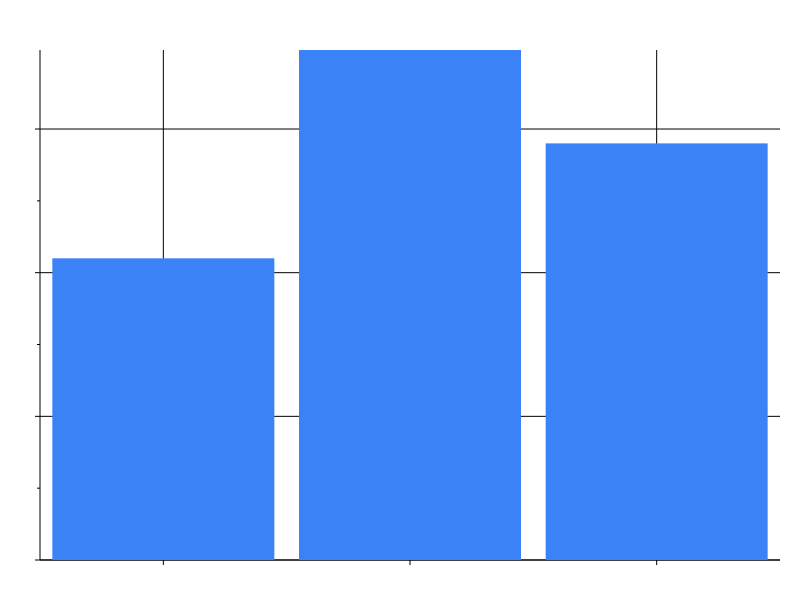
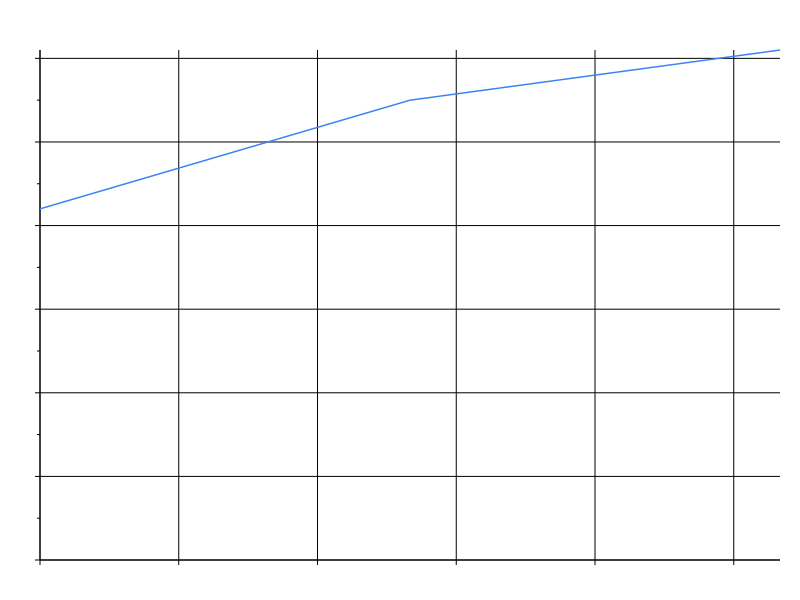
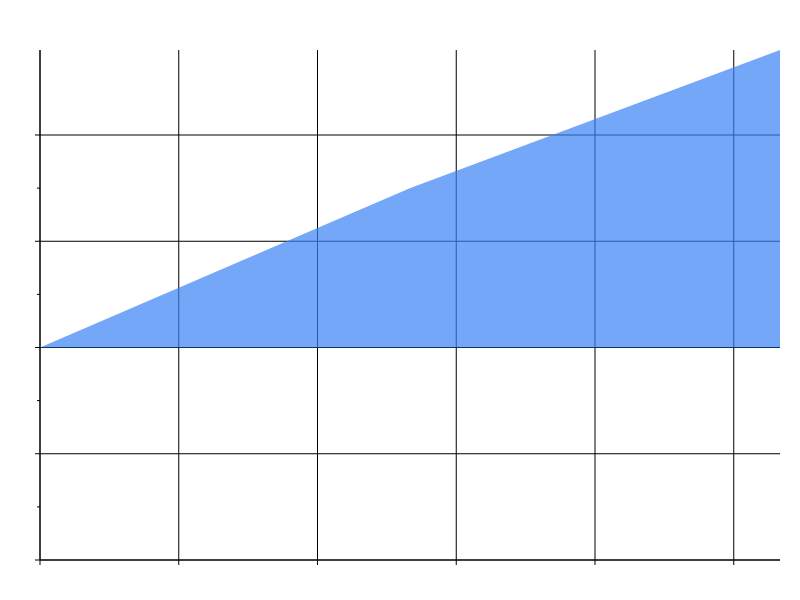
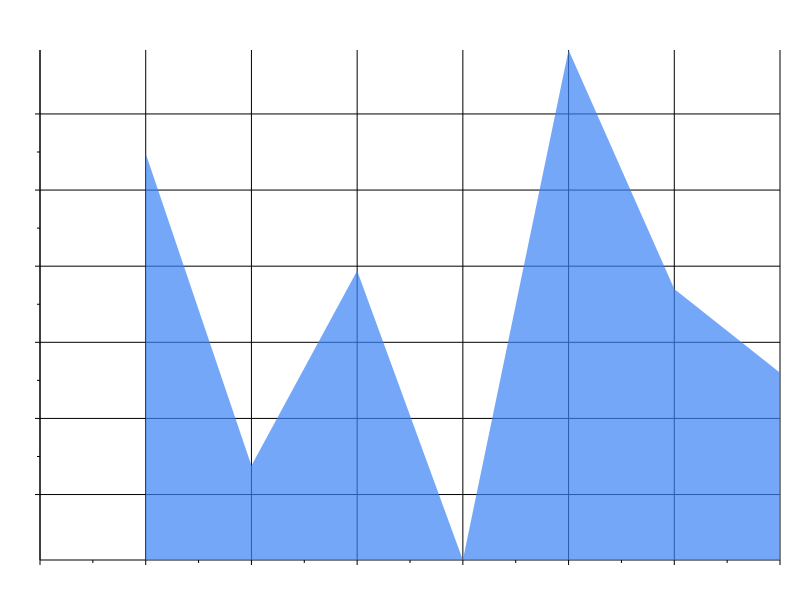
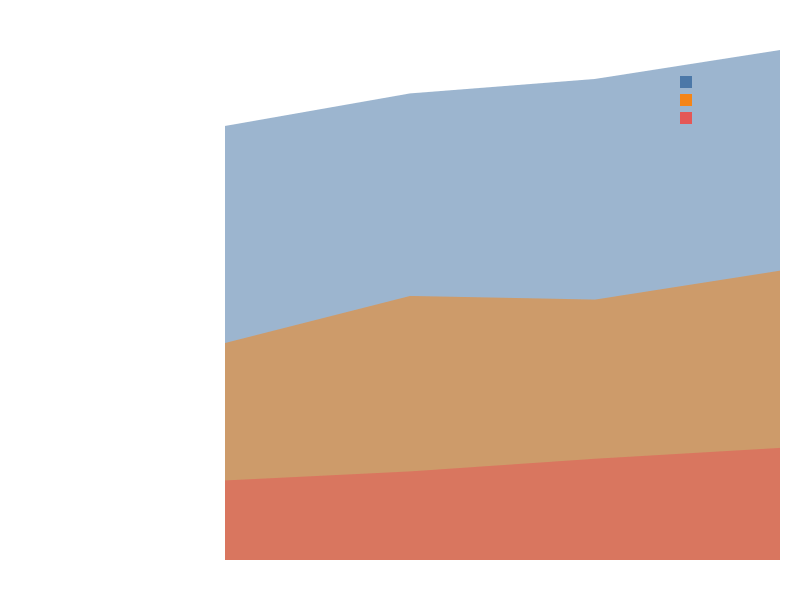
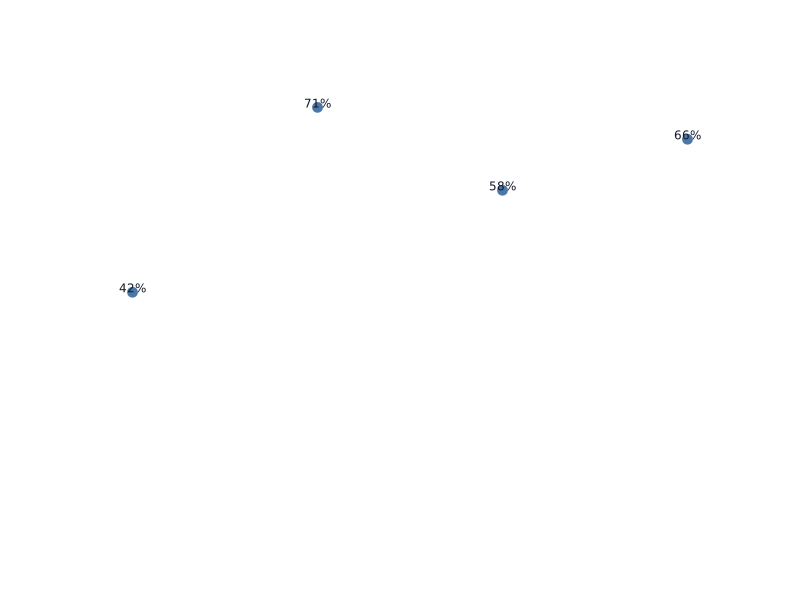

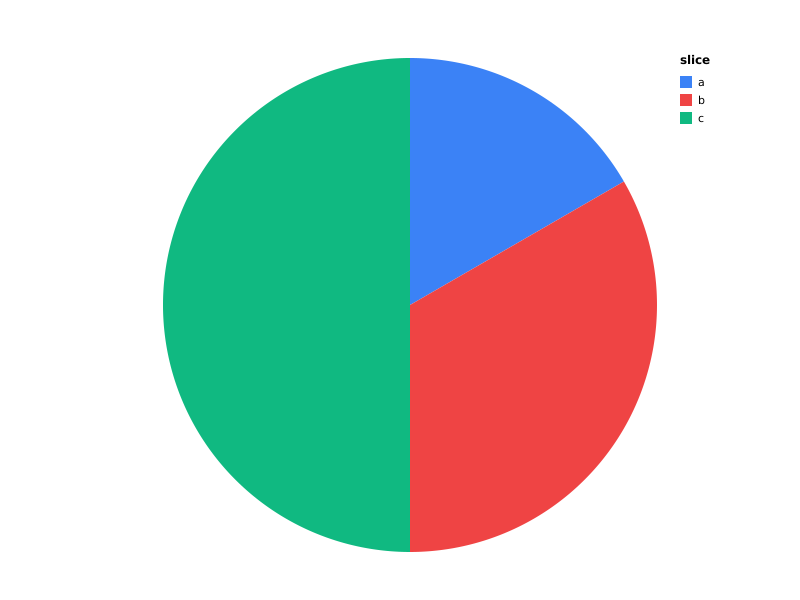


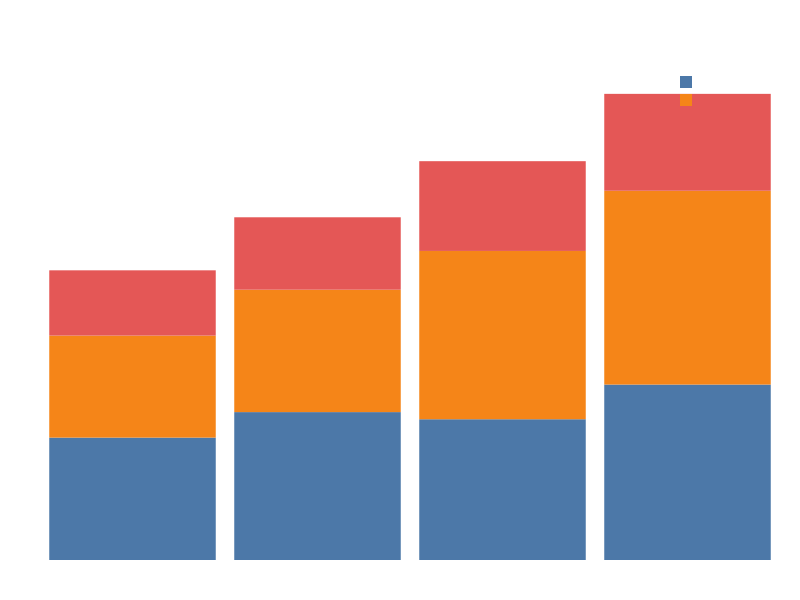



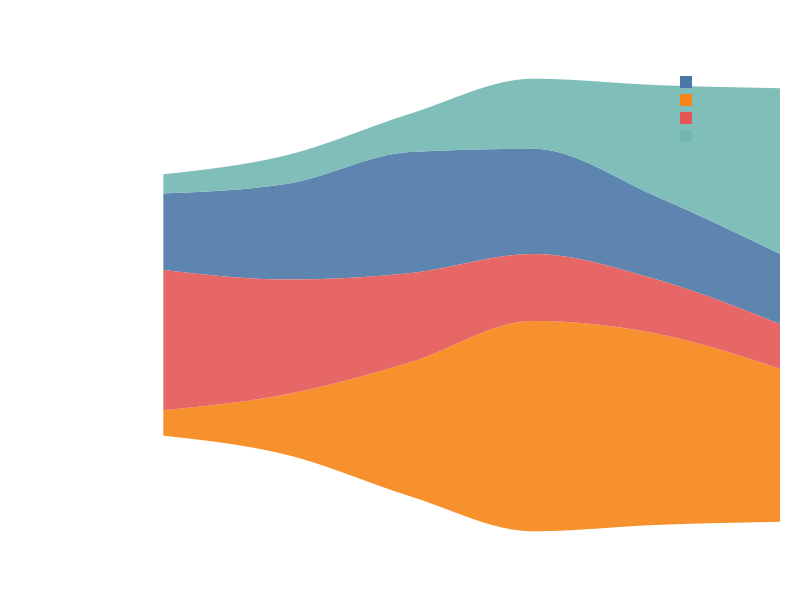
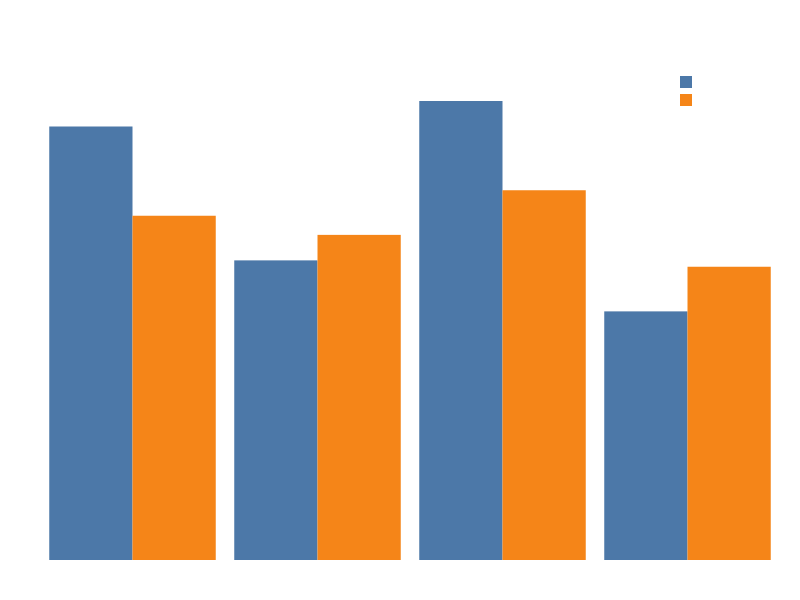
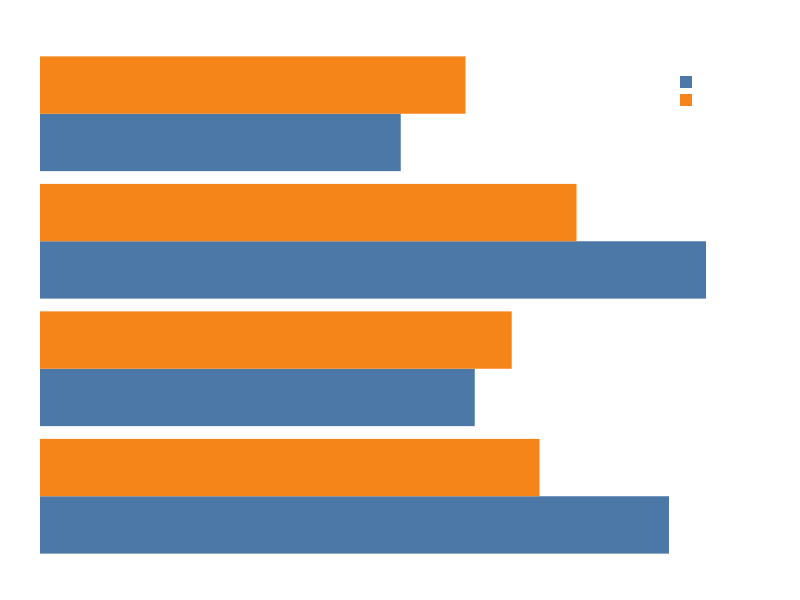
Composite marks
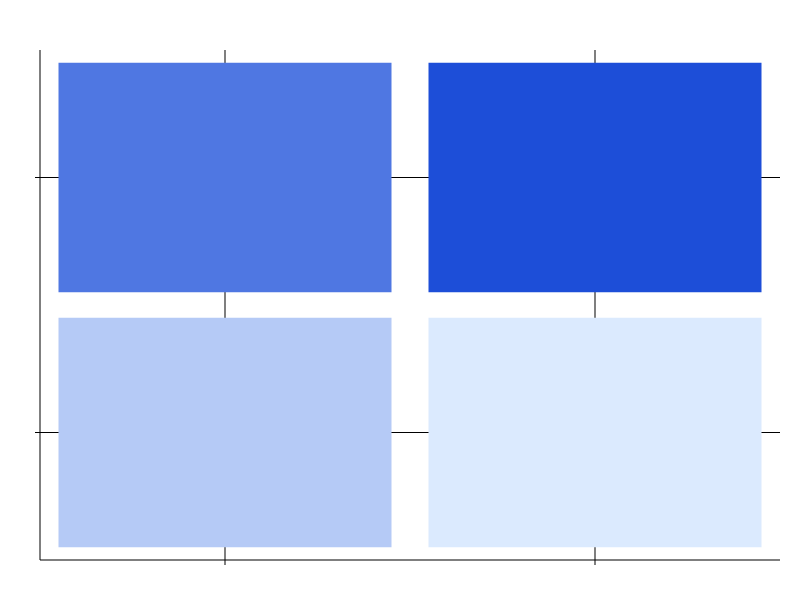


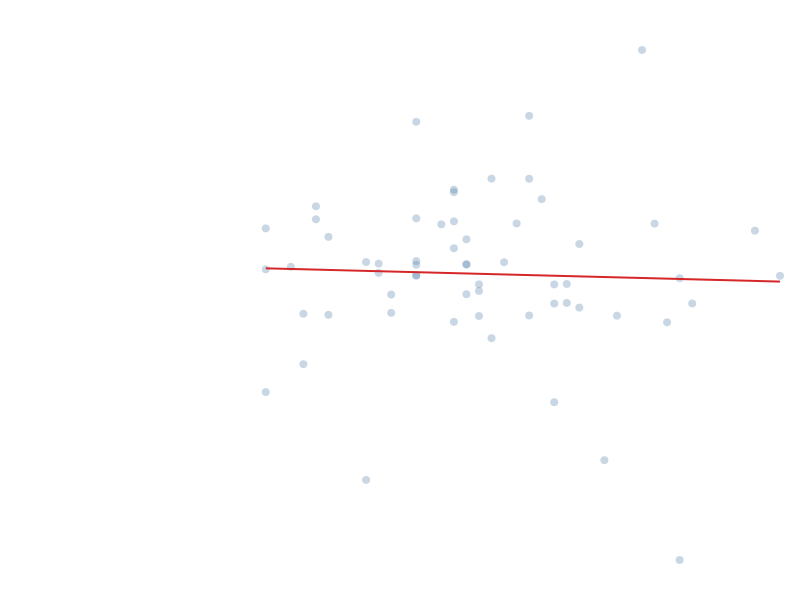
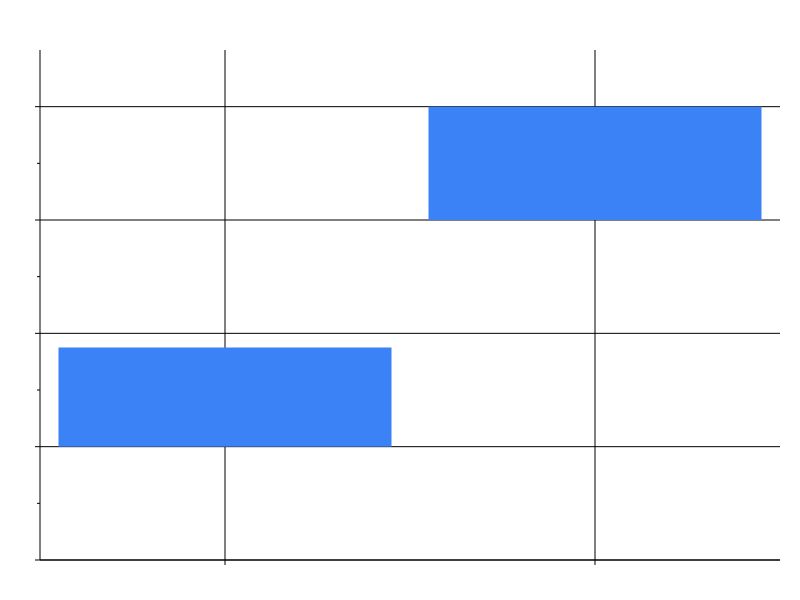
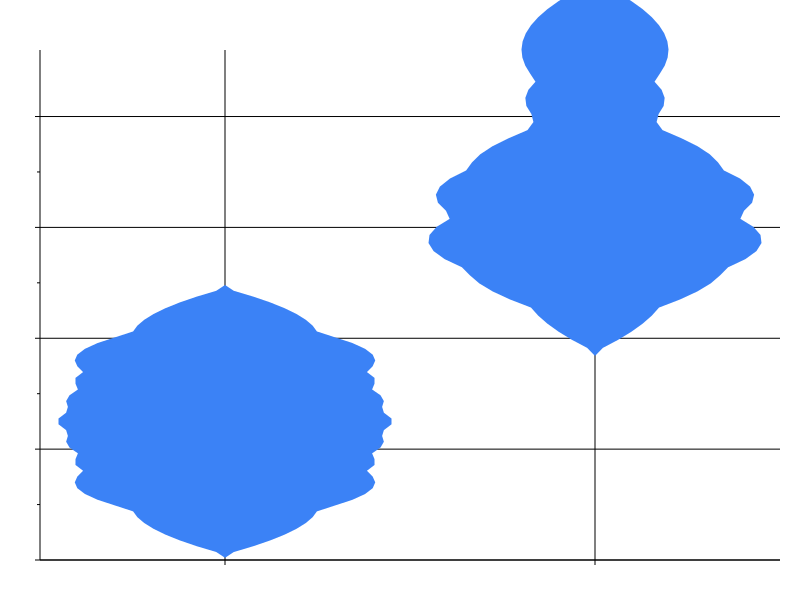
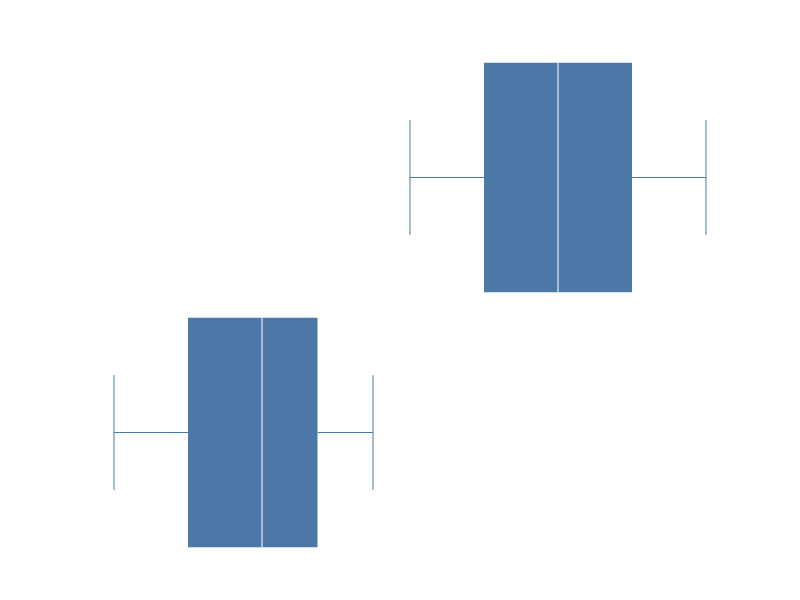
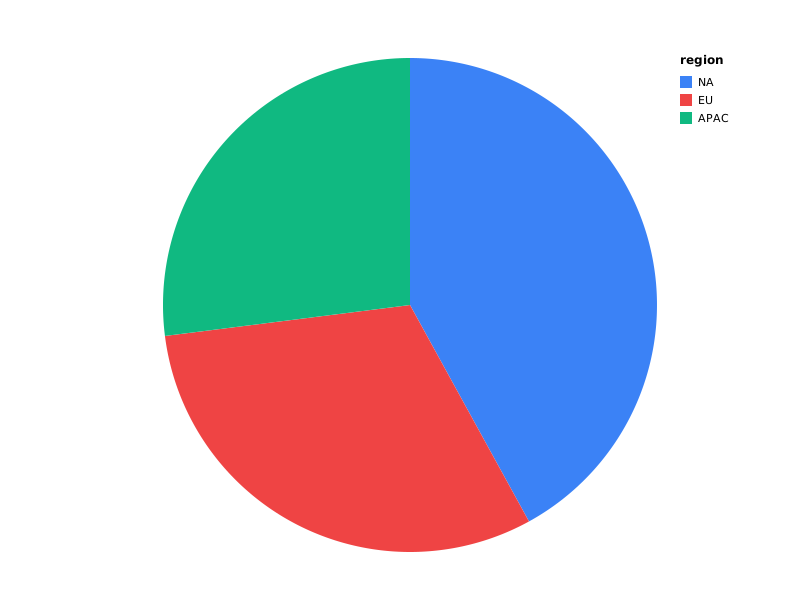
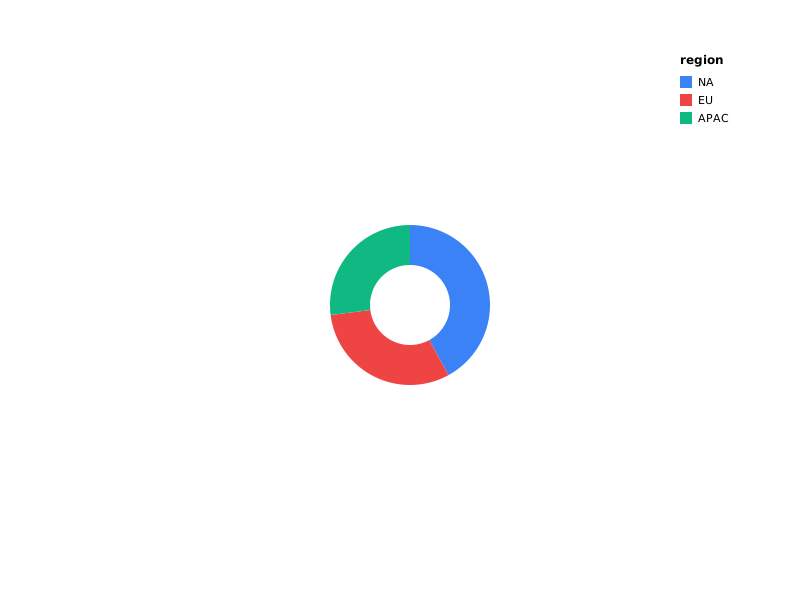
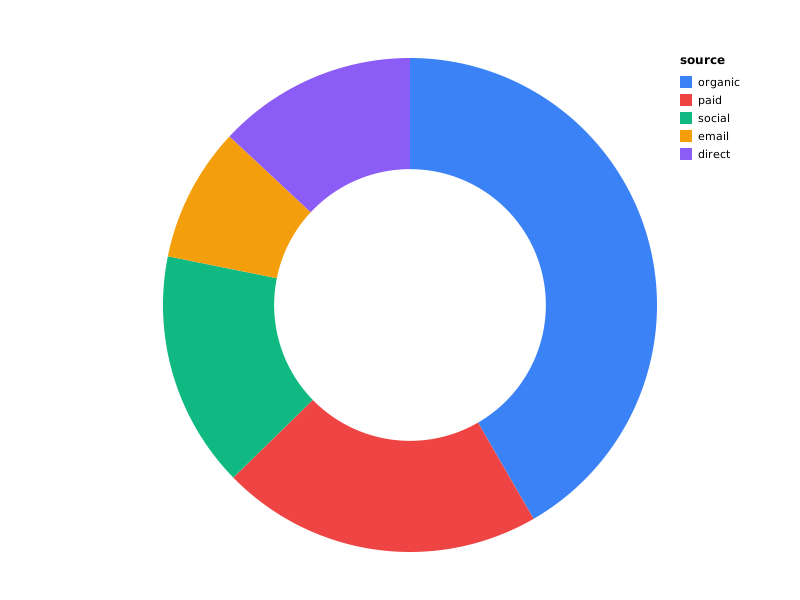
Specialty marks
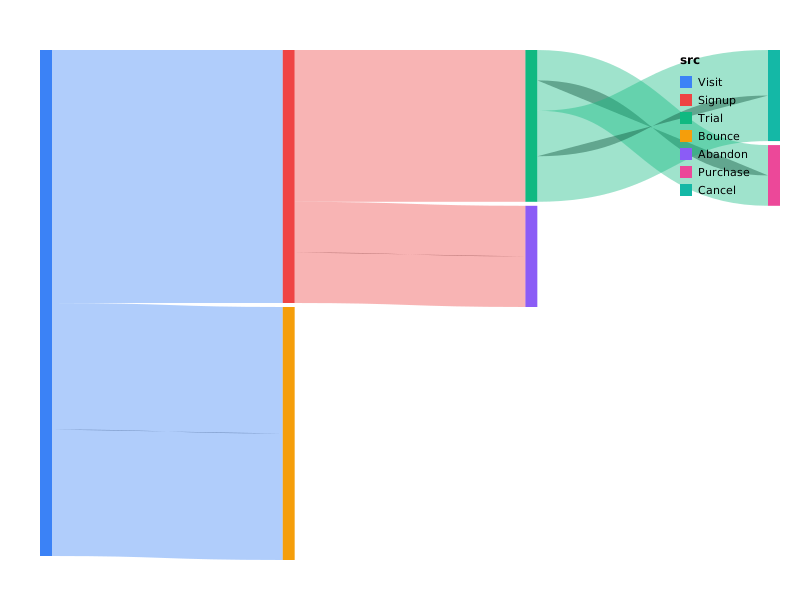
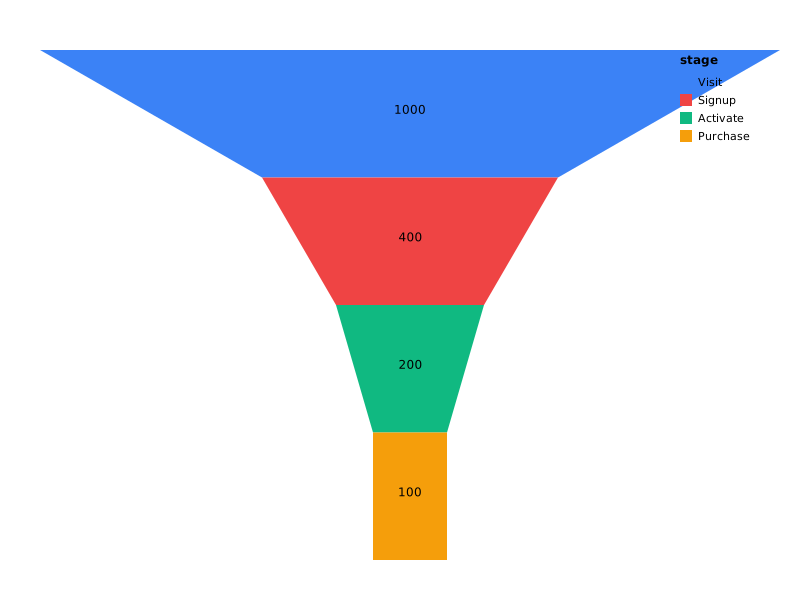


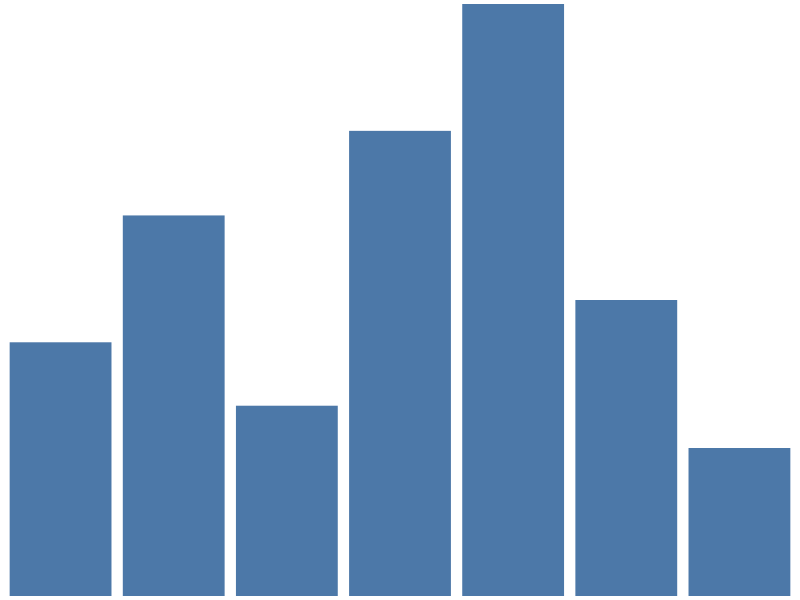
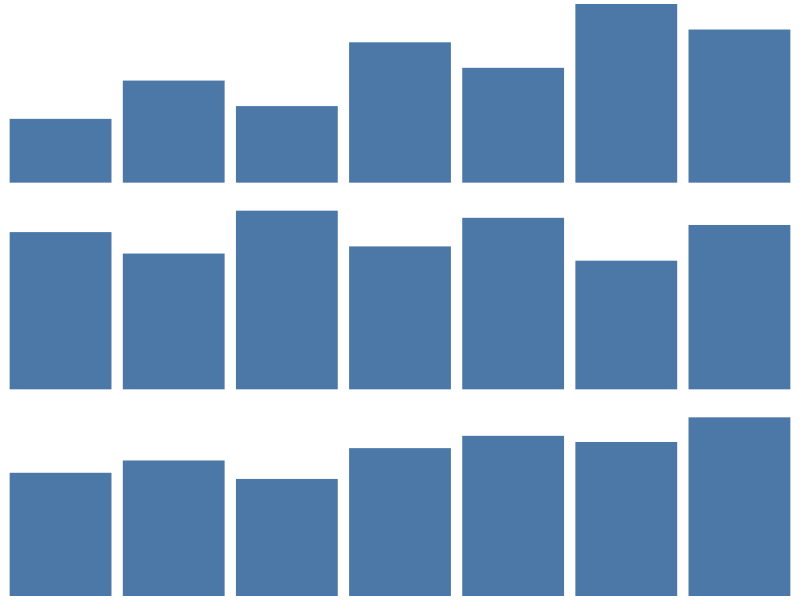




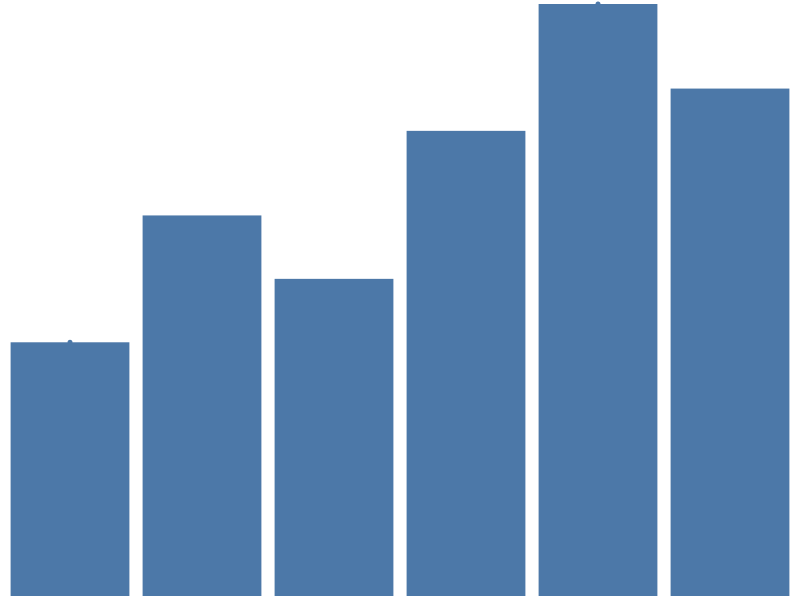

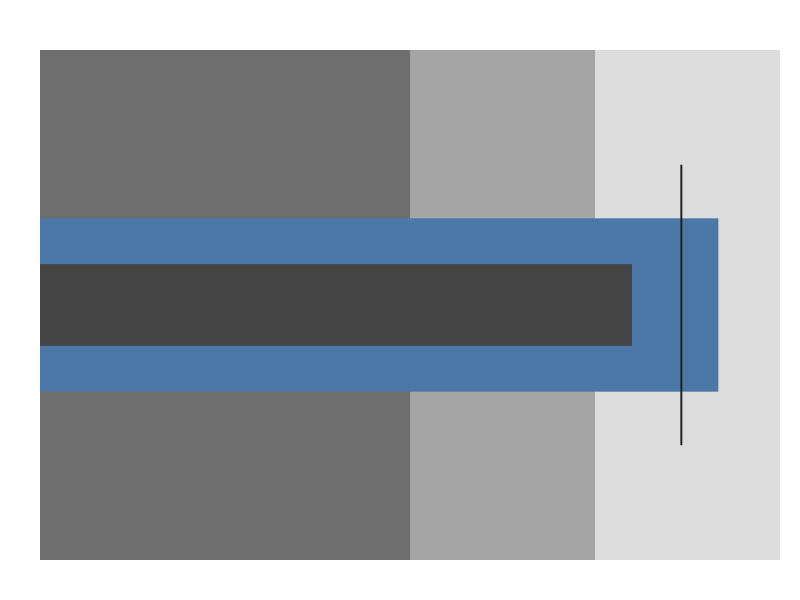



Progress
One value bar per data row on a full-scale track — the multi-row
sibling of bullet. See Marks ›
Progress.
| Spec | Preview |
|---|---|
| progress_brand_funnel | 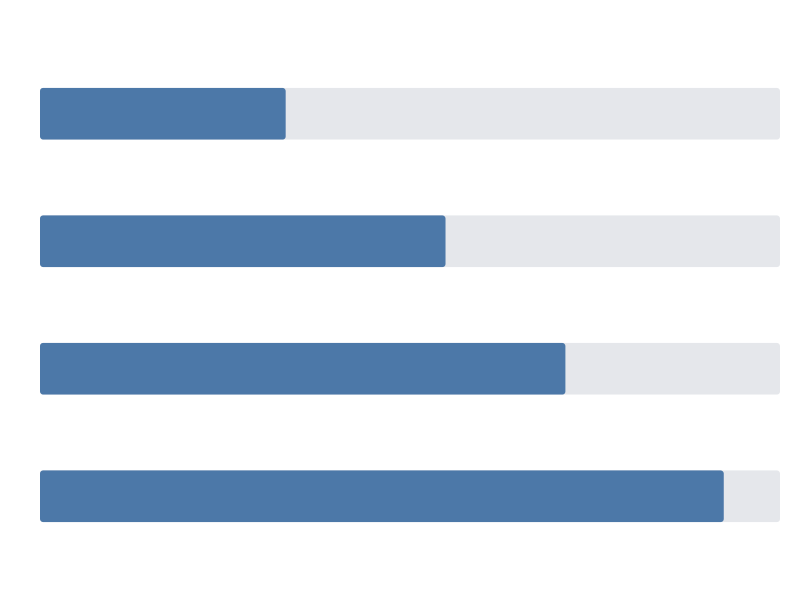 |
| progress_metric_row | 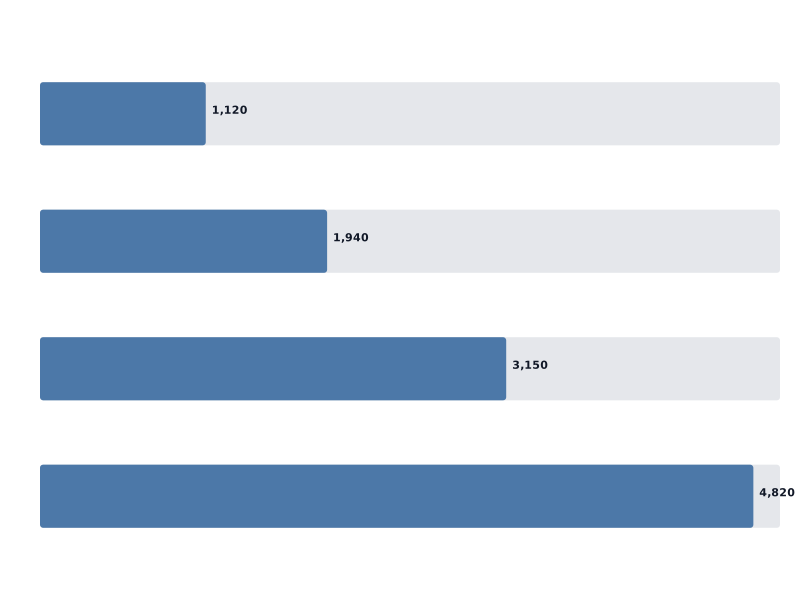 |
| progress_team_quota |  |
| progress_vertical_capacity | 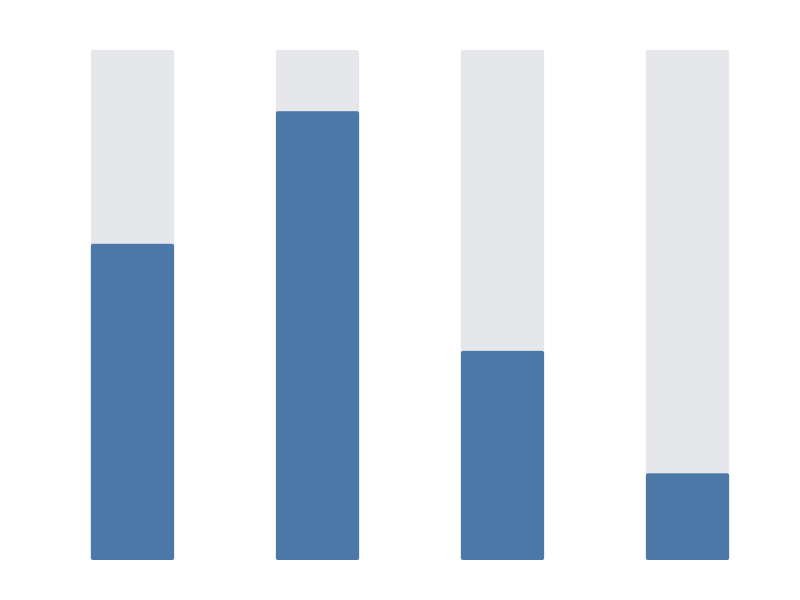 |
Geographic marks
| Spec | Preview |
|---|---|
| world_basic |  |
| world_choropleth | 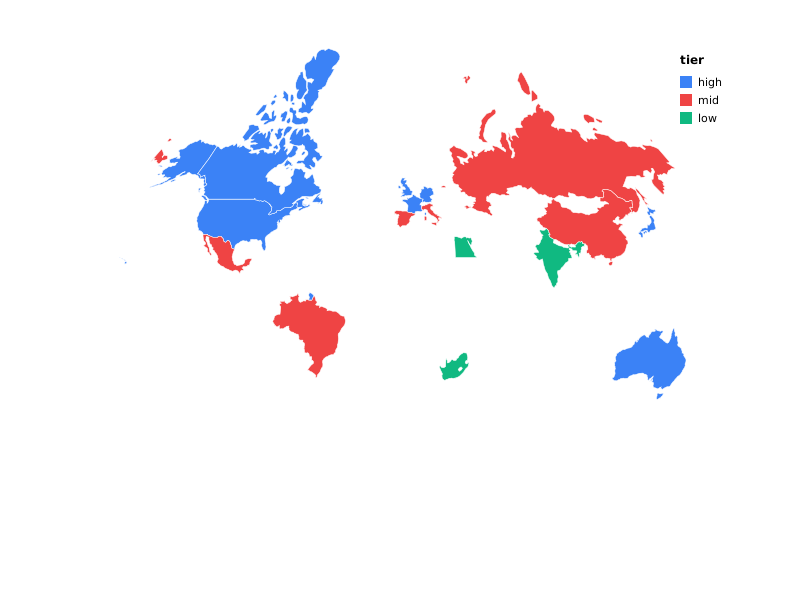 |
| usa_states |  |
Table
The table mark renders as an interactive, paginated HTML <table> —
not SVG geometry — so these fixtures link to a rendered *.html file
rather than showing an <img> preview. See Marks ›
Table.
| Spec | Preview |
|---|---|
| table_accounts | table_accounts.html — plain columns, paginated (page_size: 5 over 7 rows) |
| table_revenue_trend | table_revenue_trend.html — a sparkline sub-mark column |
Custom marks
A custom mark (mark: {"type": "custom", "renderer": "…"}) resolves
its renderer name against a Go-level registry (custommark.Register)
at render time — a mechanism only a caller-supplied binary can
exercise, not the shared prism CLI, which has nothing registered
under any name. That means these two fixtures have no
*.prism.json companion (unlike every other category on this page,
table/ included): a spec referencing quote-card or stat-card
cannot be plotted by prism plot as committed. See Cookbook › Custom
marks: Why no gallery *.prism.json for these
two
for the full explanation, the exact spec JSON that produced each file
below, and the registered HTMLCustomRenderer implementation’s full
source.
| Example | Preview |
|---|---|
| Quote card (worked example) | quote_card.html — pull-quote + attribution |
| Stat card (worked example) | stat_card.html — metric tile with a label, value, and up/down delta |
Composition (layer / concat / facet / repeat)
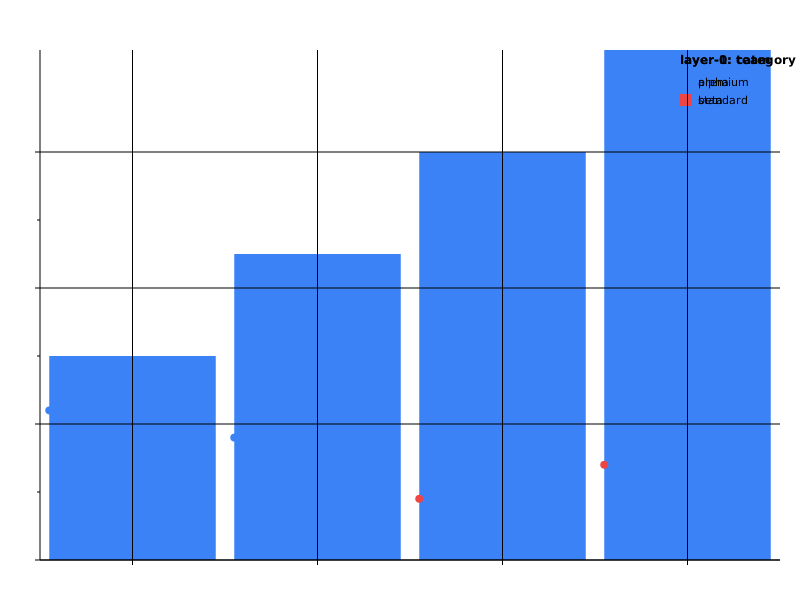
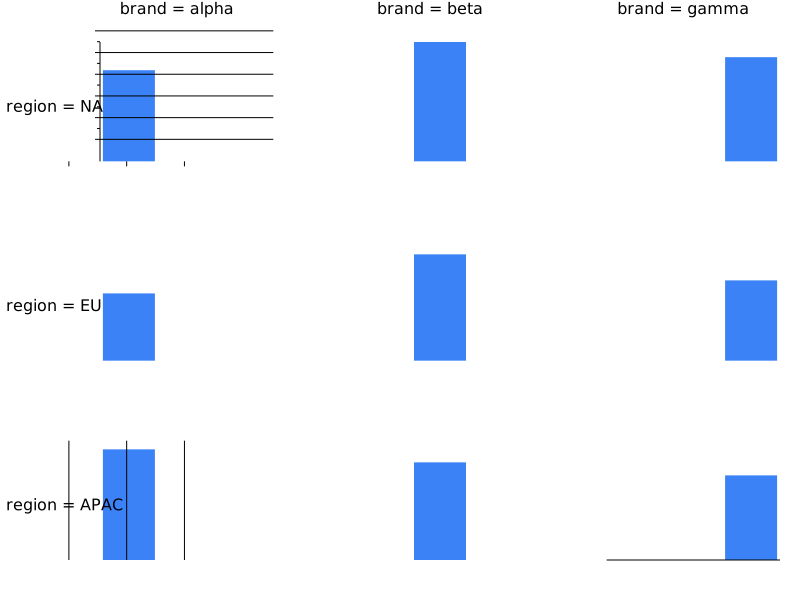
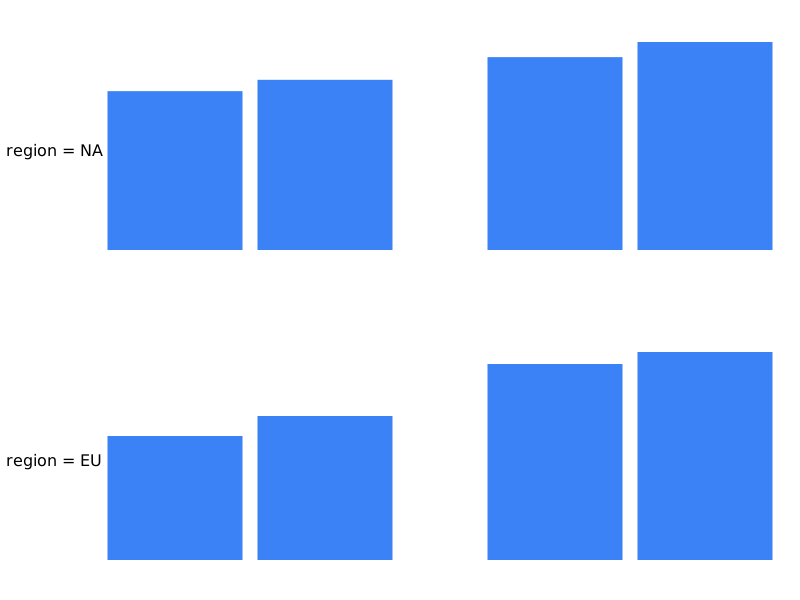
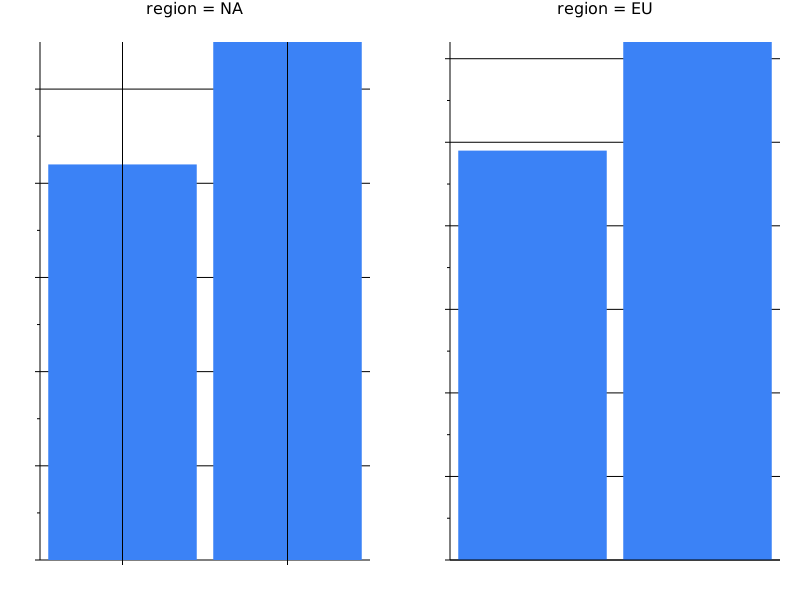
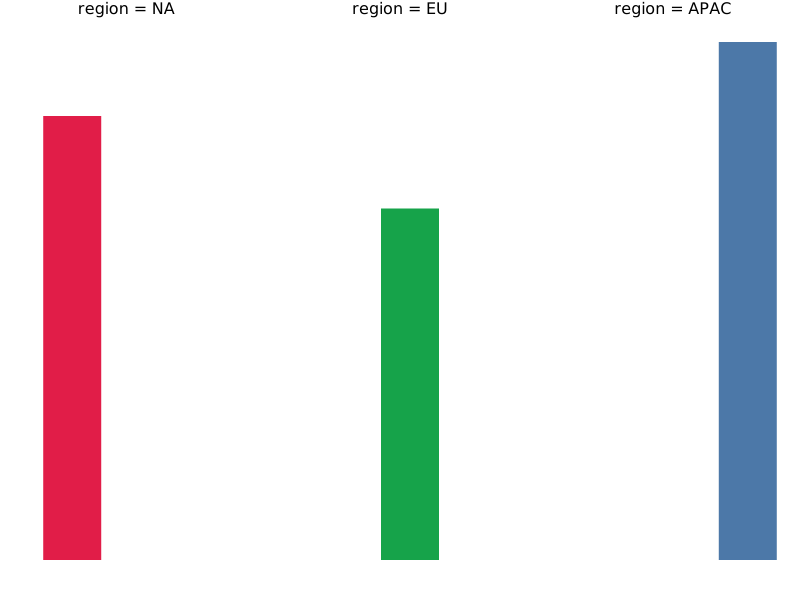
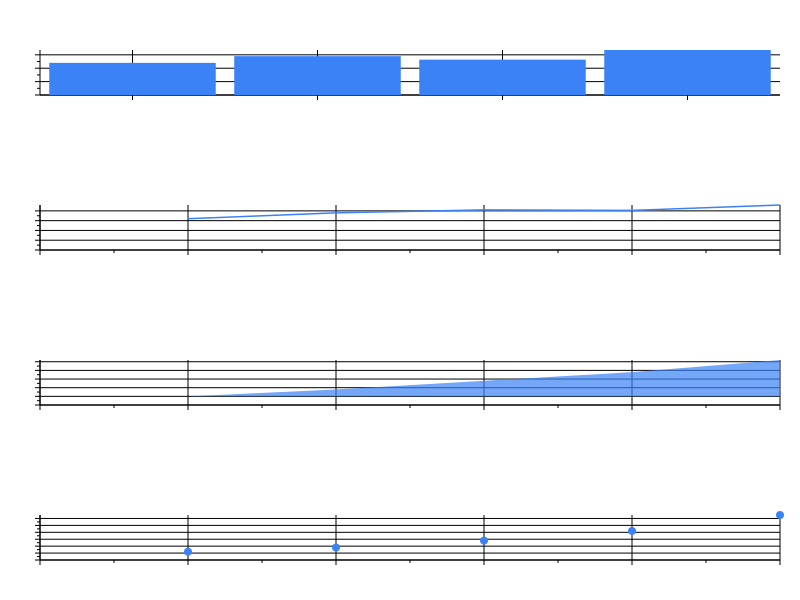
Multi-source
| Spec | Preview |
|---|---|
| actual_vs_benchmark |  |
| multi_source_join |  |
| bar_inline |  |
Transforms
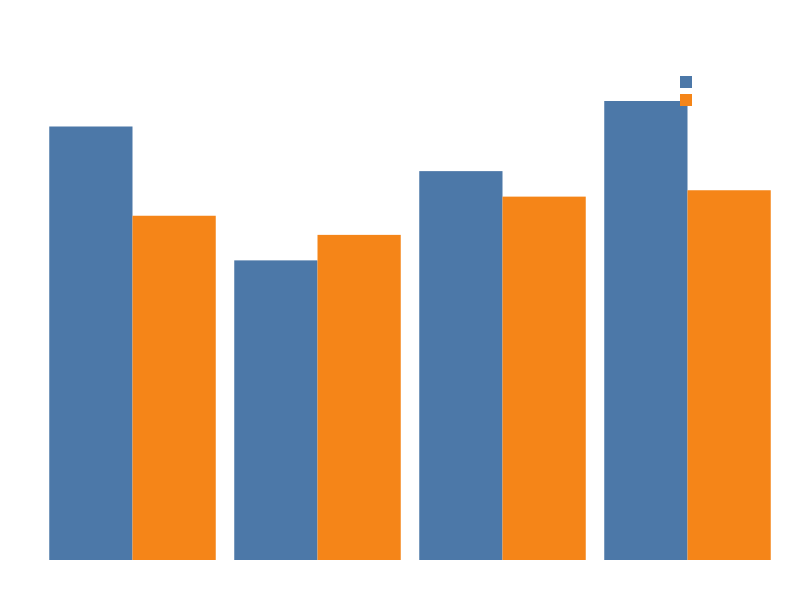
Scales
| Spec | Preview |
|---|---|
| linear | 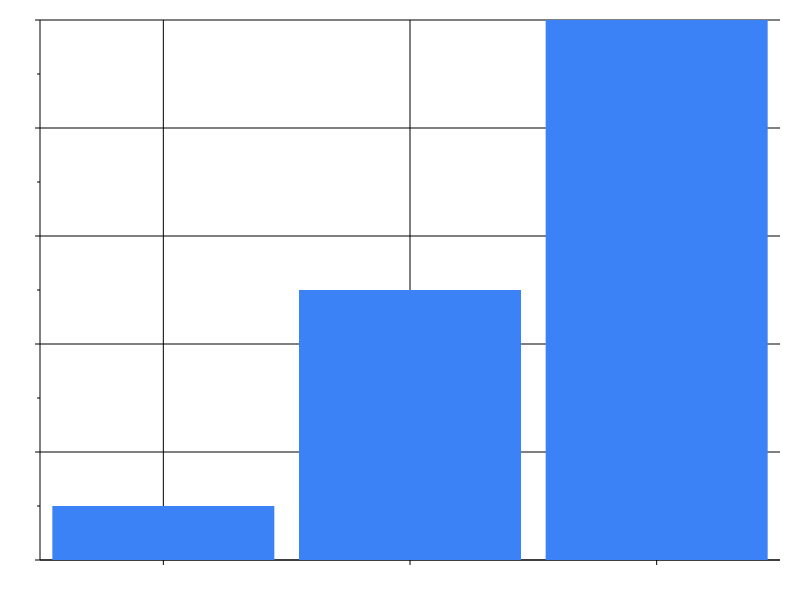 |
| log | 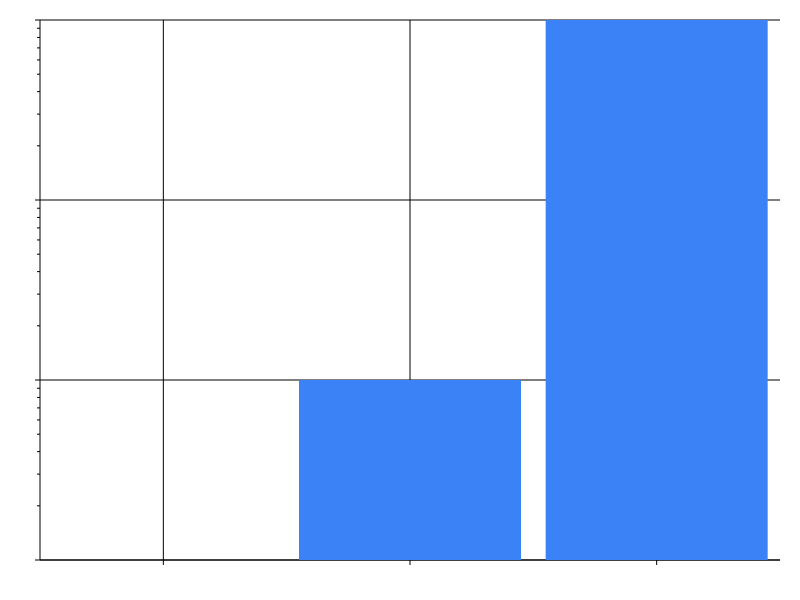 |
| log_revenue | 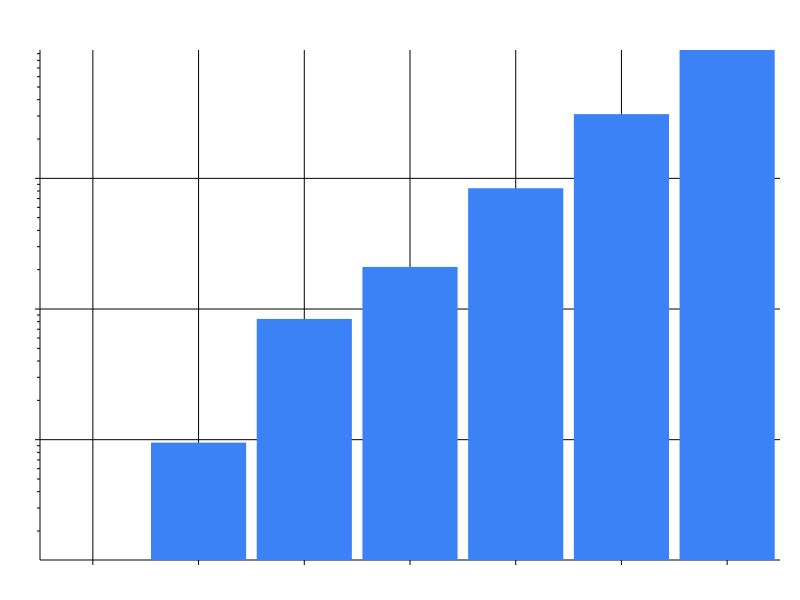 |
| pow |  |
| sqrt |  |
| time |  |
| band |  |
| point |  |
| ordinal |  |
| axis_tick_values |  |
Axes
| Spec | Preview |
|---|---|
| axis_orient_top |  |
| axis_orient_layer | 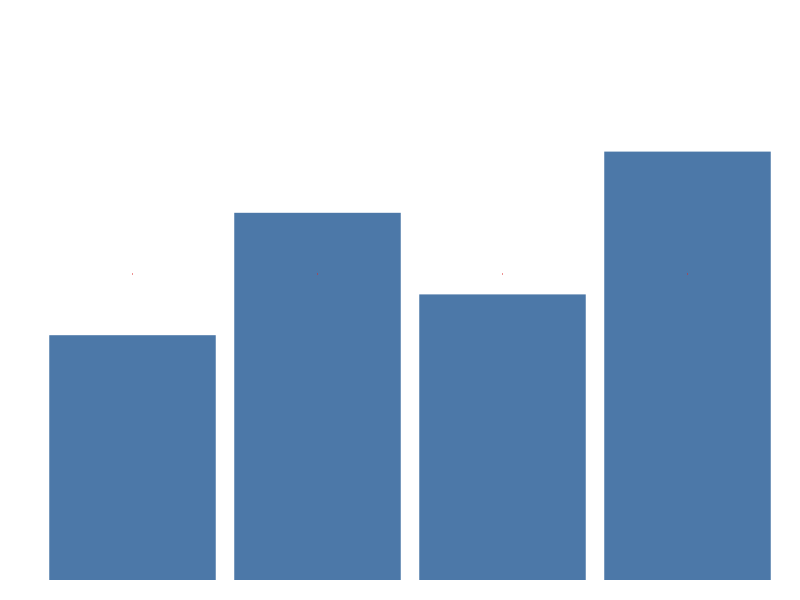 |
Legends
Everything the legend block controls — content (title, values,
label_limit), layout (orient, direction, symbol_type,
symbol_size), and the gradient legend a continuous colour channel
builds. See Encoding ›
Legends.
| Spec | Preview |
|---|---|
| legend_content | 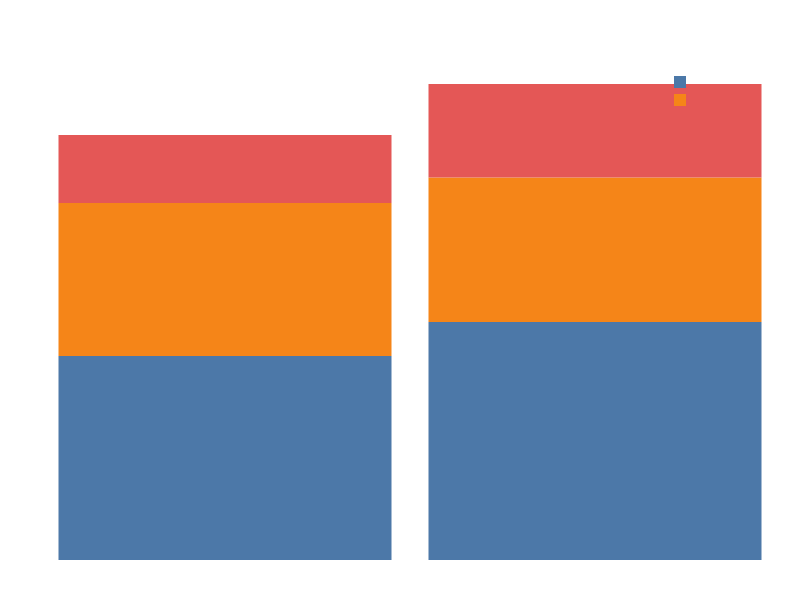 |
| legend_layout | 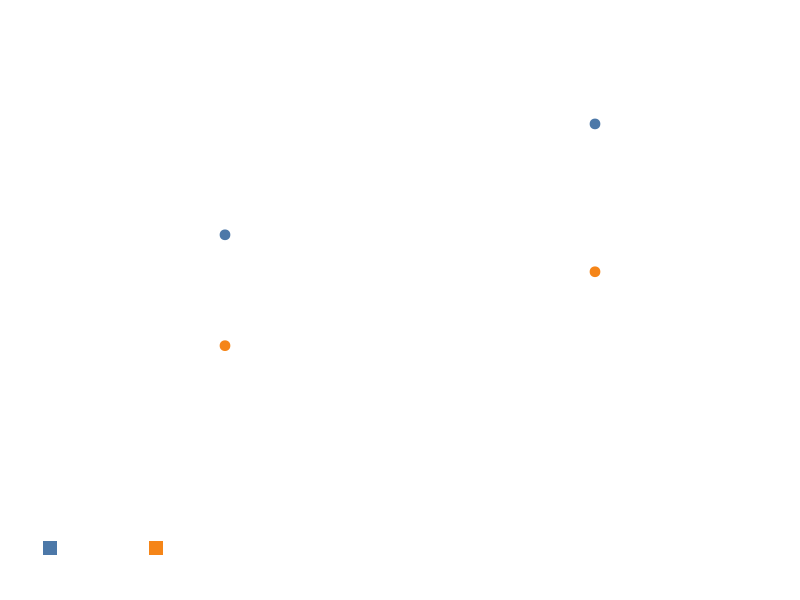 |
| legend_gradient |  |
Selections
| Spec | Preview |
|---|---|
| selection_point | 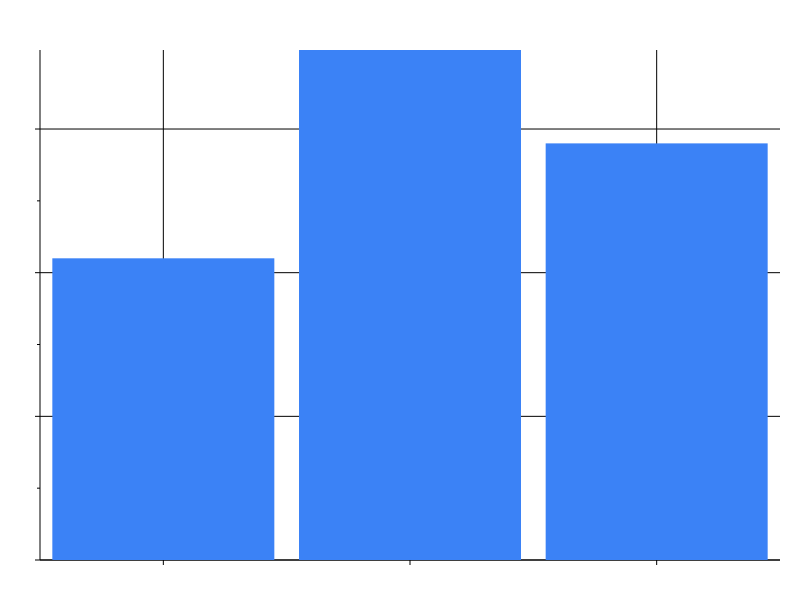 |
| selection_interval |  |
| selection_point_bar | 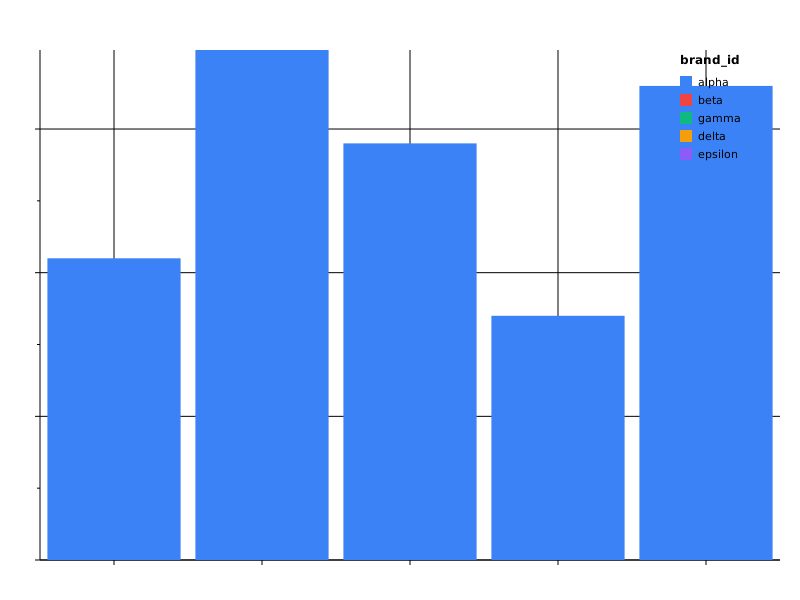 |
| selection_interval_brush |  |
| selection_cross_chart_overview | 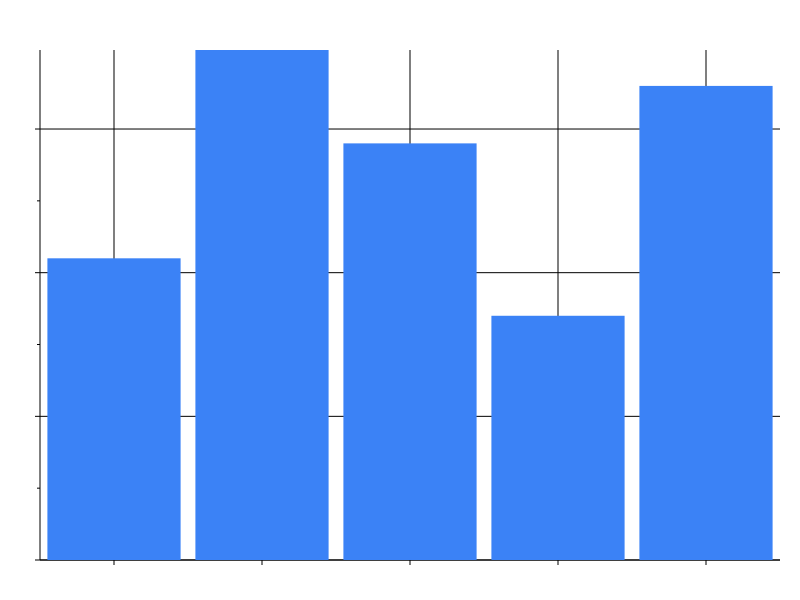 |
| selection_cross_chart_detail | 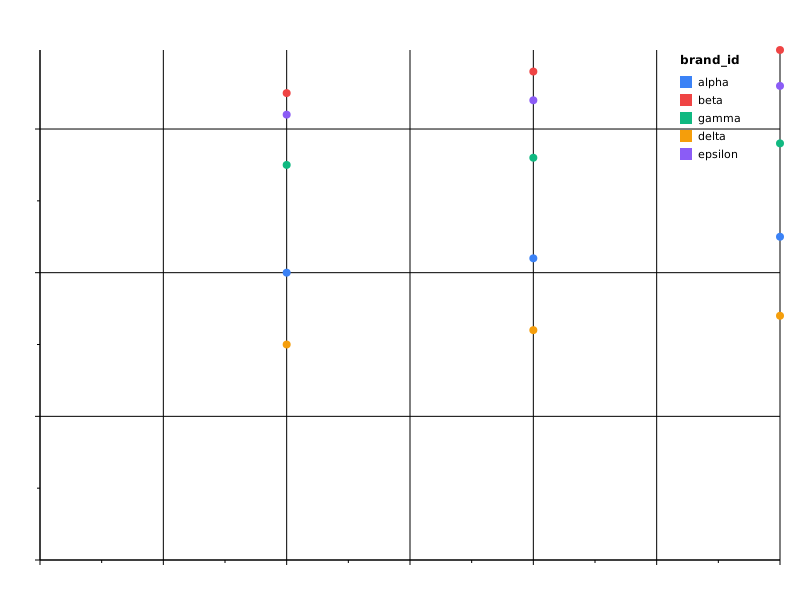 |
Conditions
Per-channel condition clauses switch a channel’s value based on a
selection or a structured predicate test. See
Encoding › Conditions.
| Spec | Preview |
|---|---|
| brush_highlight | 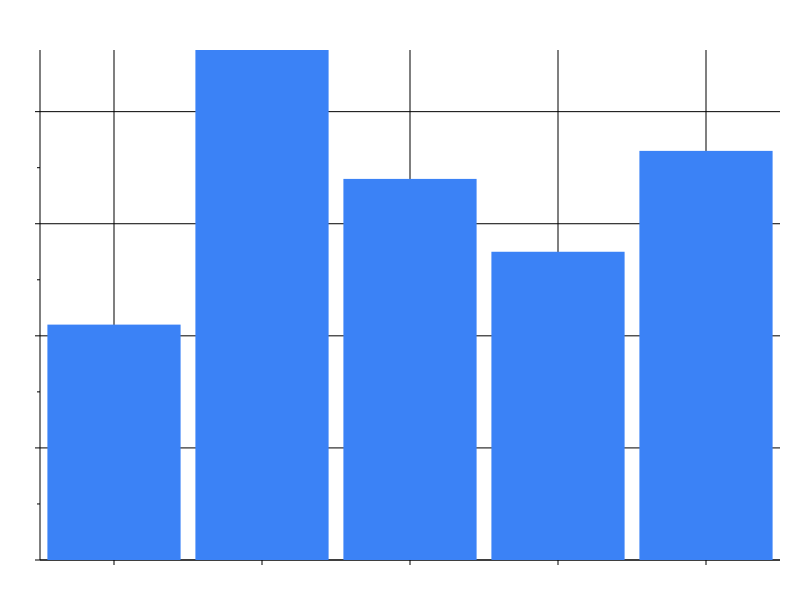 |
| test_predicate | 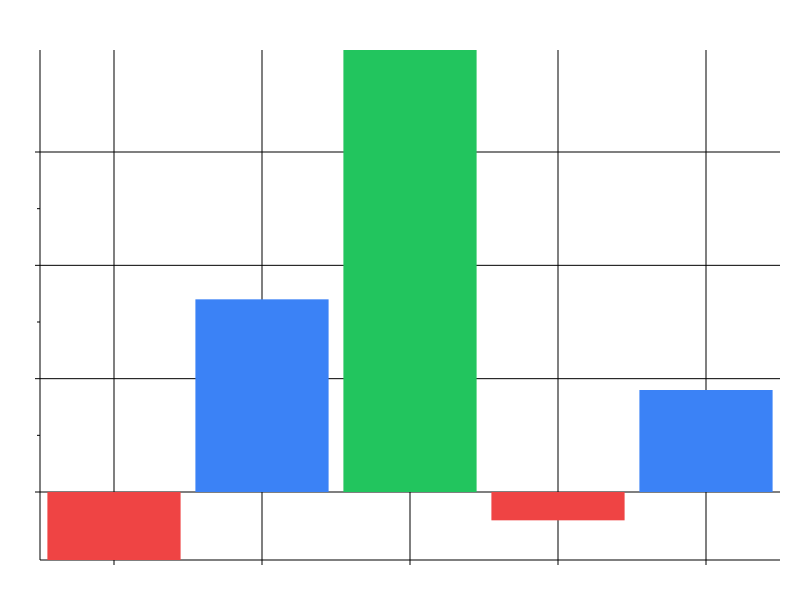 |
Tree
Rooted hierarchies laid out with tidy-tree, plus the dendrogram
variant (step links, hidden nodes). All three bind the text channel
to label their nodes. See
Marks › Tree / dendrogram / network.
| Spec | Preview |
|---|---|
| org_chart | 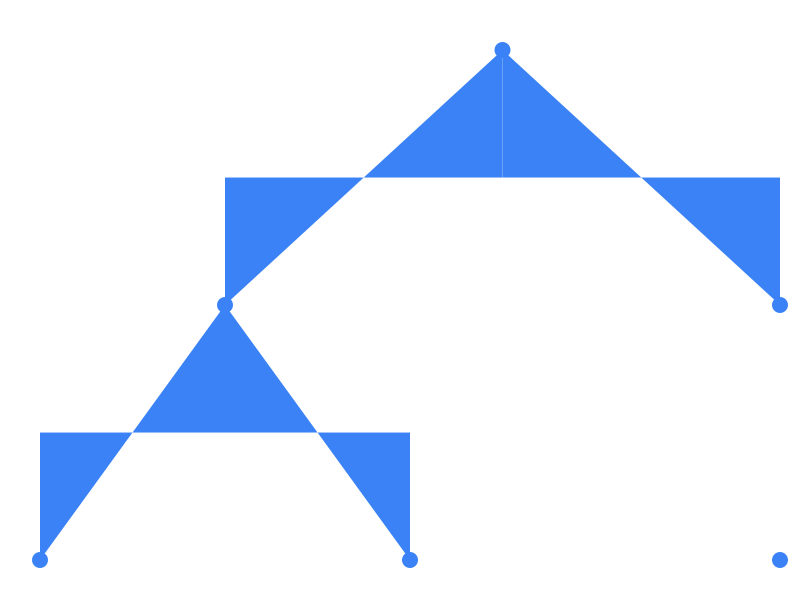 |
| decision_tree | 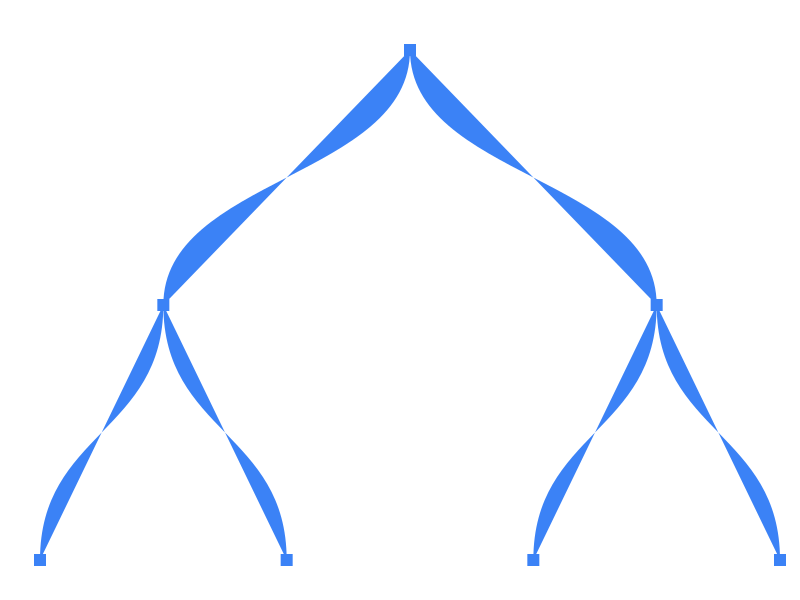 |
| cluster_dendrogram | 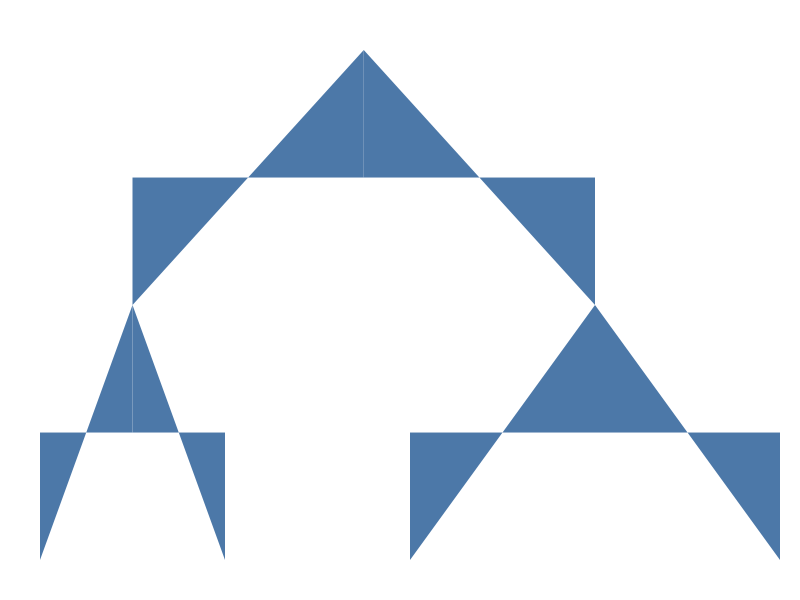 |
Network
Force-directed node-link diagrams with deterministic seeded layouts.
Bind the text channel to label the nodes.
See Marks › Tree / dendrogram / network.
| Spec | Preview |
|---|---|
| citation_network |  |
| dependency_graph |  |
| labelled_network | 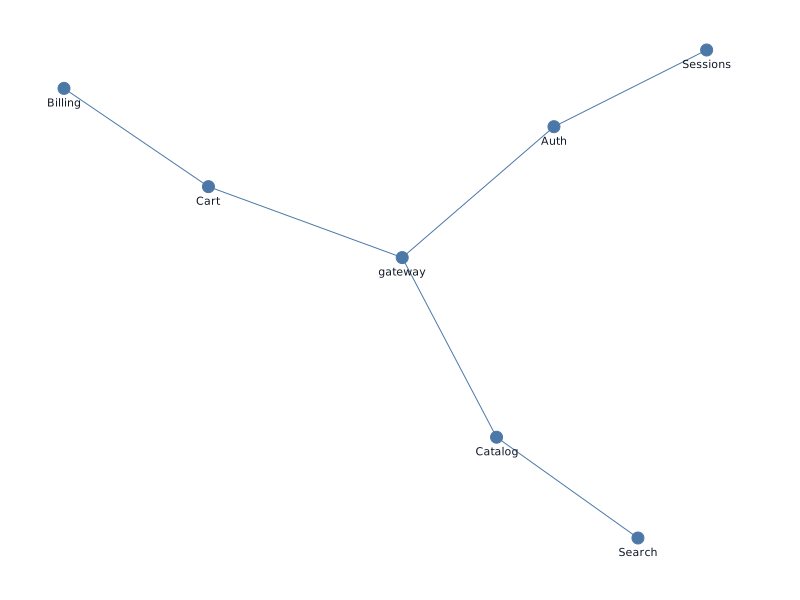 |
Themes
Themes are applied via the --theme CLI flag at plot time. Each spec
below is identical; only the rendering theme differs.
| Spec | Preview |
|---|---|
| bar_light | 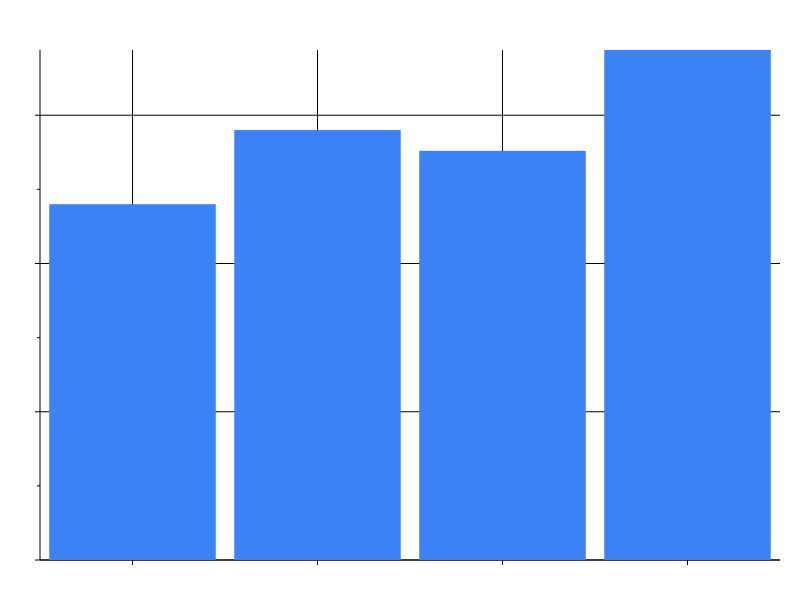 |
| bar_dark |  |
| bar_print |  |
| bar_high_contrast |  |
| bar_colorblind |  |
| bar_filter |  |
| bar_gradient |  |
| bar_pattern |  |
| bar_dark_variant |  |
| bar_category_styles |  |
| bar_per_axis_grid |  |
bar_dark_variant is different from the row above it: its spec sets
theme: {"dark_variant": "dark"} instead of picking a theme with
--theme, so the one rendered SVG embeds both the light and dark
palettes and switches between them via @media (prefers-color-scheme: dark) — see Dark variant
pairing. The static
preview above can only show the light rendering (the one your browser
is currently in), so verify the effect one of two ways:
- Toggle your OS or browser dark-mode setting while viewing the
<img>above (or open the raw SVG directly) — the axes, grid, legend, and bar colors all swap without a re-render. - View source on
themes/bar_dark_variant.svgand look for the@media (prefers-color-scheme: dark)block inside the<style>element, plusfill="var(--prism-resolved-N)"on the<rect>elements — those are the doubled CSS custom properties described in the docs.
bar_category_styles demonstrates theme.category_styles: the theme
maps each quarter value to its own MarkStyle (Q1/Q2/Q3/Q4
each get a distinct fill), and every bar picks up its category’s
color automatically — no spec-level condition block at all. See
Category styles for the
field→value→style shape and how a spec-level condition on the same
field/value would win if one were present.
bar_per_axis_grid demonstrates theme.axis_x / theme.axis_y: the
shared axis block sets one grid colour, then each per-axis block
overrides it for one orientation only — the vertical grid lines (drawn
by the x axis) become dashed amber, the horizontal ones (drawn by
the y axis) stay slate. It also exercises the axis-title gap: the
y channel’s spec-level axis.title_padding outranks the
axis_y.title_padding the theme asks for, while the x axis, which
nobody configures, keeps the built-in 8 px. See Per-axis
blocks and Axis geometry
precedence.
Animation
Each spec declares an animation block plus a key: true channel; the
SVG previews show the initial frame. The tween fires in the browser
web component / WASM runtime when the spec swaps or a new dataset
arrives — see Spec › Animation and
Browser › Animation.